#1 Audio to Text Converter
Upload your recording and get a clean, readable transcript.
Video or audio files from your device
Supports mp3, wav, m4a, flac, aac, ogg, opus, webm, amr, wma, mp4, mov, avi, mkv
Key Features of Our Audio to Text Tool
Fast Audio Transcription
Typing a recording by hand is slow. You pause, rewind, and miss things. Our audio to text engine reads the file and writes the transcript for you. Short voice notes finish quickly. Long interviews take longer, but you do not sit and type. You get a first draft you can use right away.
Convert audio to text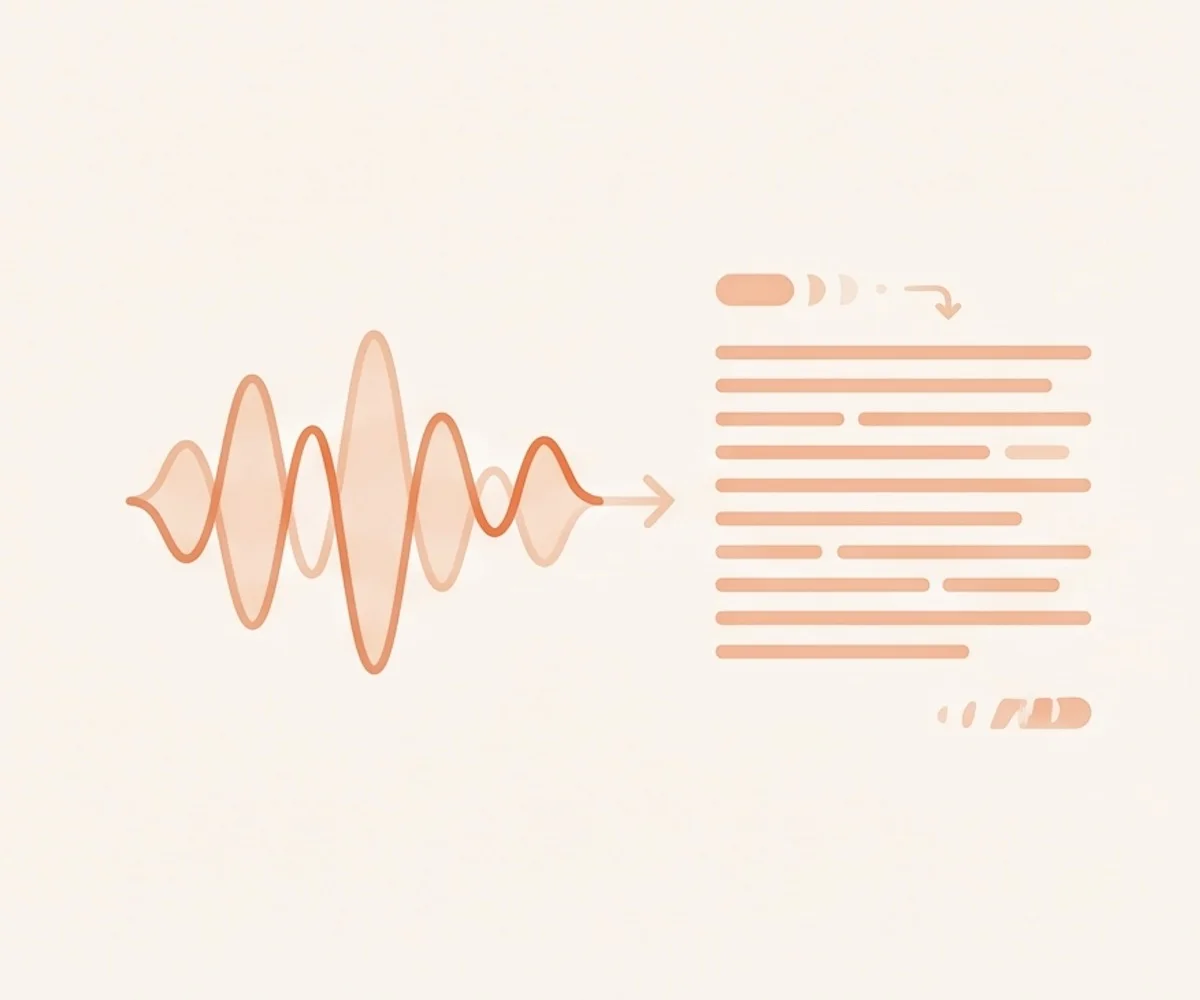
10+ Audio Formats Supported
Drop the file you already have. We accept MP3, WAV, M4A, FLAC, AAC, OGG, OPUS, AMR, WMA, and audio WebM. No need to re-encode the recording first. The audio to text converter reads the original file and turns the speech into text.
Transcribe audio to text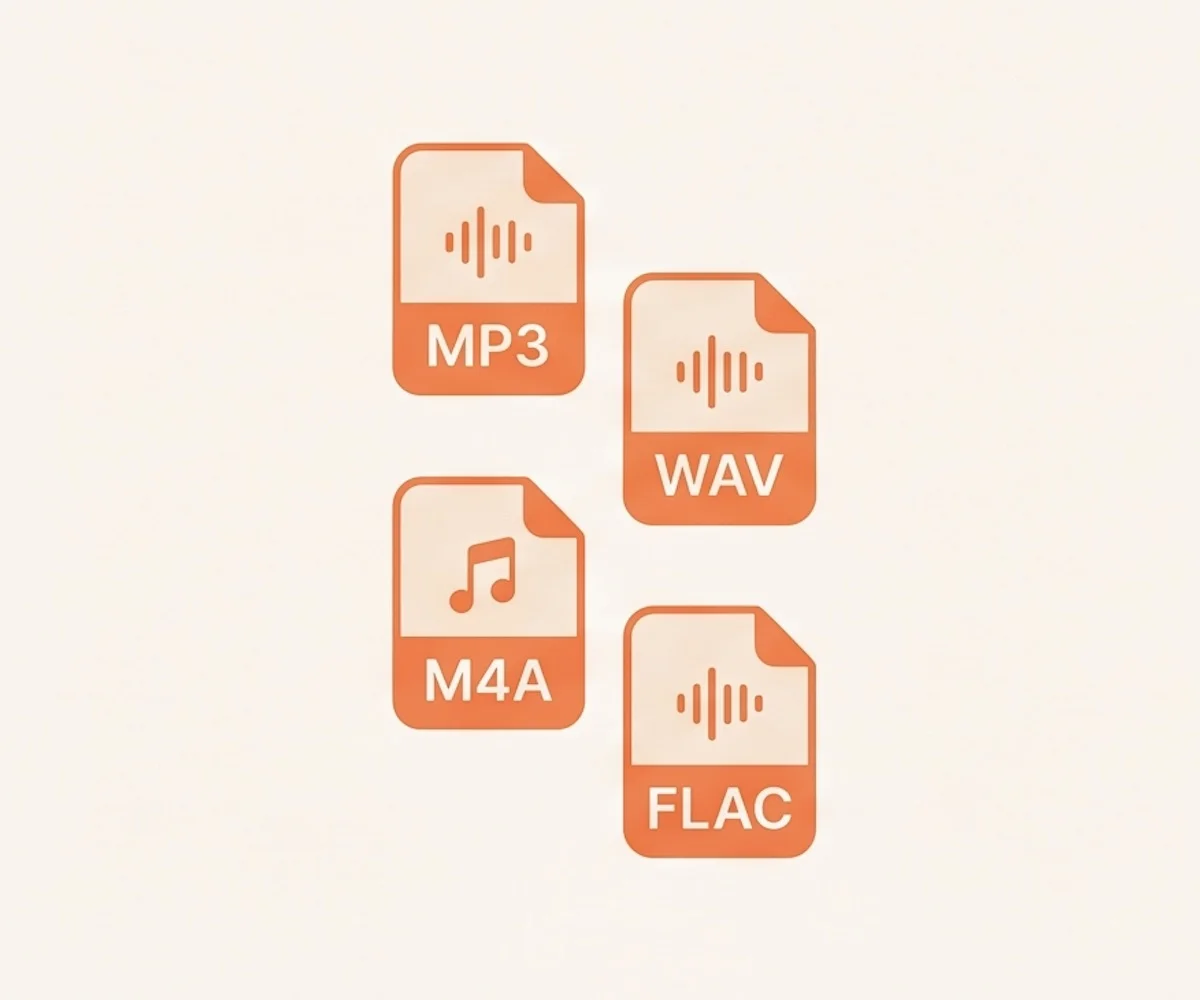
Speaker Labels & Timestamps
Interviews, podcast episodes with guests, and panel discussions all have more than one voice. Turn on speaker labels and the audio to text converter tags each section by who is talking. Timestamps mark where every line is in the recording. Finding a quote takes one search instead of a full replay.
Try audio to text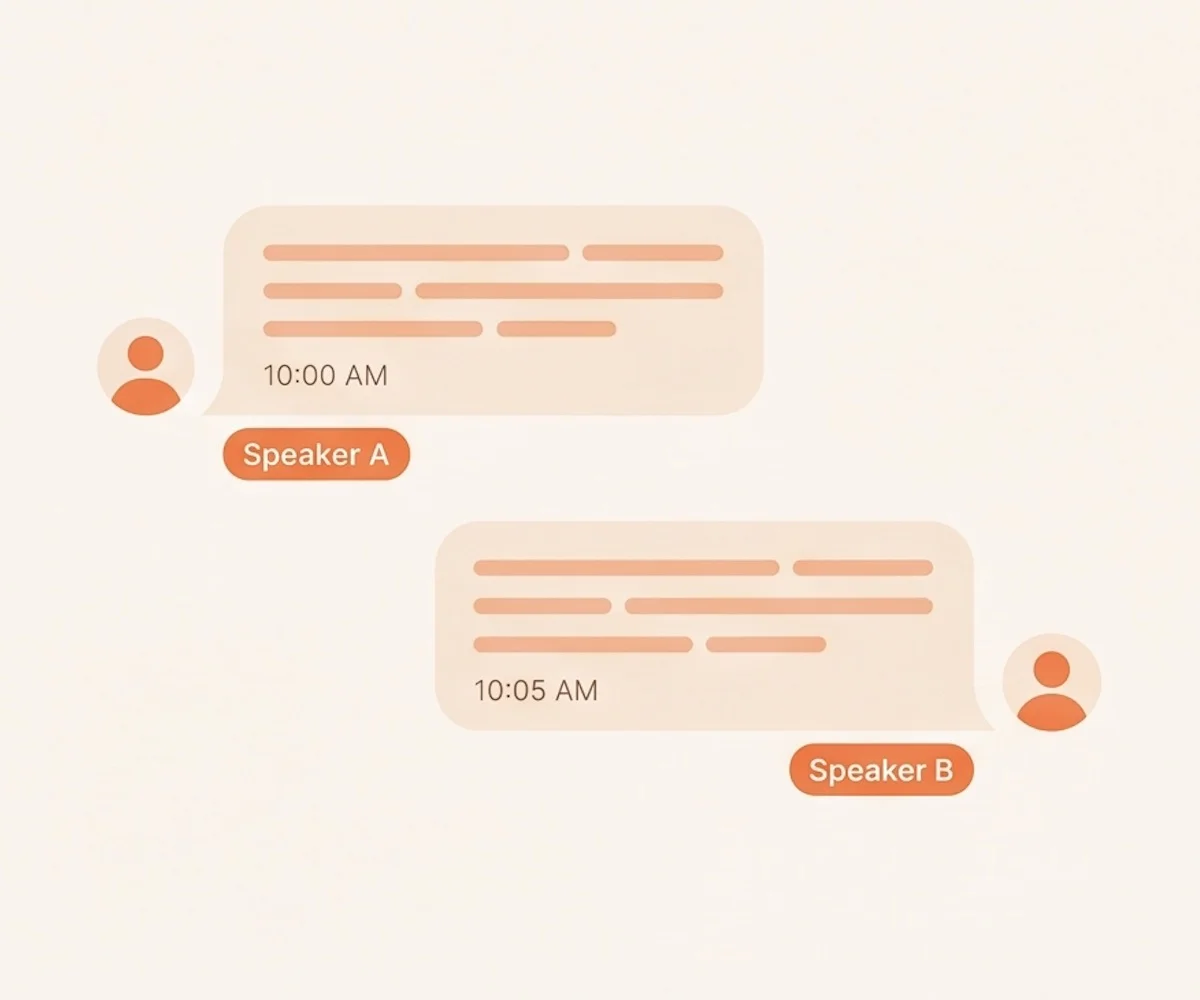
Export in Any Format
Audio to text doesn't lock your result inside the tool. Save TXT for plain reading. Use Markdown for writing tools. Pick DOCX or PDF for reports. Drop CSV into a spreadsheet for review. Use SRT or VTT when the text drives subtitles. One recording can leave the converter in seven shapes.
Try audio to text converter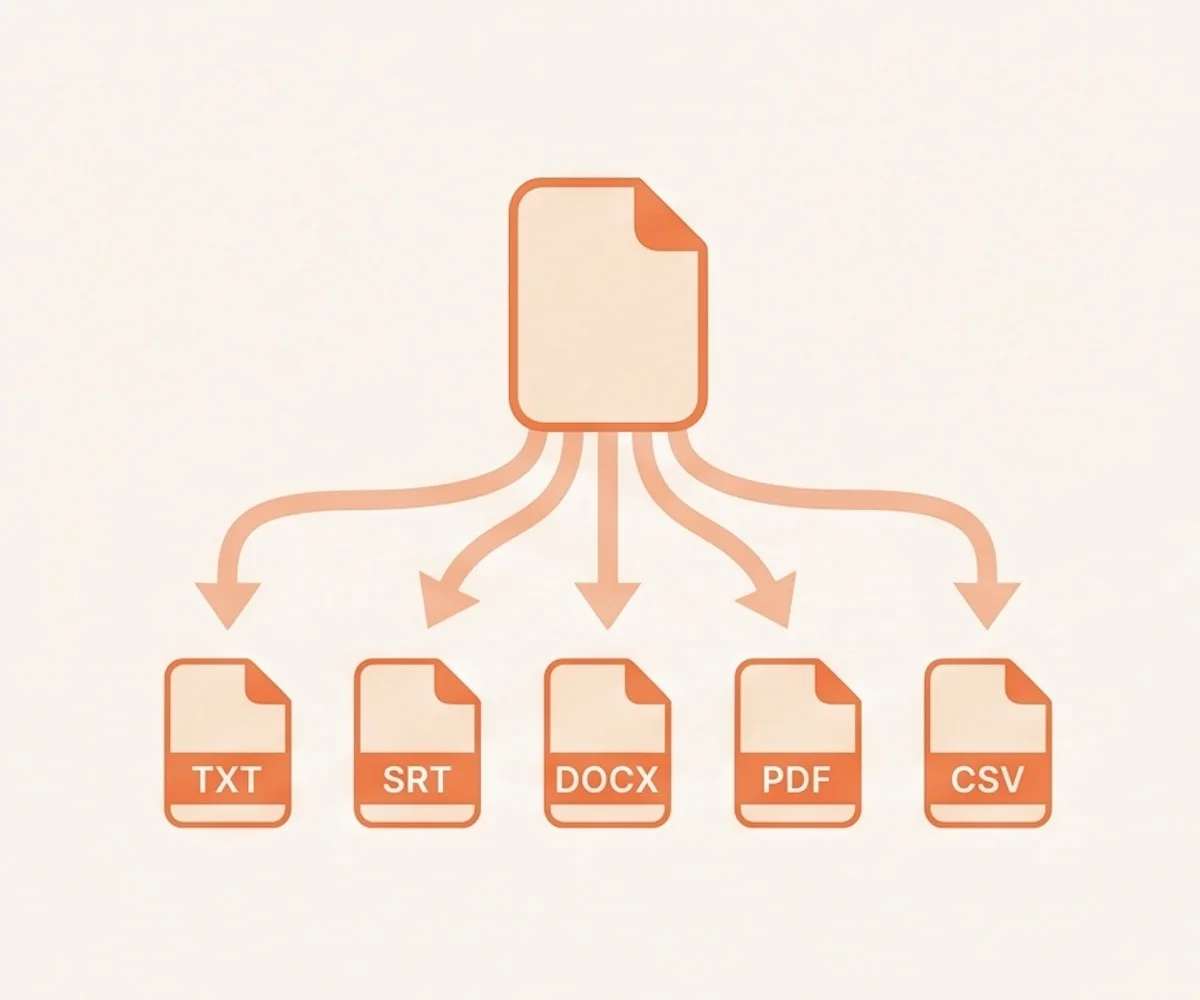
90+ Languages with Auto-Detect
Not every recording is in English. Pick the spoken language before you run the file, or let the converter detect it for you. The audio to text tool covers English, Spanish, French, German, Italian, Portuguese, Dutch, Japanese, Korean, and dozens more from the same speech engine.
Get audio to text
How to Use the Audio to Text Converter
Drop your audio file in the upload area, or pick it from your device. One file or many — pick whatever fits the job.
Choose the spoken language, or leave it on auto. Turn on speaker labels if more than one person talks.
Click the button. The AI listens to the recording and writes the transcript. You do not type a single word.
Once audio to text completes, read the result, fix names or special terms, then export. Choose from TXT, Markdown, SRT, VTT, CSV, DOCX, or PDF.
Why Choose Our Audio to Text Tool
- 10 audio formats accepted
Drop MP3, WAV, M4A, FLAC, AAC, OGG, OPUS, AMR, WMA, or WebM straight in. No re-encoding step.
- Speaker labels and timestamps
Identify each speaker and mark when they spoke. Built for any recording with more than one voice.
- 7 export formats
TXT, Markdown, SRT, VTT, CSV, DOCX, and PDF. Pick the one your next step needs.
- 90+ languages with auto-detect
Audio to text for English, Spanish, French, German, and many more — or let the converter pick the language.
- Long files in one pass
Audio to text handles a single recording up to 10 hours and 5 GB. Lectures, podcasts, and full meetings fit without splitting.
- Limit you to a few audio formats
Many tools only accept MP3 or WAV. You convert the file before you even start.
- Skip speaker tagging
A wall of text where every voice runs together. Quotes and decisions take a full replay to find.
- Export TXT only
No SRT or VTT for subtitles. No DOCX for reports. No CSV for review.
- Stick to a short language list
Limited coverage, or weak accuracy on non-English audio.
- Cap file length aggressively
Tight file size or duration limits force you to chop the recording into smaller pieces first.
Audio to Text Use Cases
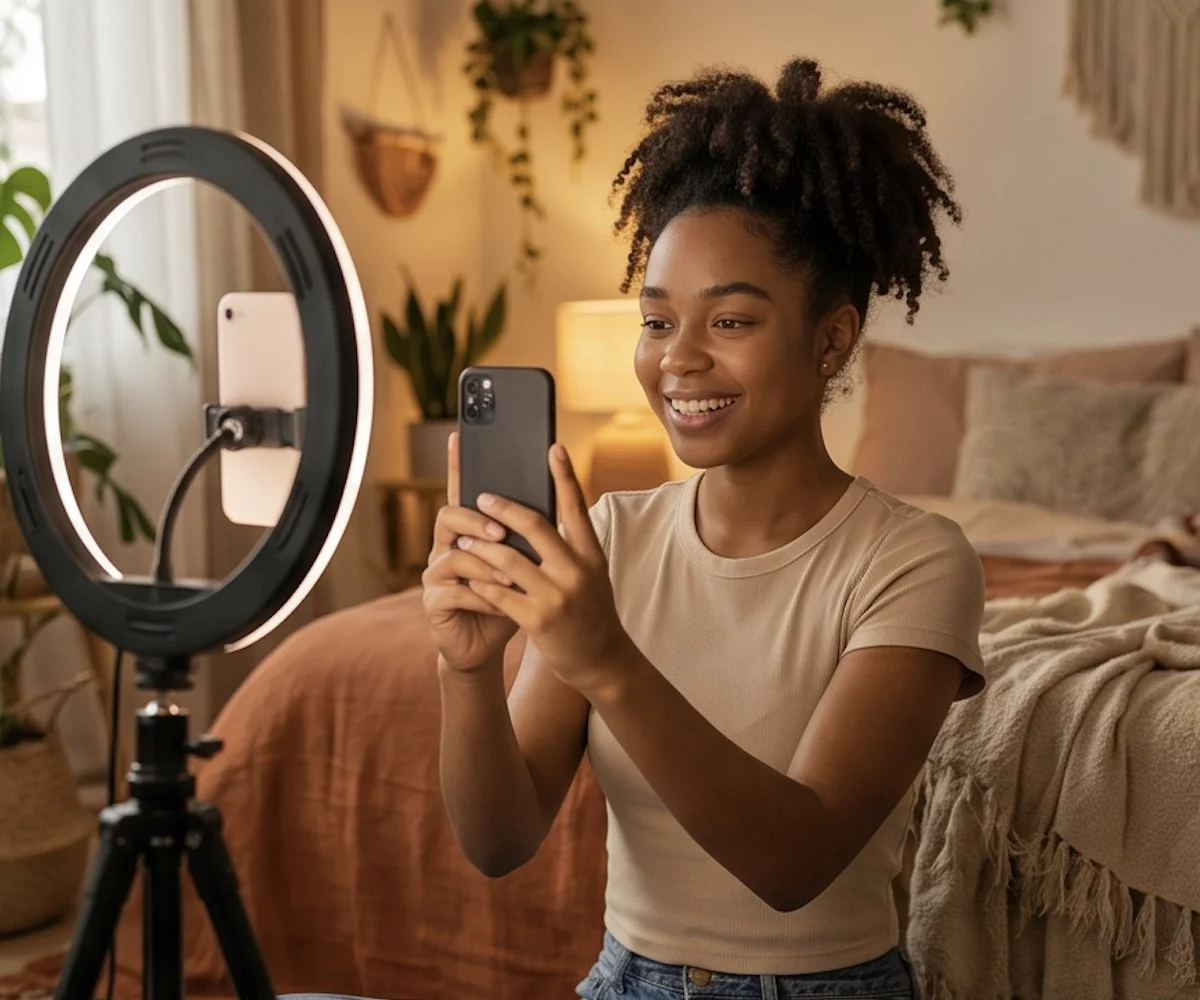
YouTubers, TikTokers, and Shorts / Reels creators drop in a video's audio for audio to text conversion and download an SRT or VTT file ready for the timeline. Captions arrive time-coded and ready to upload — no manual sync, no second tool.
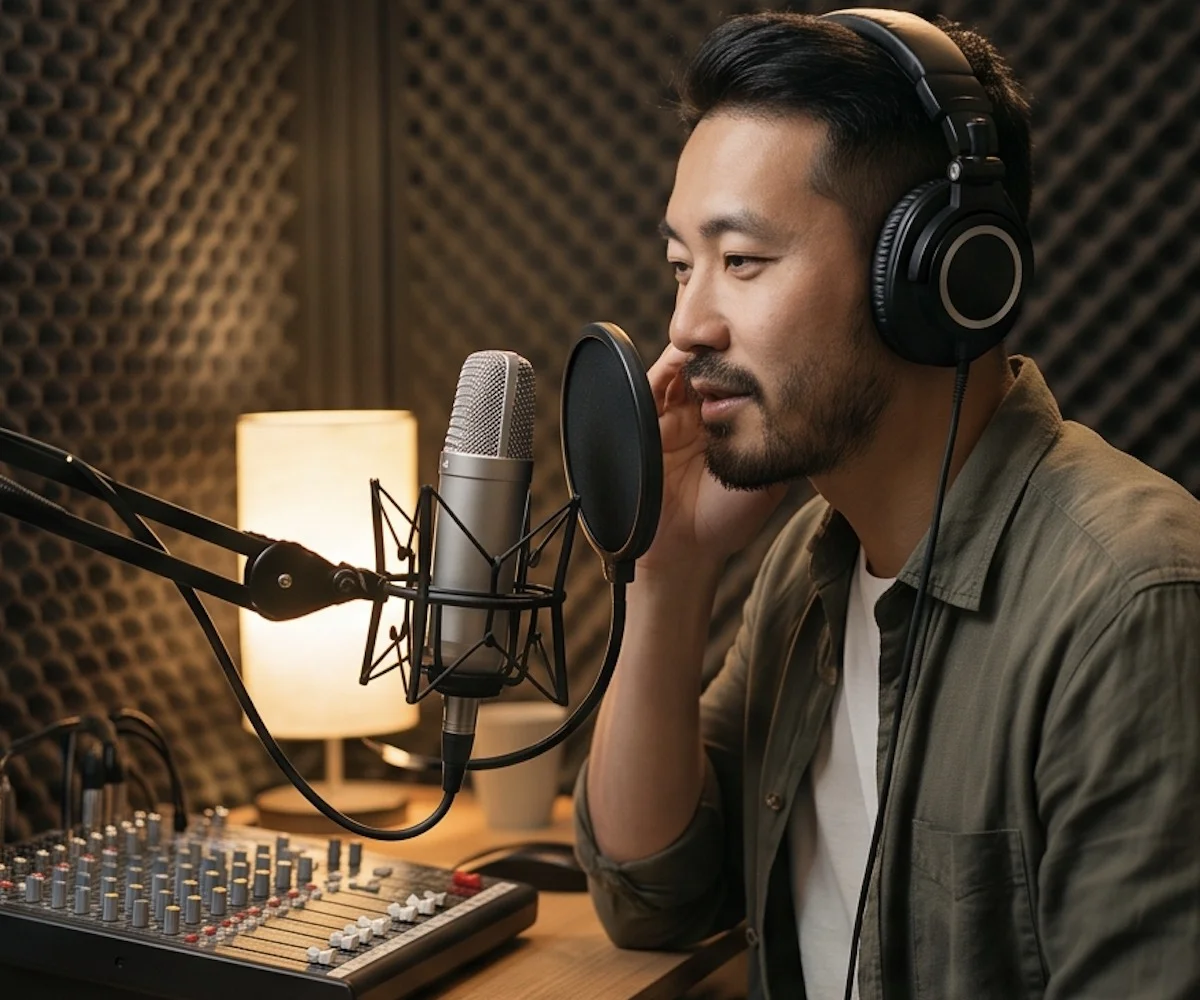
Upload your episode for audio to text. The transcript becomes your show notes, a blog post, social media quotes, an email summary, and SEO text for your website. Five outputs from a single recording — no re-listening required.

Drop in your lecture recording, run audio to text, and read the transcript instead of replaying the audio. Search for any term and jump straight to the part you need to review. Highlight what matters and skip the rest.

Record your interview, or speak your first draft out loud, then run audio to text on it. Quotes come back with each speaker's name already tagged — no typing, no transcribing by hand.
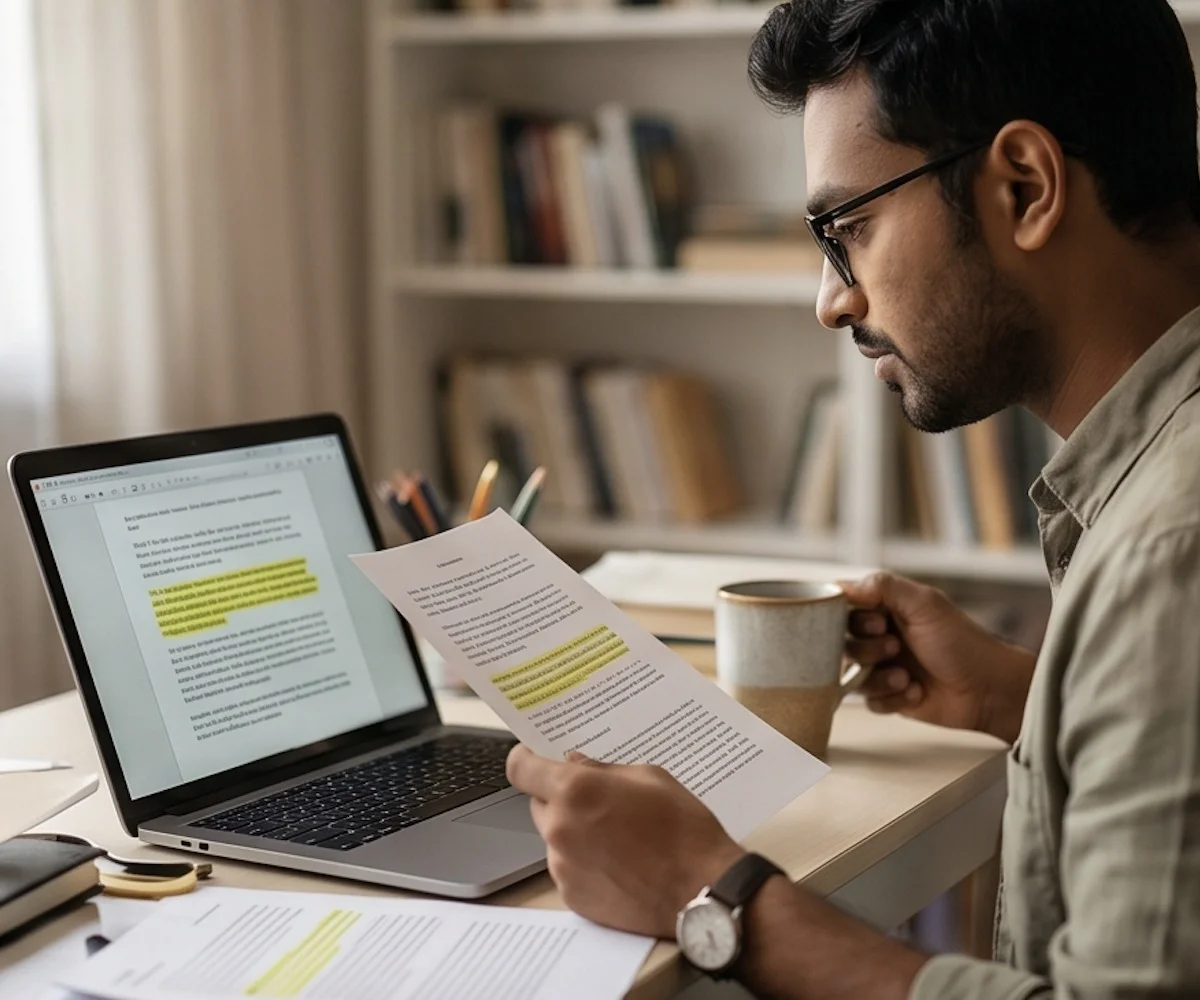
Audio to text turns long interview recordings into text you can search in seconds. Find any quote with its timestamp and speaker name attached, and cite the exact moment without replaying the tape.