Speech to Text Converter
Record your voice or upload audio and video. Get a clean transcript you can edit, search, and export.
Video or audio files from your device
Supports mp3, wav, m4a, flac, aac, ogg, opus, webm, amr, wma, mp4, mov, avi, mkv
Key Features of Our Speech to Text Converter
Fast and Accurate Transcription
Turn clear speech into readable text without typing it by hand. Our speech to text converter processes recordings quickly and keeps the result easy to review. Audio quality, background noise, accents, and overlapping voices can affect accuracy, so you can edit important names and terms before export.
Convert speech to text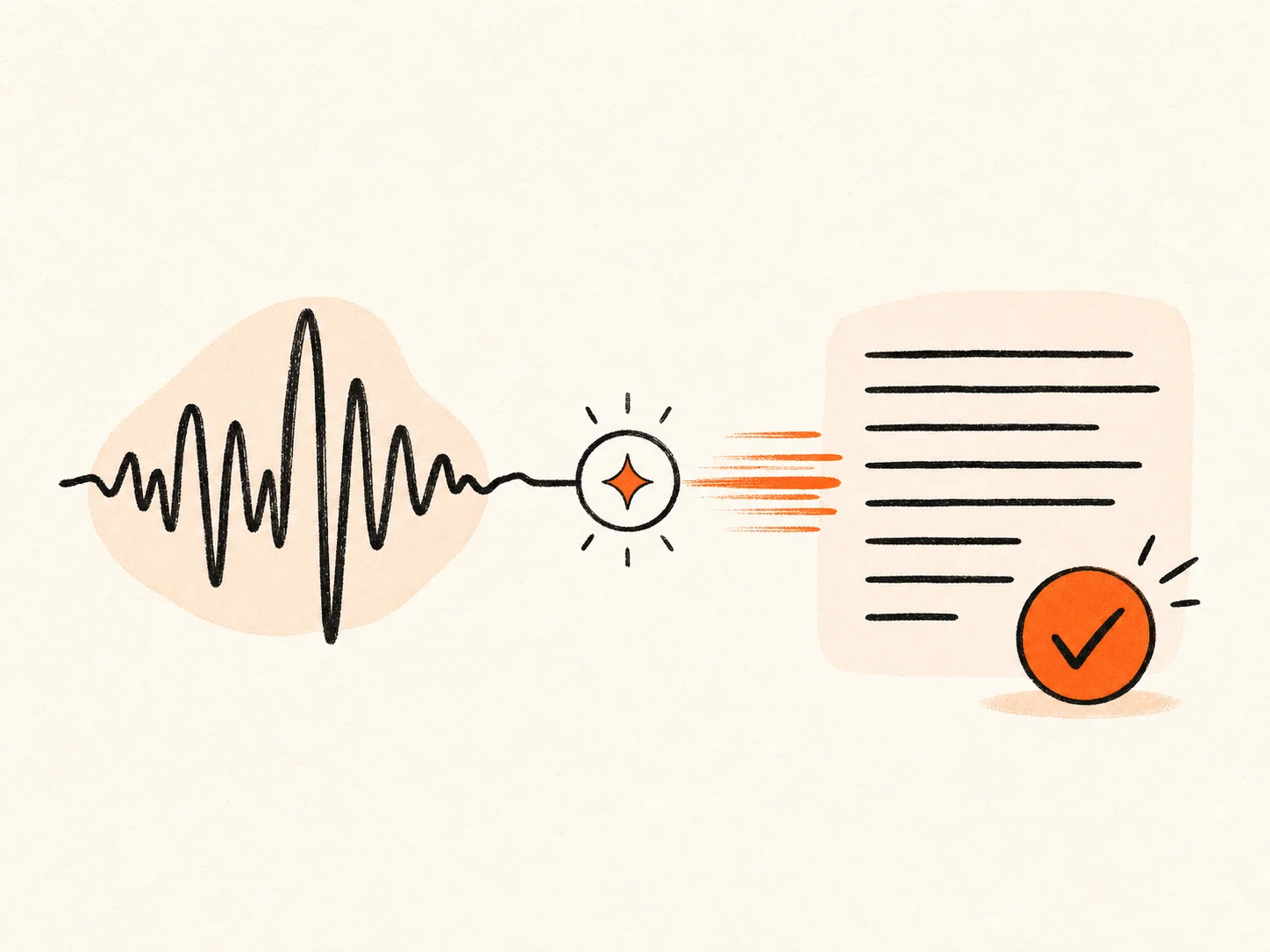
Support for 90+ Languages
Transcribe recordings in English, Spanish, French, German, Italian, Portuguese, Japanese, Korean, Chinese, and many more languages. Choose the spoken language yourself or leave auto-detect on when you are not sure.
Try speech to text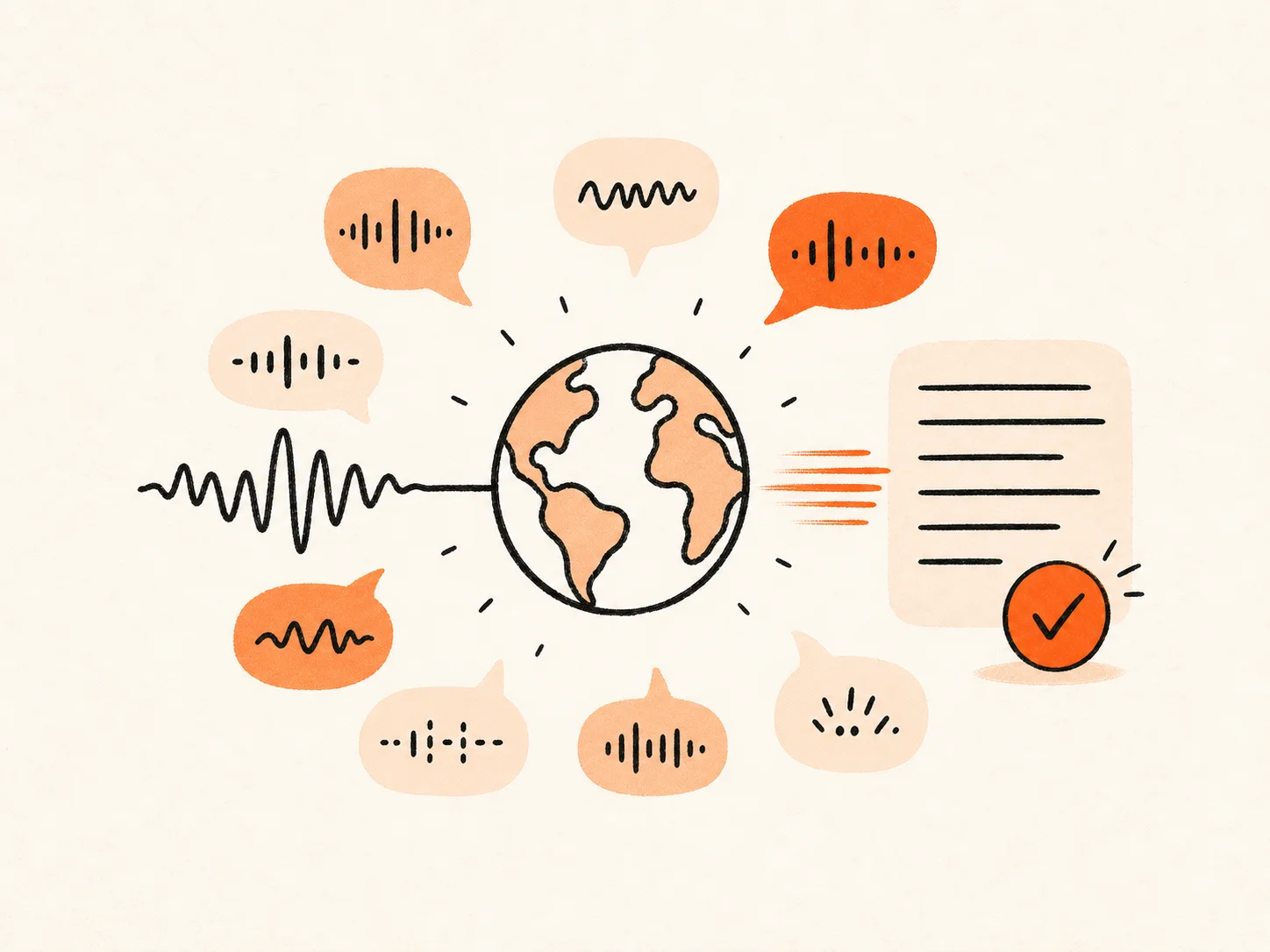
Save Time on Transcription
Stop pausing, replaying, and typing every sentence yourself. Upload a meeting, interview, lecture, podcast, voice note, or video and let the tool create the first draft. Save your time and focus on what matters most.
Start speech to text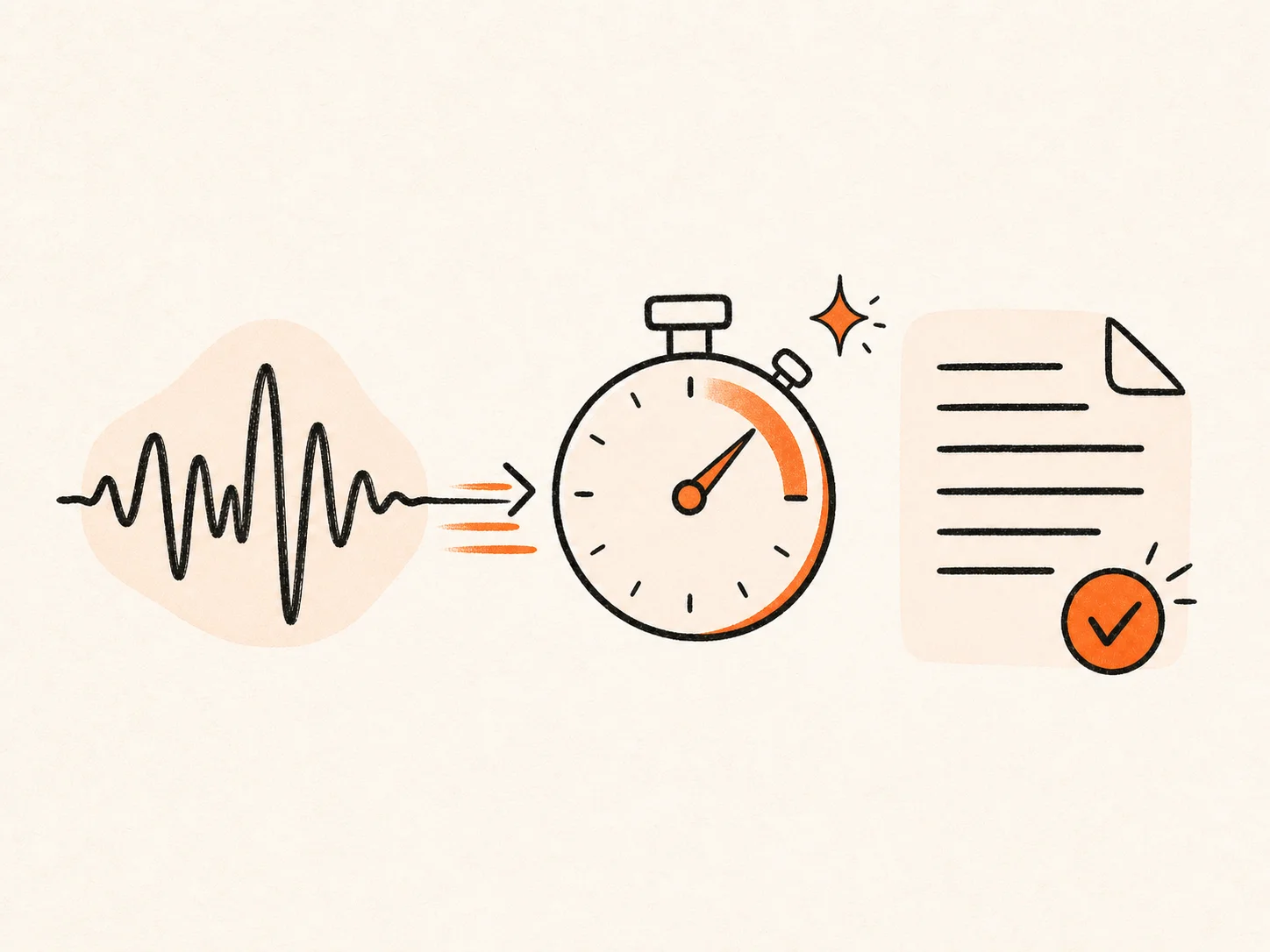
Speaker Diarization
Automatically separate different voices and label who said what. Speaker diarization makes interviews, meetings, podcasts, and group discussions easier to follow. Timestamps help you return to the exact part of the recording when you need to check a quote or decision.
Use speech to text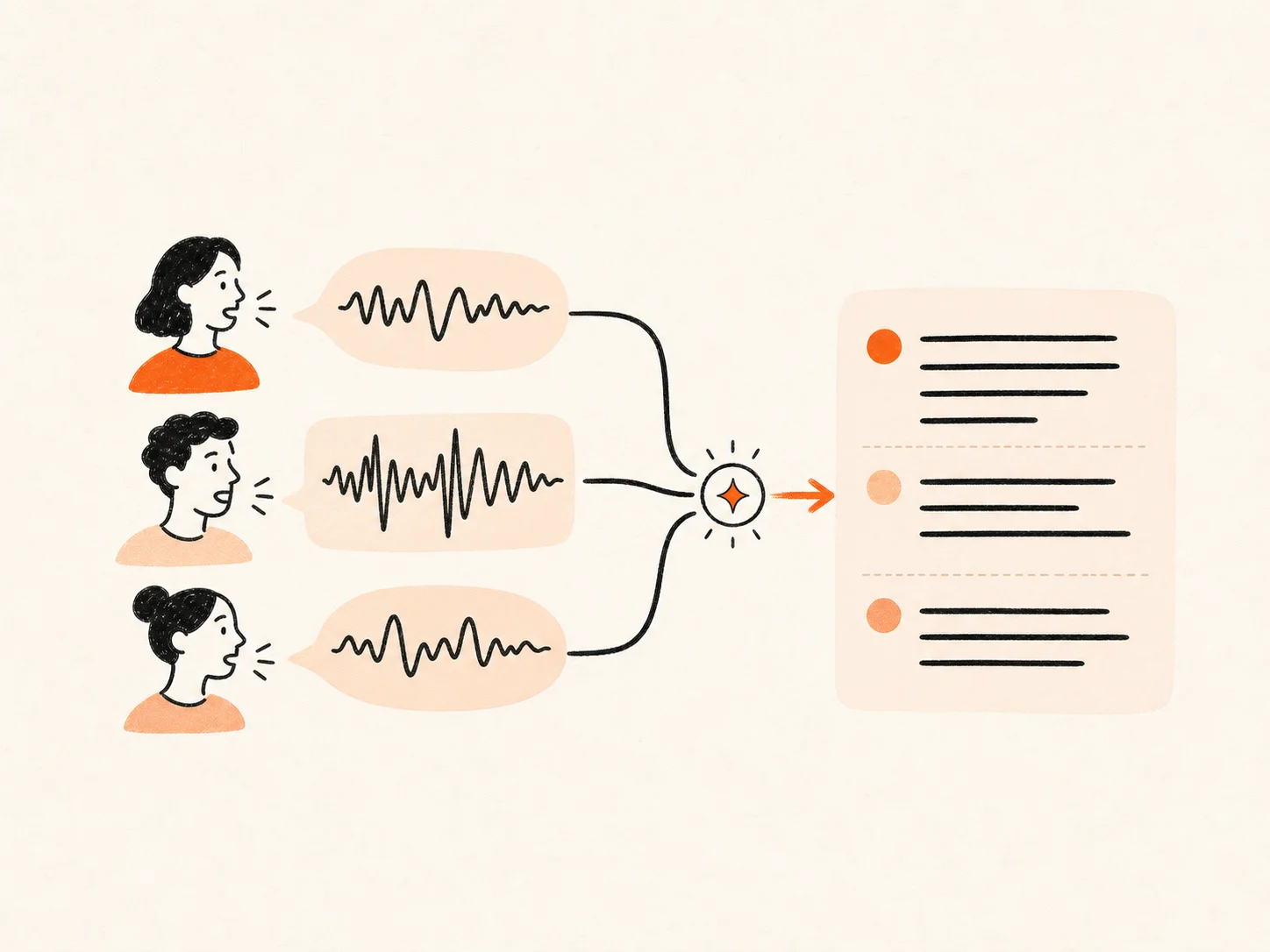
Export in Multiple Formats
Review your speech to text transcript and correct names, numbers, or specialist terms before download. Export it for plain notes, editable documents, review workflows, or timed subtitles. Export options include TXT, Markdown, DOCX, PDF, CSV, SRT, and VTT.
Speech to text online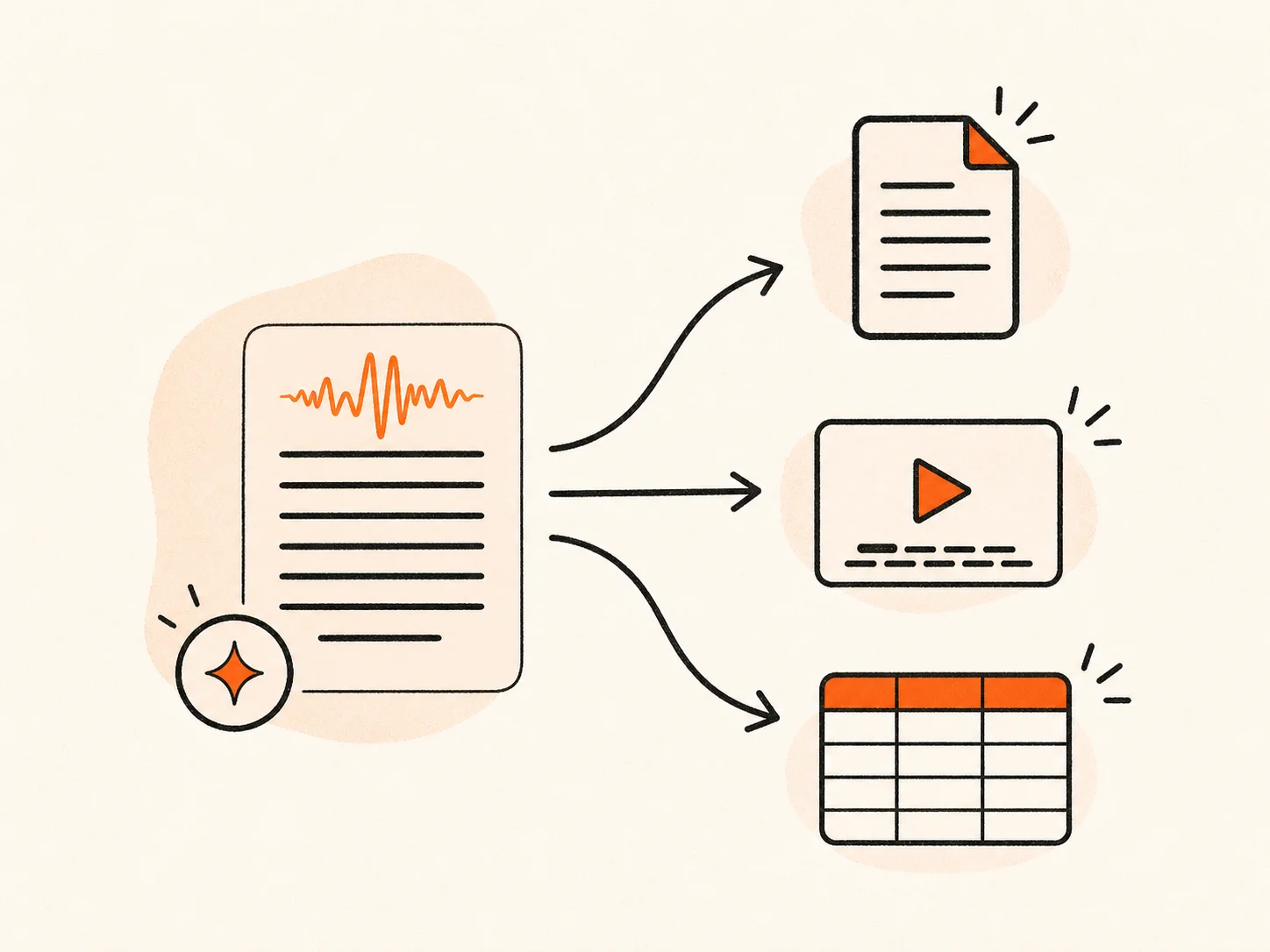
Support for Large Files
Use speech to text for long recordings without cutting them into short clips first. A single uploaded audio or video file can be up to 10 hours long and 5 GB in size. You can upload the full recording as one file.
Try AI Speech to Text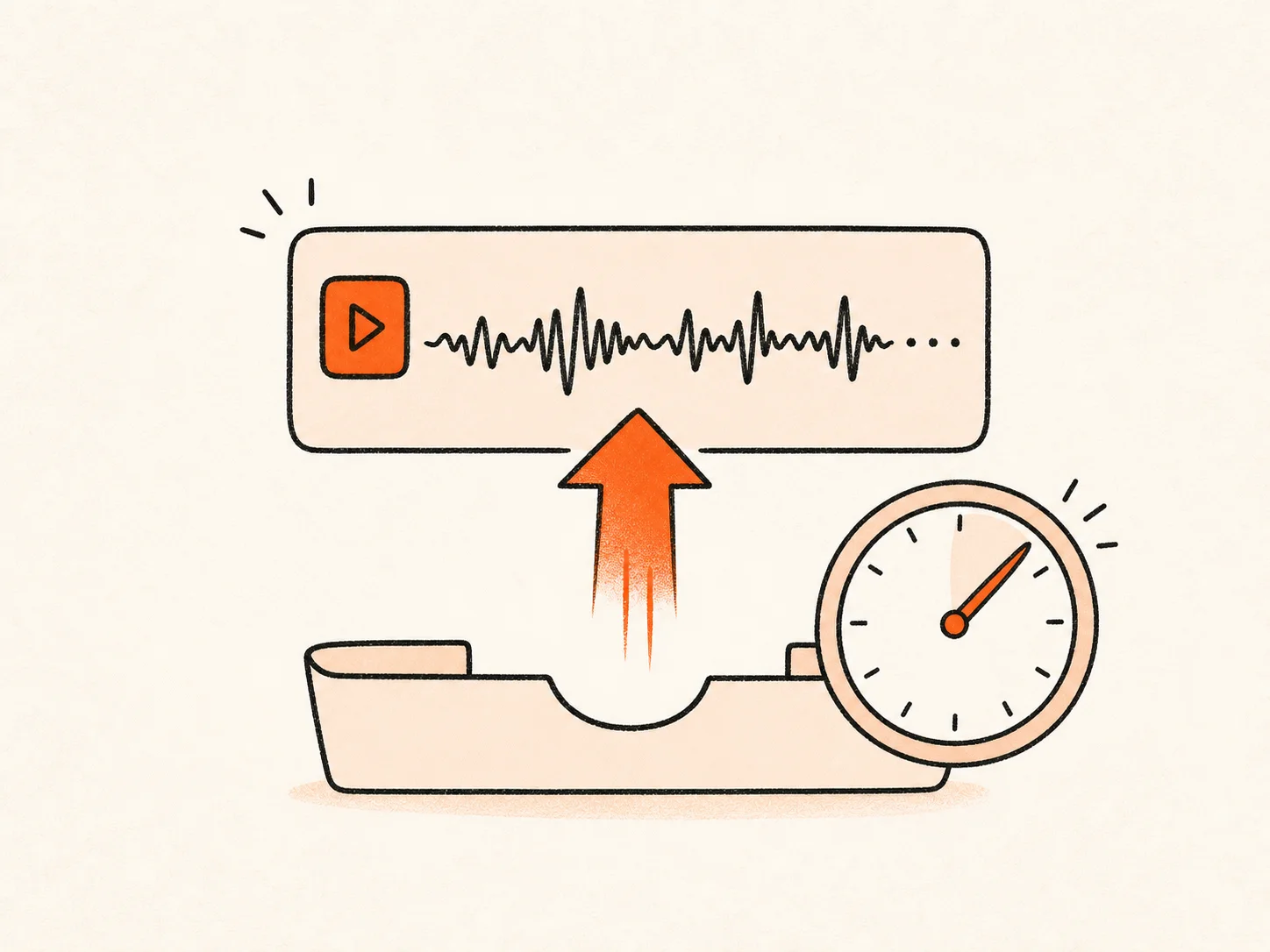
How to Convert Speech to Text
Choose Audio / Video to add an existing file. Choose Record to capture your voice with the browser microphone. You can pause and continue a recording before you stop it.
Select the spoken language or use auto-detect. Turn on speaker recognition when several people are talking. Add an AI summary if you want the main points after transcription.
Click Transcribe to start speech to text. The tool processes the recording and turns the spoken words into written text.
Read the result and fix important names or terms. Then export the transcript as TXT, Markdown, SRT, VTT, CSV, DOCX, or PDF.
Why Choose Our Speech to Text Converter
- Record or upload
Use speech to text with your microphone or add an existing audio or video file from the same tool.
- Speaker labels and timestamps
See who spoke and when. Find useful quotes and decisions without listening from the beginning.
- Flexible export options
Download TXT, Markdown, SRT, VTT, CSV, DOCX, or PDF for notes, documents, review, and subtitles.
- 90+ languages
Choose the spoken language yourself or let automatic detection handle it before transcription.
- Long uploaded recordings
Upload a single audio or video file up to 10 hours and 5 GB.
- Only accept live dictation
You cannot upload the interview, class, meeting, voice note, or video you already recorded.
- Return one block of text
No speaker labels or timestamps. Every voice runs together and the source moment is hard to find.
- Offer copy and paste only
No Word document, PDF, CSV review file, or timed SRT and VTT subtitles.
- Support fewer languages
The language list may be short, or the tool may require you to select the language every time.
- Limit long recordings
Short dictation limits force you to split meetings, lectures, podcasts, and interviews into small pieces.
Frequently Asked Questions
What is speech to text?
How do I create a transcript online?
Can I use the AI speech to text tool for free?
Can I use it on any device?
Can I record my voice directly in the browser?
Which languages can I transcribe?
Can the speech to text converter identify different speakers?
How accurate is AI speech recognition?
What file size and length can I upload?
Can I edit and download the transcript?
Which formats can I export my transcript in?
Start Converting Speech to Text
Record your voice or upload a file. Get text you can search, edit, and share.