OPUS to Text Converter
Any .opus file — Telegram, Discord, or browser recording. Drop it in, get the OPUS to text transcript back.
Video or audio files from your device
Supports mp3, wav, m4a, flac, aac, ogg, opus, webm, amr, wma, mp4, mov, avi, mkv
Key Features of Our OPUS to Text Converter
Direct OPUS Support
Upload the .opus file straight away. No conversion to MP3 or WAV first. The OPUS to text converter reads the file as-is, whether it came from a voice message, a chat-app export, a desktop recorder, or a browser recording.
Convert OPUS to text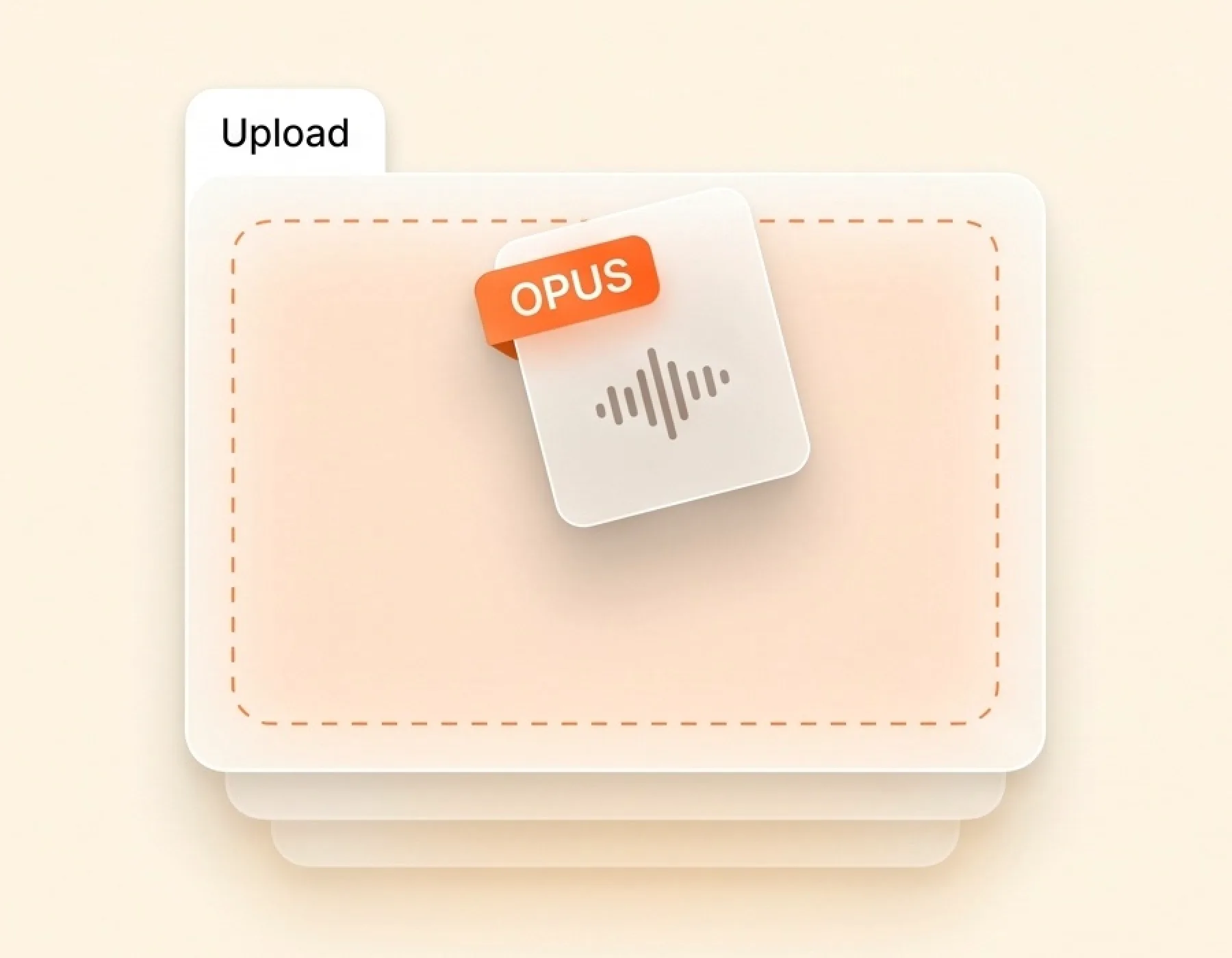
Multi-Speaker Detection
If your OPUS file has more than one voice — an interview, a meeting, a recorded call — the OPUS to text converter labels each speaker on its own block. Every block shows who spoke and when. Find a quote in seconds instead of replaying the file end to end.
Try OPUS to text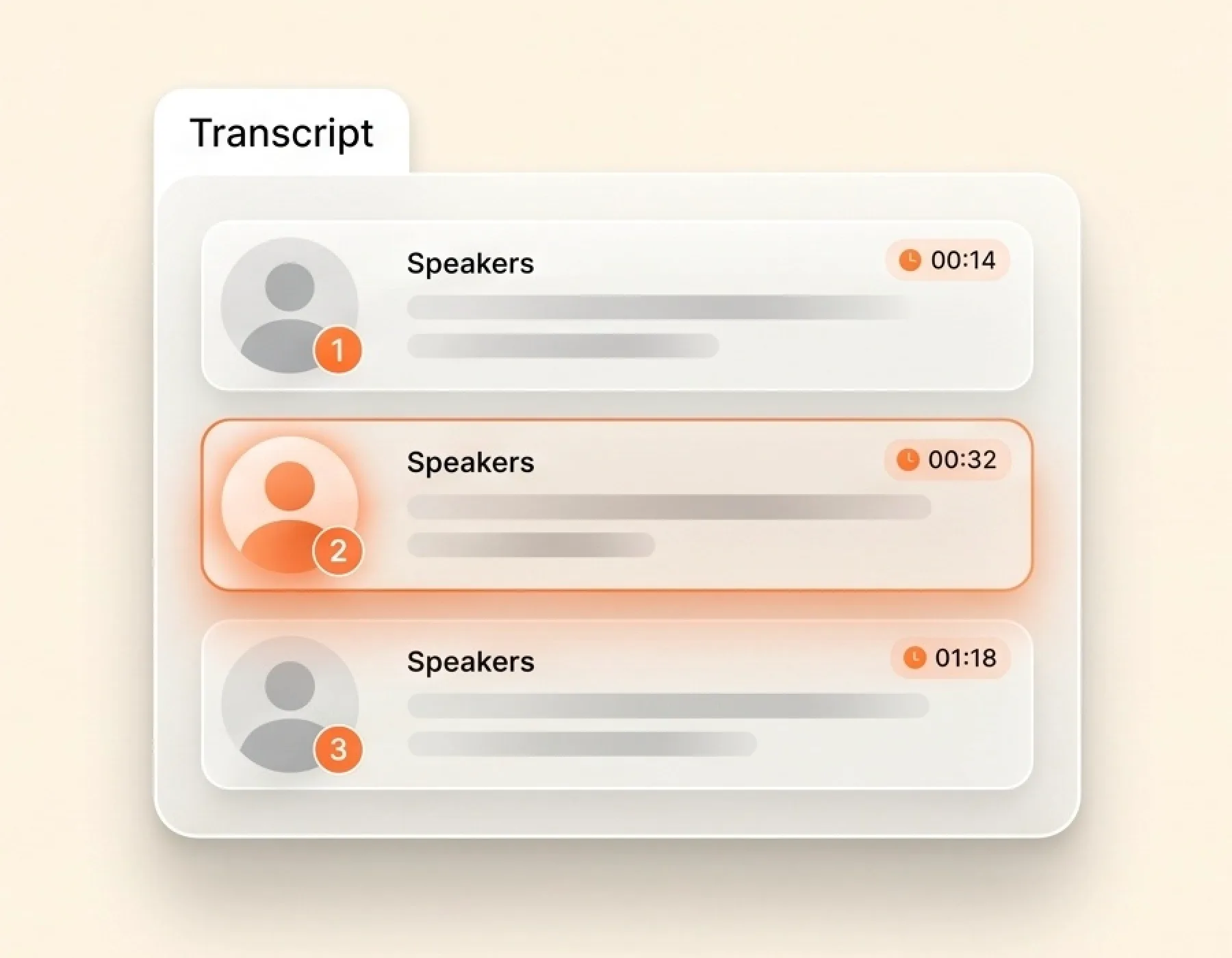
Leading Accuracy
OPUS files often come from voice messages and short recordings — accents, background noise, overlapping voices. The OPUS to text engine handles those conditions without falling apart. Names, numbers, and product terms come through clearly. The first draft is close enough to use right away, with a light edit only where it matters.
Get OPUS transcript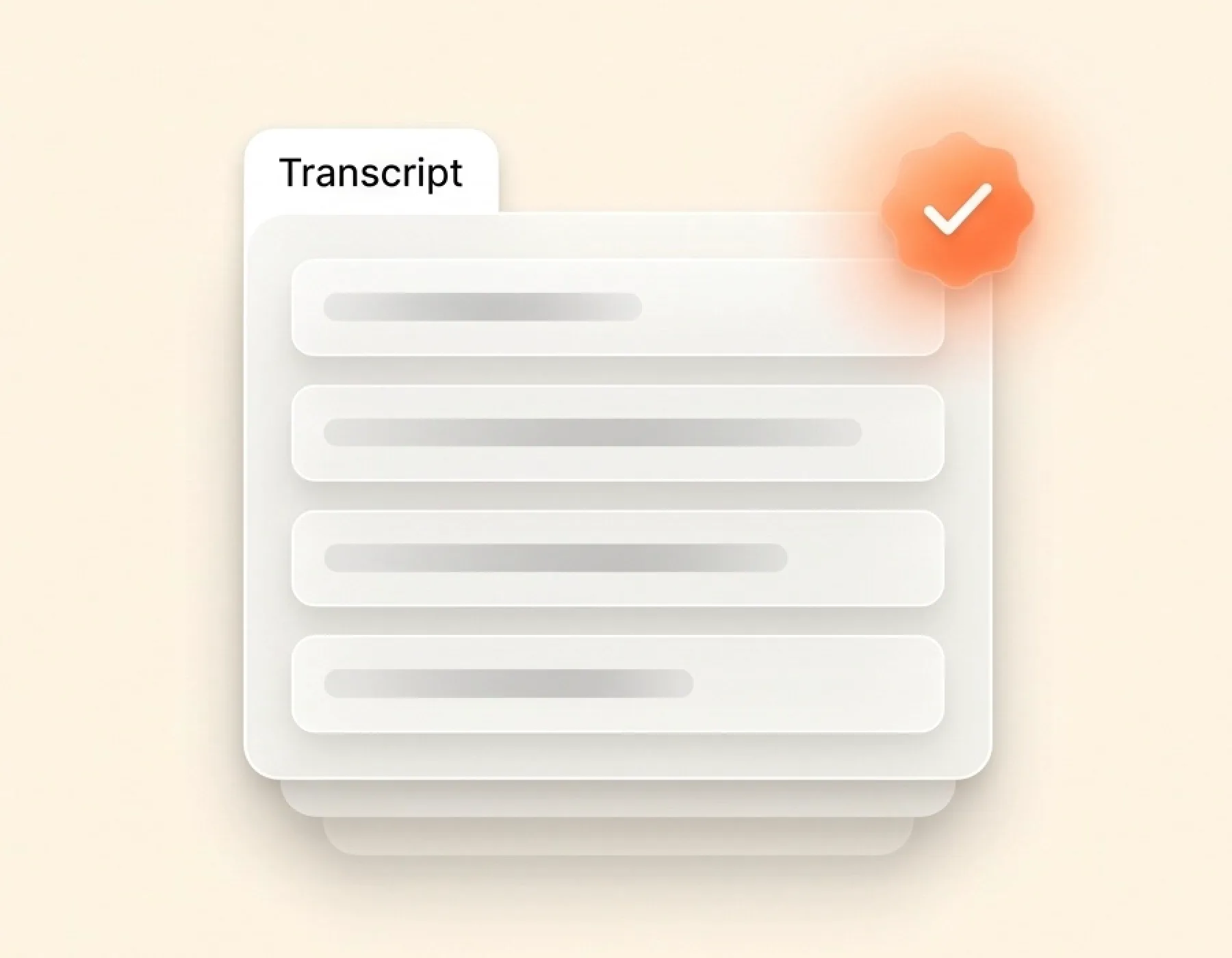
Seven Ways to Export
Pick the format your next step needs. SRT and VTT for video subtitles. DOCX for reports. PDF for sharing. CSV for spreadsheet review. Markdown for writing apps. TXT for plain notes. One OPUS file, seven export options.
Upload OPUS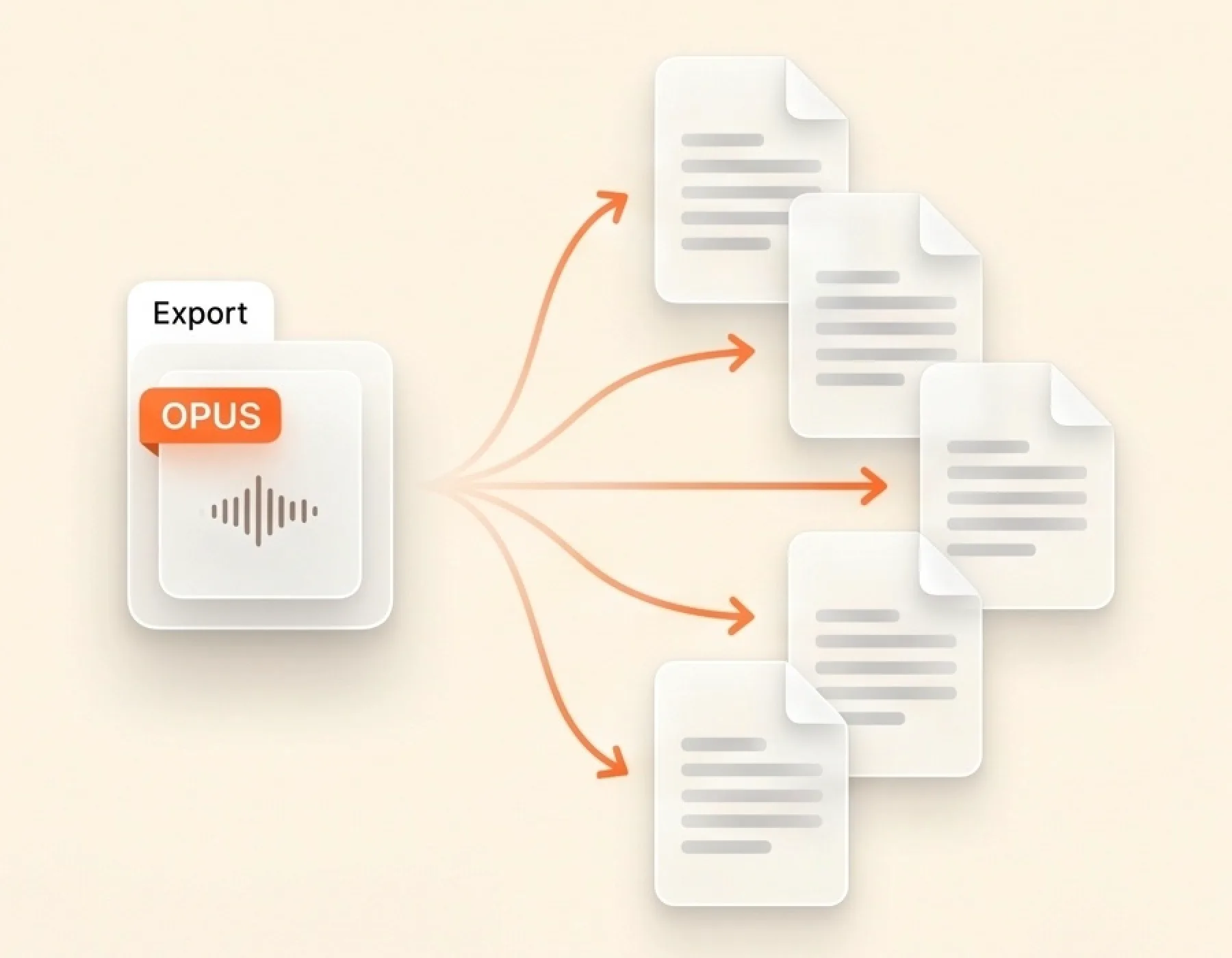
90+ Language Recognition
The OPUS to text converter works in more than 90 languages, not just English. Spanish, French, German, Italian, Portuguese, Dutch, Japanese, Korean, and many more. Pick the language before you upload, or leave auto-detect on and the engine finds it from the audio.
Transcribe OPUS to text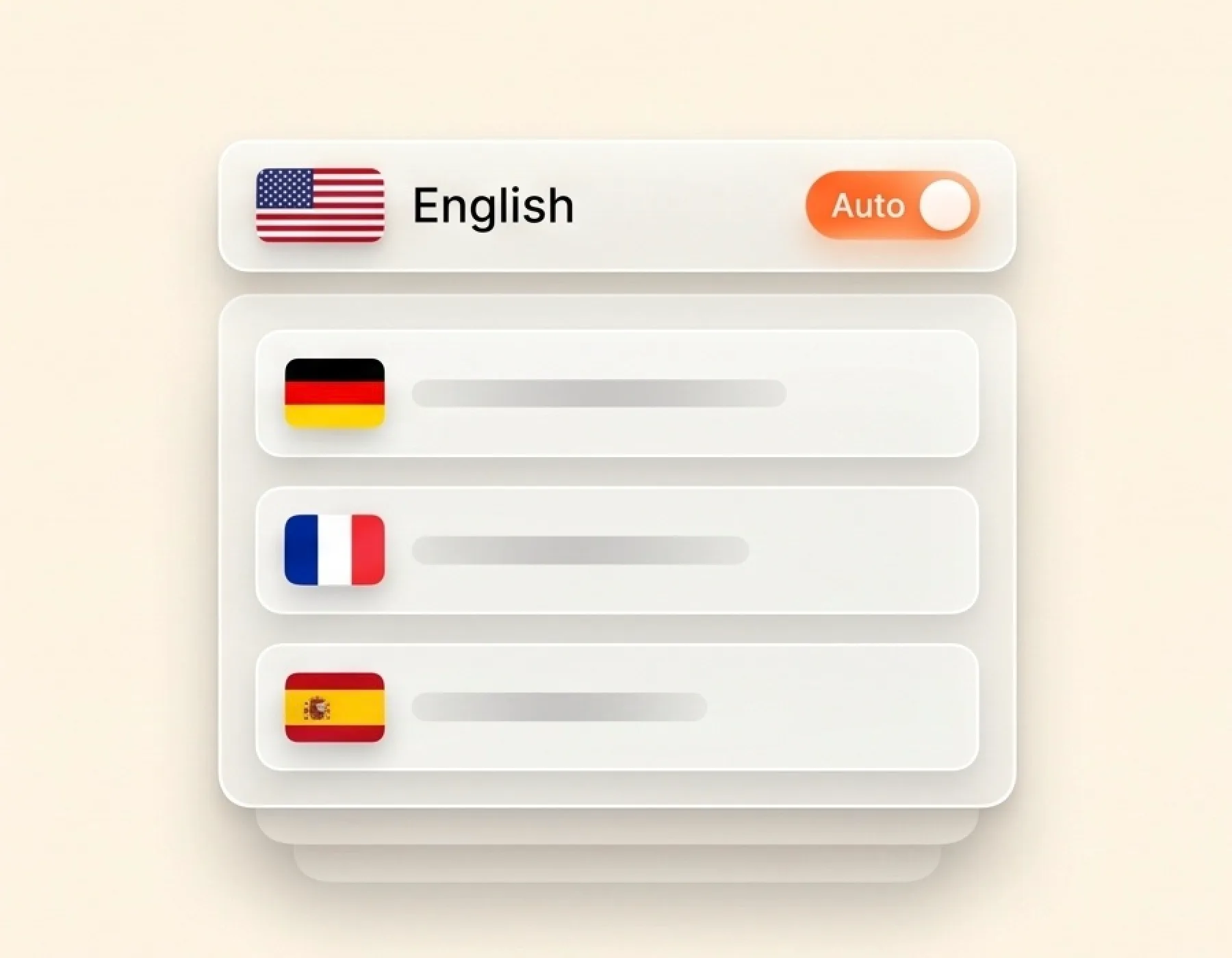
How to Convert OPUS to Text
Drag the .opus file from your downloads or desktop into the upload area. One file or a stack — both work.
Tell the OPUS to text engine what's spoken in the recording, or leave it on auto-detect. Turn on speaker labels if more than one voice is on the file.
Click the Transcribe button. The engine reads the OPUS end-to-end and writes out the transcript while you do something else — switch tabs, refill your coffee, walk away.
When the OPUS to text transcript is ready, scan it for any names or words that came back wrong, fix those spots, then save in the format your next tool expects.
Why Choose Our OPUS to Text Converter
- OPUS files accepted as-is
Upload the original .opus file. No need to convert it first.
- Multi-speaker detection
OPUS interviews and recorded calls come back with each speaker labeled.
- 7 export formats
TXT, Markdown, SRT, VTT, CSV, DOCX, and PDF. Pick the one you need.
- 90+ languages
English, Spanish, French, German, Japanese, Korean, and many more. Auto-detect works too.
- Long files in one go
Up to 10 hours and 5 GB per OPUS file. No need to split it first.
- Make you convert OPUS to MP3 first
Force you to run a separate format converter before transcribing.
- Skip speaker labels
You get a wall of text where every voice runs together. Hard to find quotes.
- Export TXT only
No SRT or VTT for subtitles. No DOCX for reports. No CSV for review.
- English only or limited languages
Few languages supported, with weak accuracy on non-English audio.
- Strict file size limits
You have to split the recording into small pieces before upload.
OPUS to Text — Frequently Asked Questions
What is an .opus file?
How do I convert OPUS to text?
Is the OPUS to text converter free?
Can I upload Telegram or Discord voice messages directly?
Do I need to convert OPUS to MP3 first?
What file size and length can I upload?
What export formats can I download?
Can I edit the OPUS transcript?
Start Your OPUS to Text Conversion
Stop replaying the voice message to catch what was said. Drop the .opus file in once, get the OPUS to text transcript back.