FLAC to Text Converter
Upload a .flac file from an archive, recorder, podcast, interview, lecture, or music project. Get a clean FLAC transcript you can edit and export.
Video or audio files from your device
Supports mp3, wav, m4a, flac, aac, ogg, opus, webm, amr, wma, mp4, mov, avi, mkv
Key Features of Our FLAC to Text Converter
Direct FLAC Upload
Upload the .flac file as-is. You do not need to convert it to MP3 first. The FLAC to text converter reads the original file and turns the speech into editable text.
Convert FLAC to text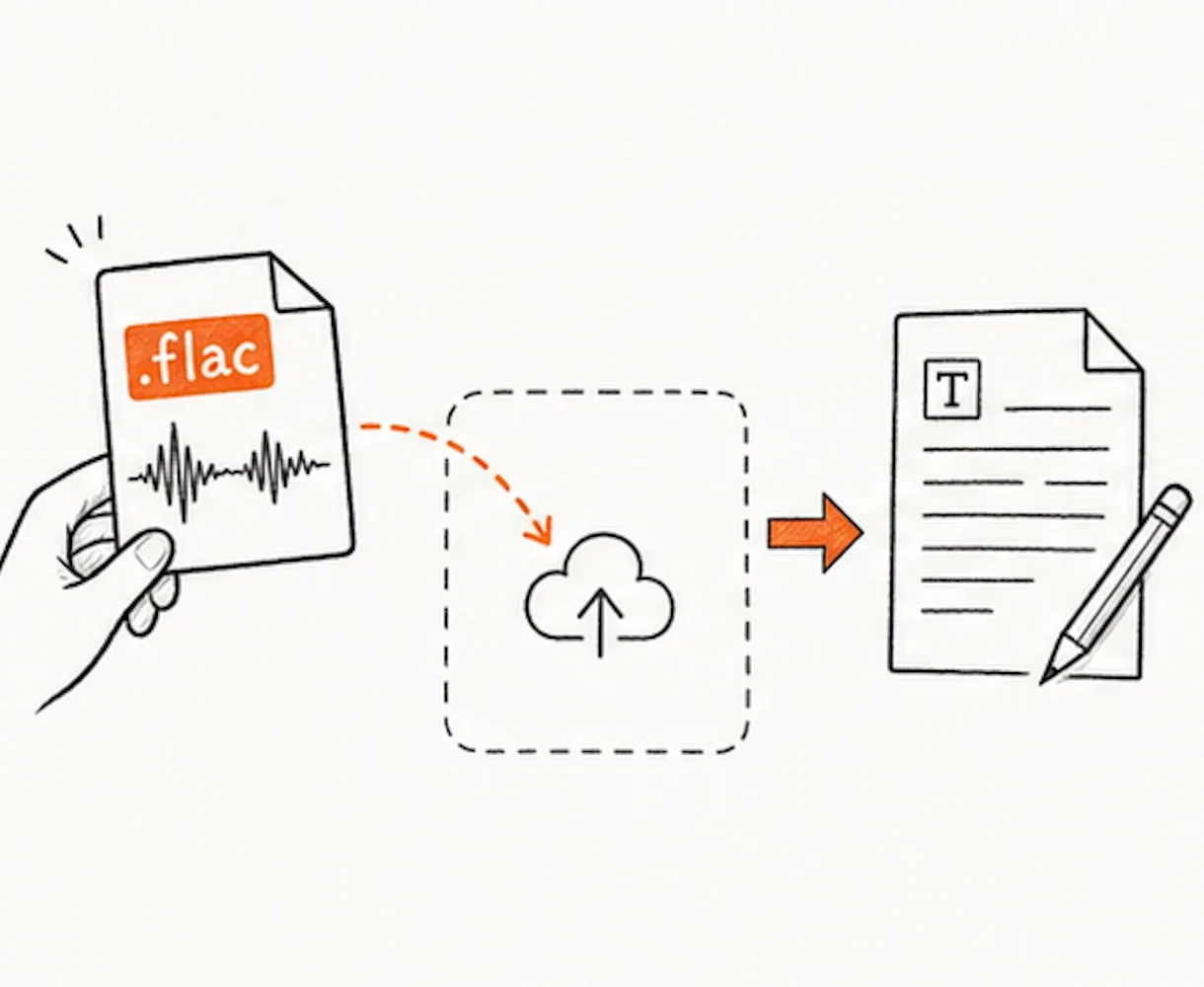
Built for High-Quality Recordings
FLAC files often come from archives, CD rips, studio sessions, field recorders, podcasts, classes, and long interviews. Drop the file into the FLAC to text converter and keep the original audio format.
Upload FLAC to text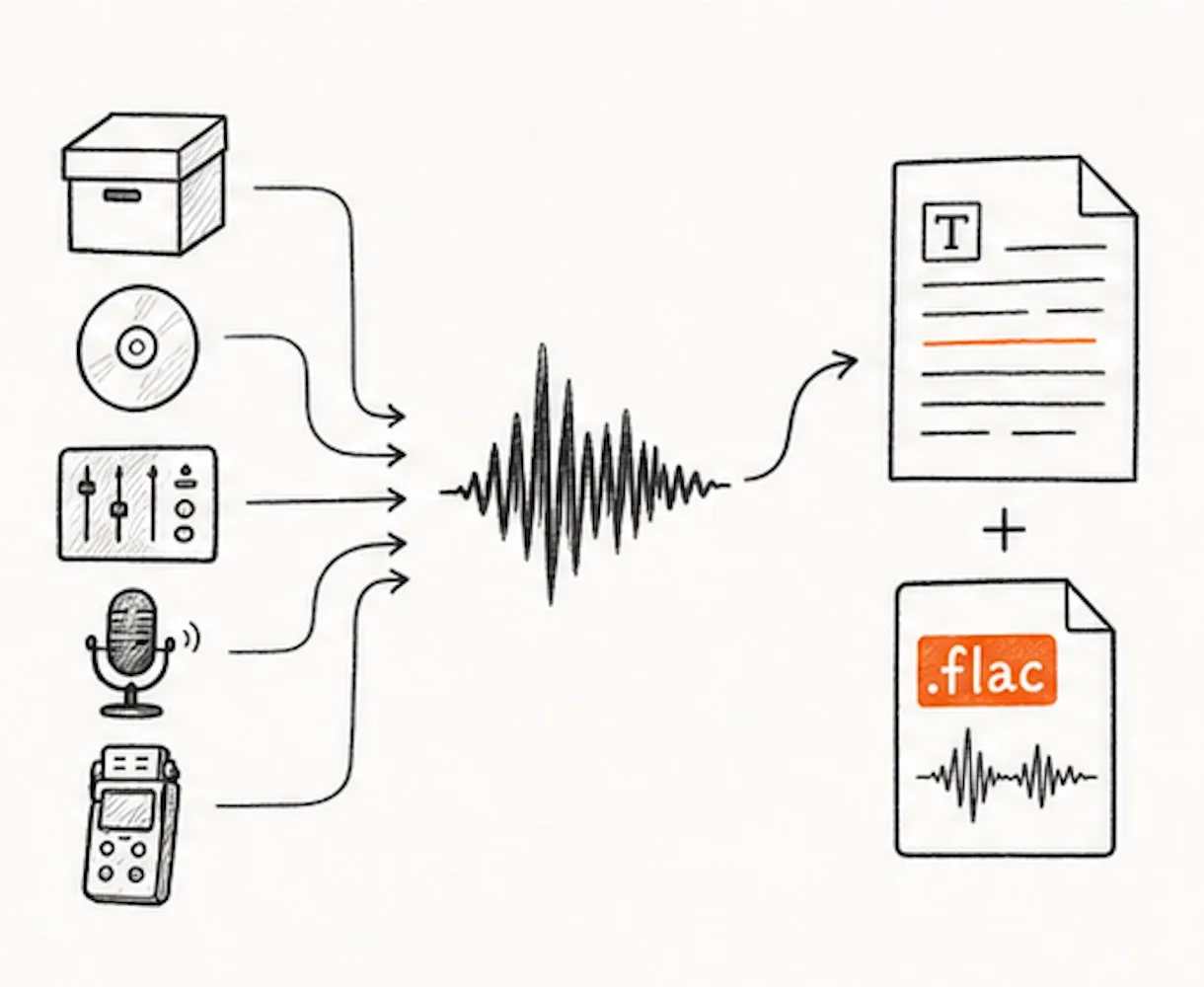
Speaker Labels and Timestamps
Working with a panel, oral history, meeting, class, or interview? The FLAC to text converter can label speakers and show when each line was said. It is easier to find quotes and check the original audio.
Try FLAC to text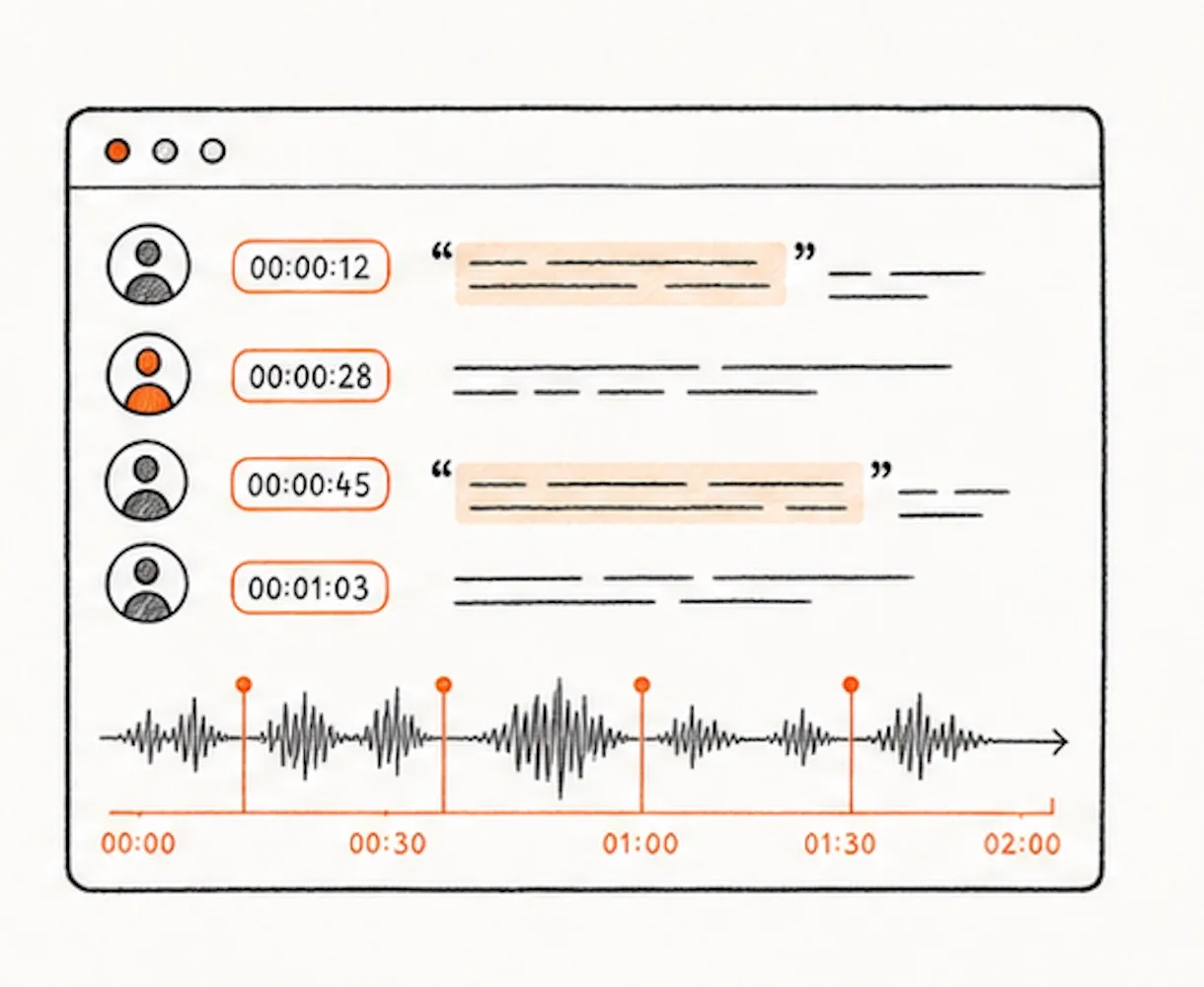
Seven Export Formats
Use the transcript where you need it next. Export TXT for plain notes, DOCX or PDF for sharing, SRT or VTT for subtitles, CSV for review, or Markdown for writing tools.
Export FLAC to text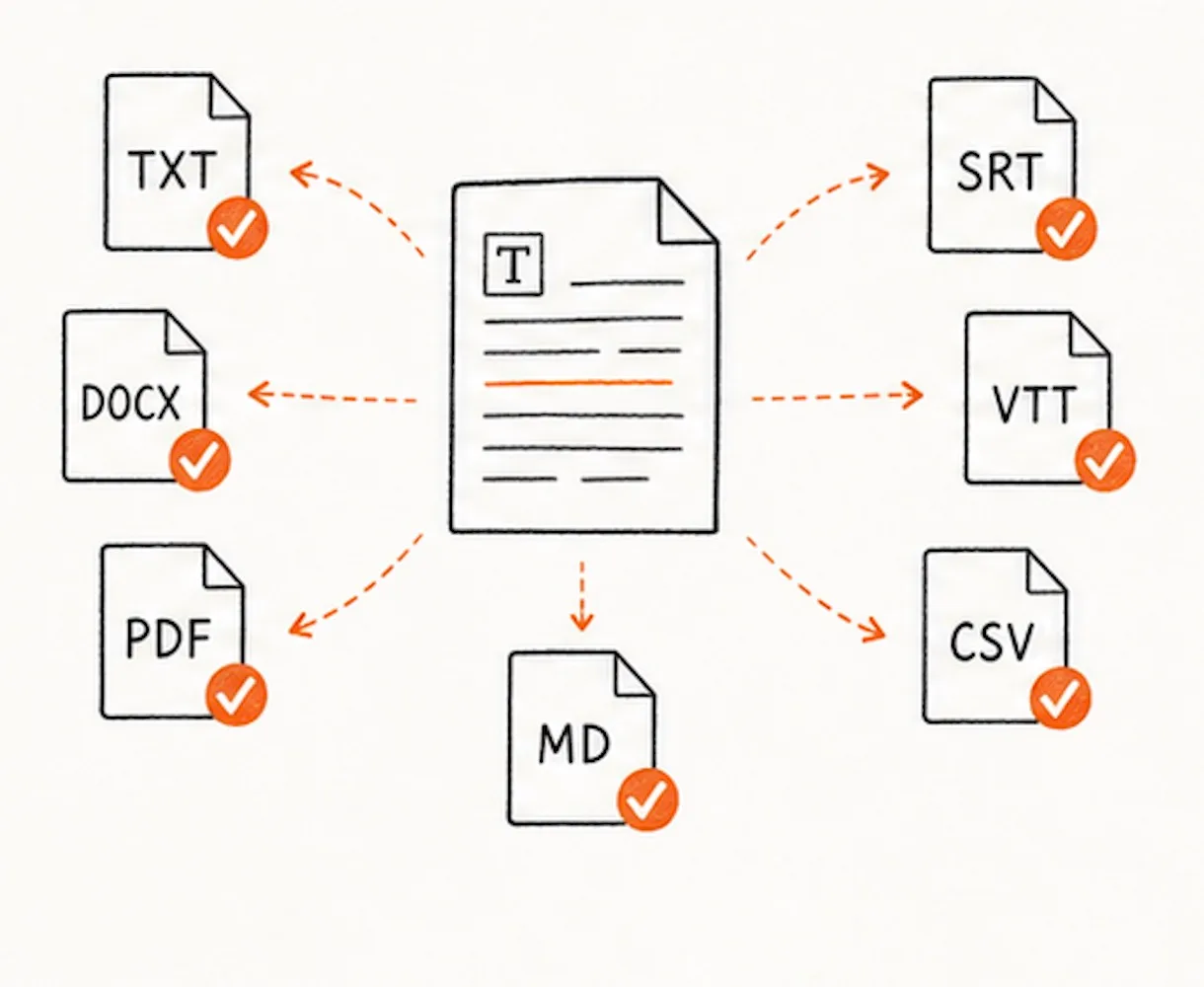
90+ Language Recognition
The FLAC to text converter works with more than 90 languages. Pick the spoken language before upload, or leave auto-detect on for a simpler start.
Transcribe FLAC to text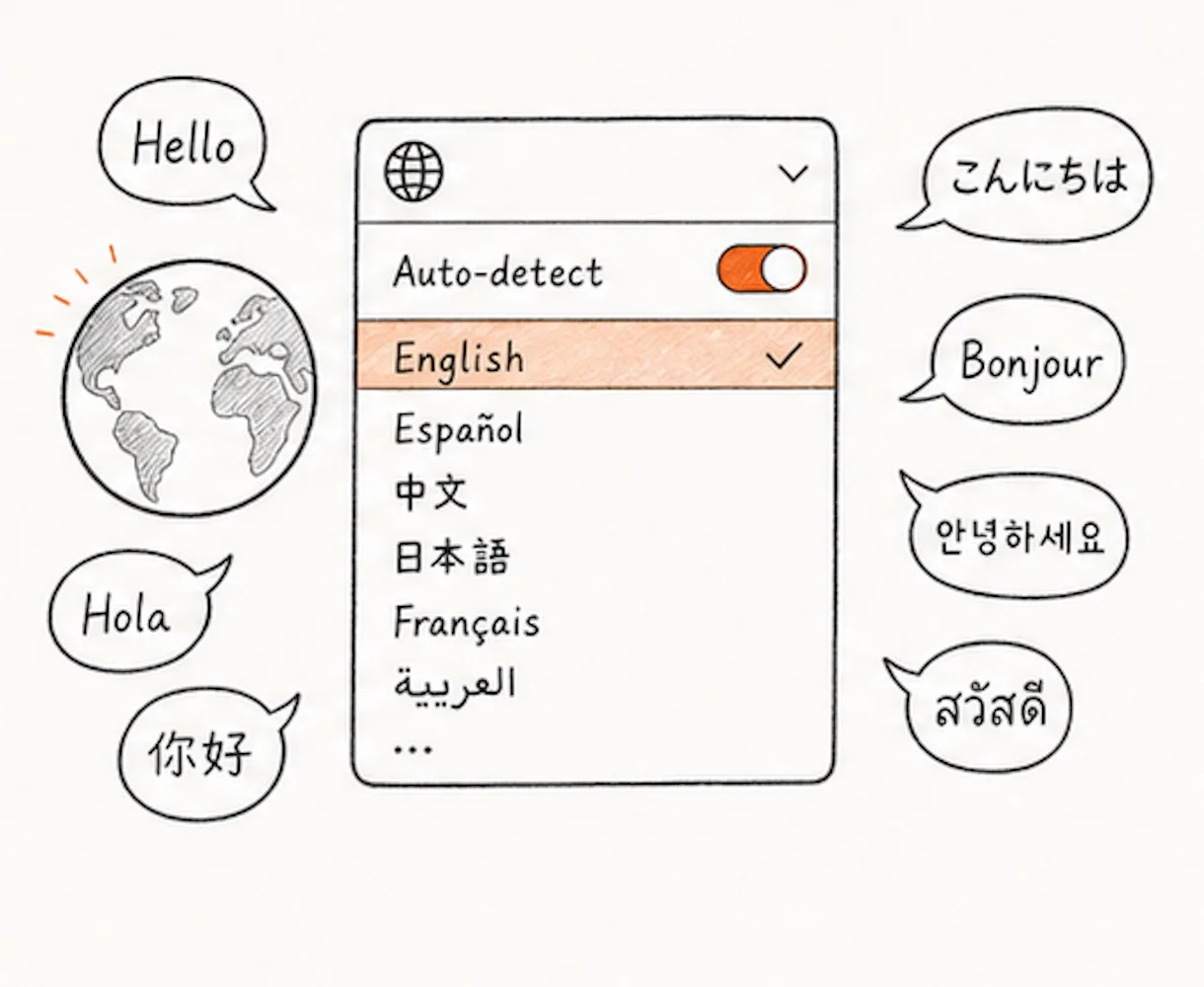
How to Convert FLAC to Text
Drag the .flac file into the upload box, or click to choose it from your device. You can upload one file or add more files together.
Choose the language spoken in the recording, or use auto-detect. Turn on speaker labels if more than one person is talking.
Click Transcribe to start FLAC to text. The tool reads the FLAC file and creates the transcript in the background.
Read through the transcript. Fix names, places, technical words, or unclear lines. Then export it as TXT, Markdown, SRT, VTT, CSV, DOCX, or PDF.
Why Choose Our FLAC to Text Converter
- FLAC files accepted as-is
Upload the original .flac file. No MP3 conversion is needed.
- Speaker labels and timestamps
See who spoke and when. This helps with interviews, calls, lectures, oral histories, and podcasts.
- 7 export formats
Download TXT, Markdown, SRT, VTT, CSV, DOCX, or PDF.
- 90+ languages
Choose the spoken language yourself, or let auto-detect find it from the audio.
- Long files in one go
Run FLAC to text on recordings up to 10 hours and 5 GB.
- Ask you to convert first
Some tools make you turn FLAC into MP3 before transcription.
- Give you one block of text
No speaker labels. No easy way to find who said what.
- Only export plain text
You may not get subtitles, Word files, PDFs, or CSV review files.
- Support fewer languages
Some tools work well only for English or a small language list.
- Limit large files
You may have to split a long FLAC recording into smaller parts.
FLAC to Text - Frequently Asked Questions
What is a .flac file?
How do I convert FLAC to text?
Do I need to convert FLAC to MP3 first?
Is this converter free?
Can I transcribe FLAC files from interviews, lectures, or archives?
What file size and length can I upload?
What formats can I export?
Can I edit the FLAC transcript?
How accurate is FLAC transcription?
Can I export FLAC to SRT subtitles?
Can I save the FLAC transcript as a Word document or PDF?
Start Your FLAC to Text Conversion
Upload the .flac file, let the tool create the transcript, and leave with text you can search, edit, and share.