#1 OGG to Text Converter
Any OGG file — WhatsApp voice messages, Android recordings, podcasts. Drop it in, get the transcript back.
Video or audio files from your device
Supports mp3, wav, m4a, flac, aac, ogg, opus, webm, amr, wma, mp4, mov, avi, mkv
Key Features of Our OGG to Text Converter
Fast OGG Transcription
Typing a long recording by hand can take an afternoon. Our ogg to text engine reads the file and writes the transcript while you do something else. Short voice messages finish quickly. Long meetings take longer, but the work happens without you at the keyboard.
Convert OGG to text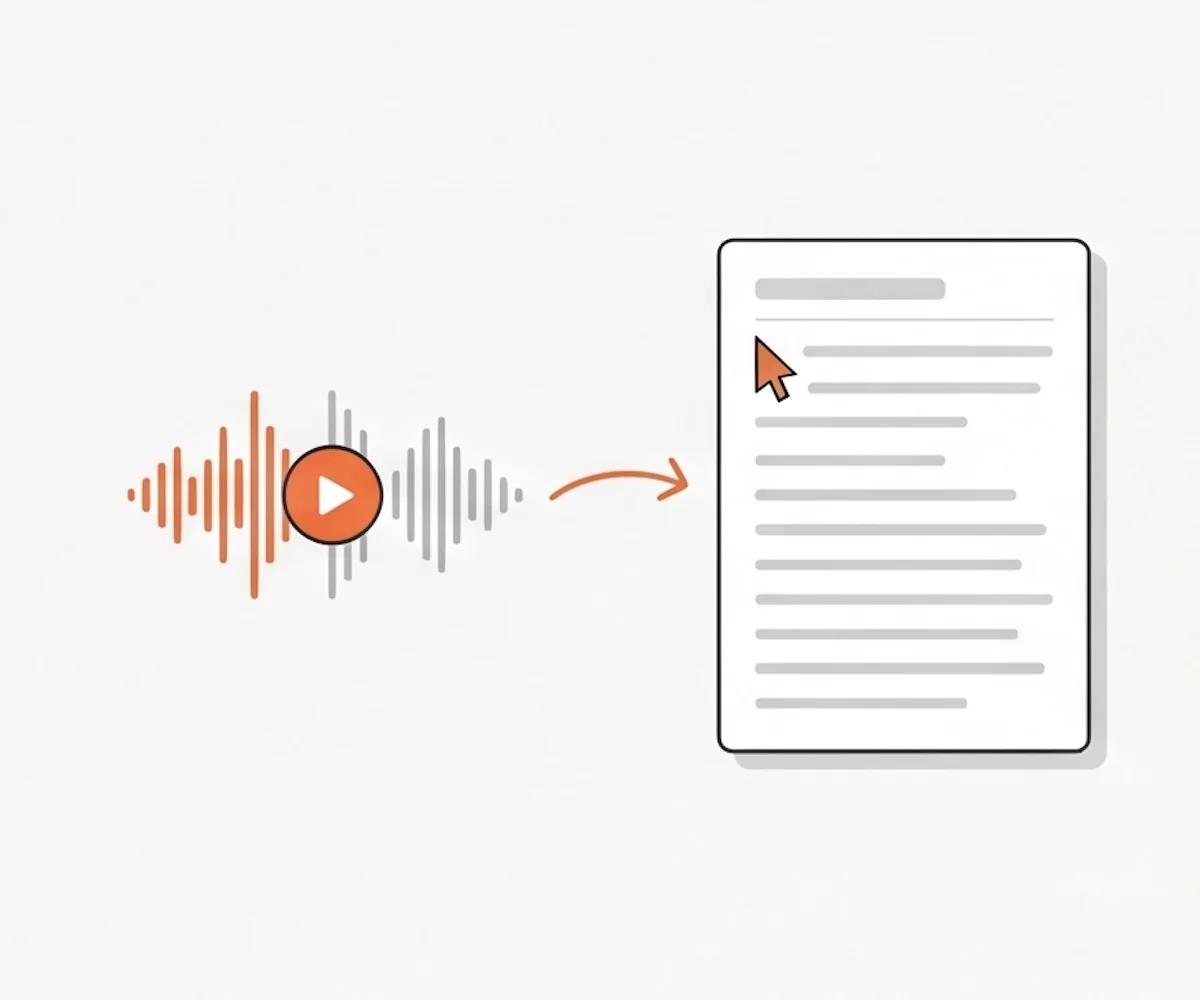
Speaker Identification
Automatically tell apart every speaker in your OGG file. The ogg to text converter labels each line with who's talking, so interviews, group calls, and multi-voice meetings stay easy to read. Combine with timestamps to jump straight to any moment in the recording.
Try OGG to text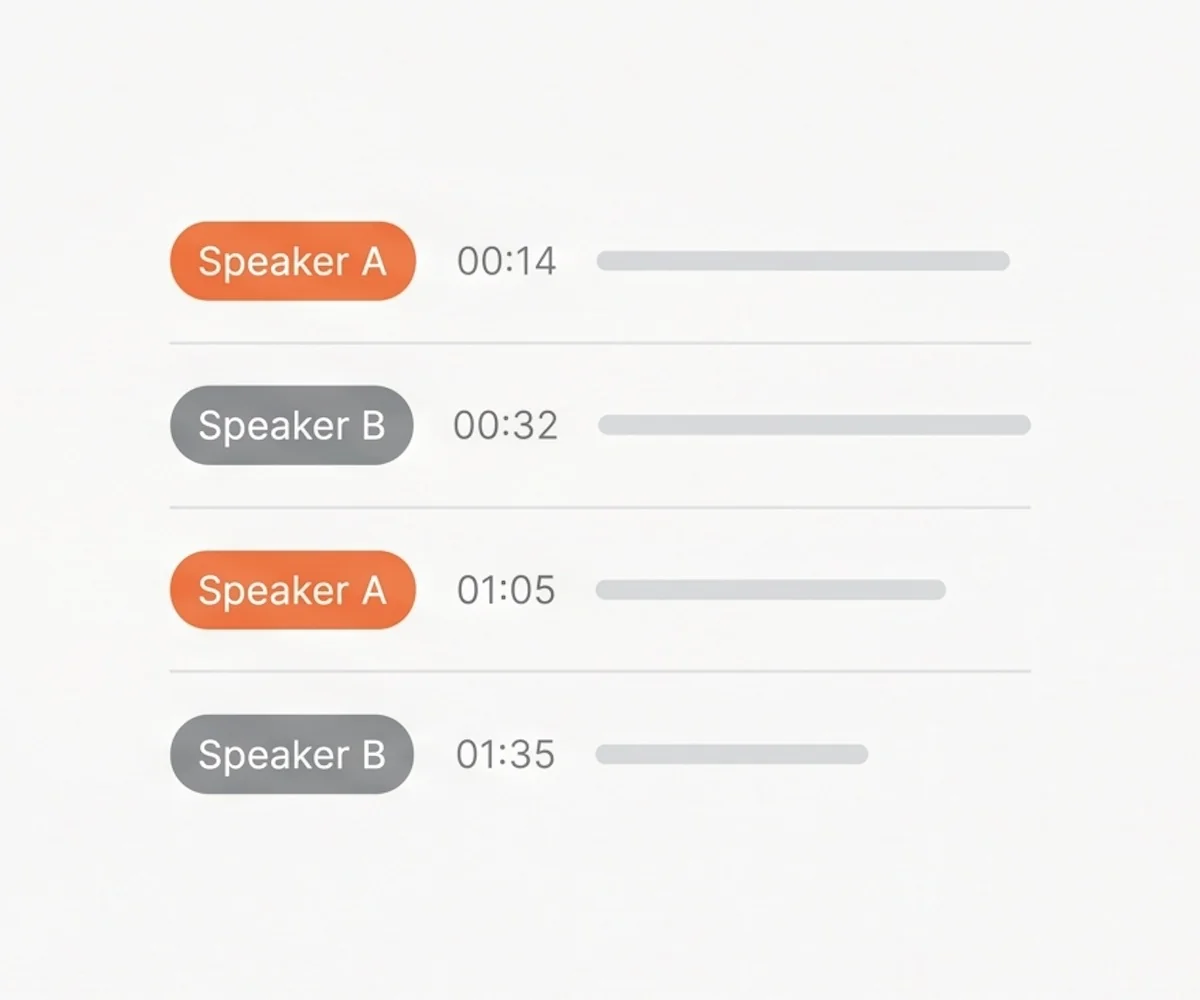
Leading Accuracy
OGG files often come from chat apps and phone recordings — accents, background noise, overlapping voices, fast speech. Our ogg to text engine handles those conditions without falling apart. Names, numbers, and product terms come through clearly. The first draft is close enough to use right away, with a light edit only where it matters.
Get OGG transcript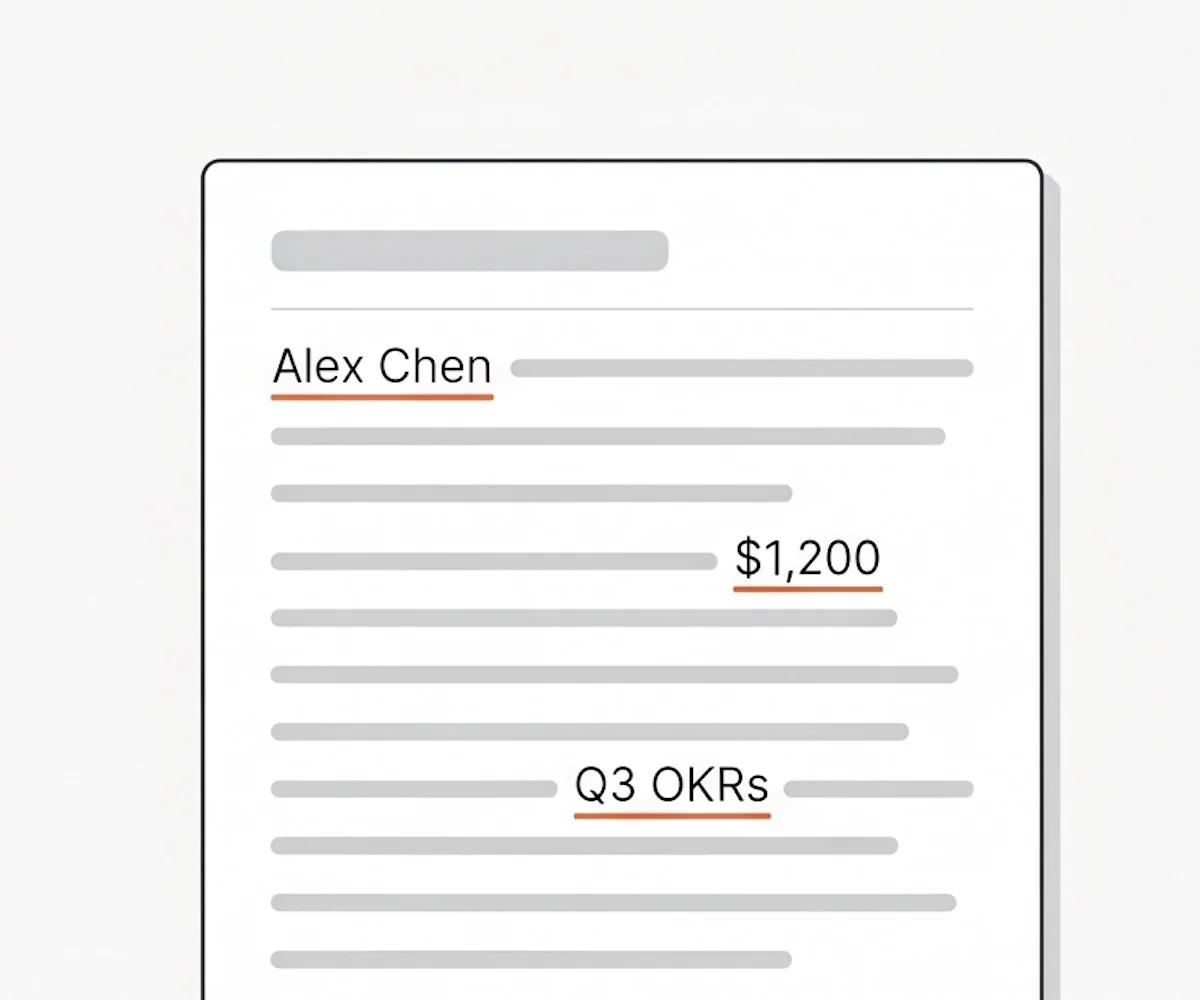
Supports 90+ Languages
Whether your OGG file is in English, Spanish, French, Portuguese, Japanese, Korean, or 85+ other languages, the ogg to text engine transcribes it. Not sure which language is in the recording? Leave the picker on auto-detect and let the ogg to text engine figure it out.
Start OGG to text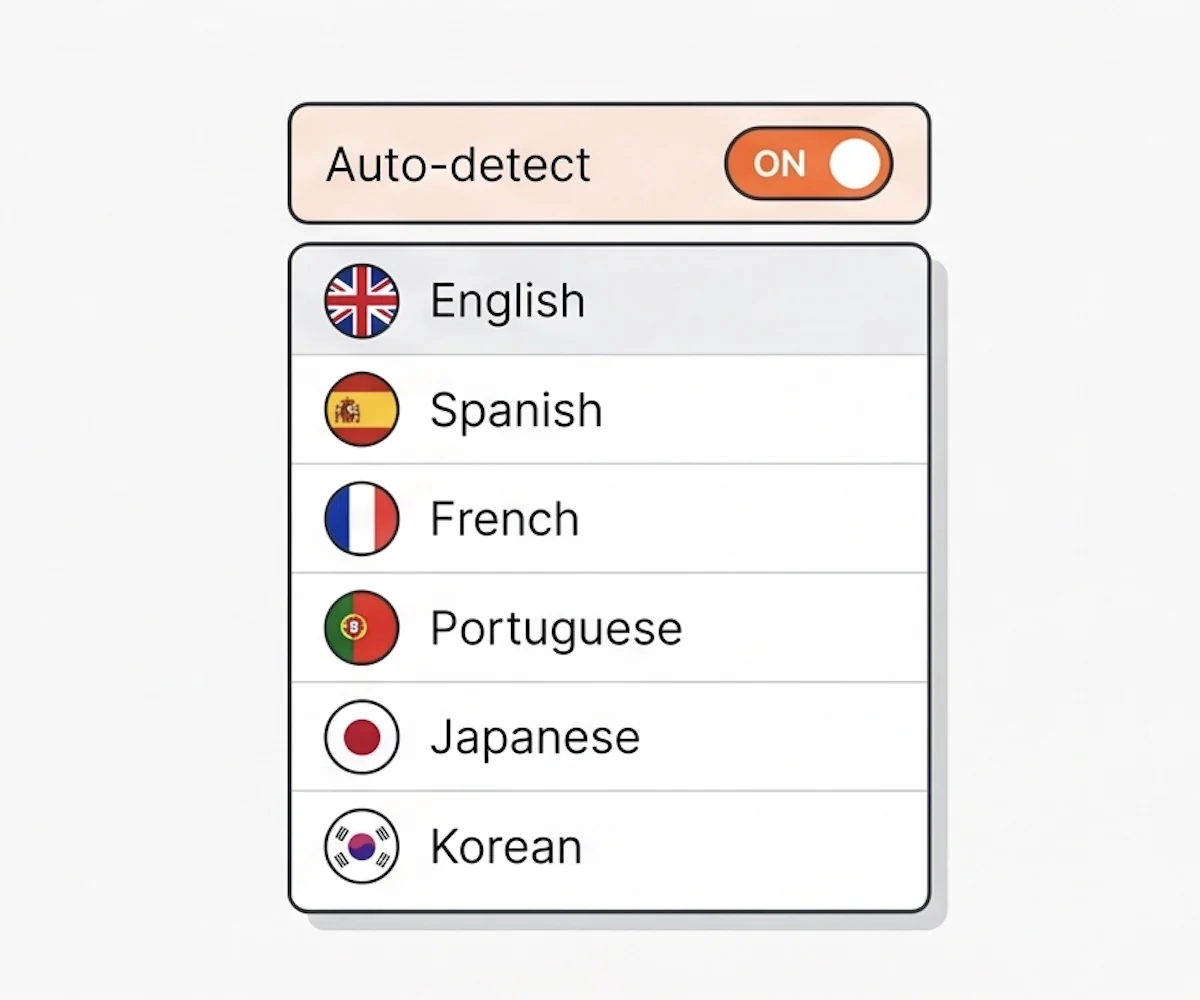
What Is OGG and How Does OGG to Text Work?
OGG is a free, open audio format. Lots of apps that record voice save the audio as OGG: WhatsApp voice messages, Telegram clips, Android voice recorders, and some web browsers all use it. You may end up with an OGG file even when you did not pick the format yourself.
The reason OGG is popular is size and quality. OGG squeezes the audio so the file stays small, but the voice still sounds clear. That works well for chat apps and short recordings. The trade-off: fewer tools open an OGG file out of the box compared with MP3, so when you need the words inside, you hit a wall.
Our ogg to text converter is the missing step between the OGG file and a transcript you can read. Upload the file, the ogg to text engine listens, and you get back the words on the page. No conversion to MP3 first. No app to install. Speaker labels, timestamps, and export in seven formats come built in.
How to Convert OGG to Text
Drag the OGG file from your downloads or desktop into the upload area. Got a stack of OGG files? Drop them all in one go.
Tell the ogg to text engine what's spoken in the recording, or leave it on auto-detect if you're not sure. Flip on speaker identification if more than one voice is on the OGG.
Hit the Transcribe button. The engine listens to the OGG end-to-end and writes out the transcript while you do something else — switch tabs, refill your coffee, walk away.
When the ogg to text transcript is ready, scan it for any names or words that came back wrong, fix those spots, and save the file in the format your next tool expects.
Why Choose Our OGG to Text Converter
| Feature | Our OGG to Text Converter | Other Tools |
|---|---|---|
| Accepts any OGG file directly | Often asks you to convert to MP3 first | |
| Speaker identification with timestamps | All voices blur into one block of text | |
| Seven download formats for any next step | TXT only — you reformat it yourself | |
| Transcribes 90+ languages | Strong on English, weak everywhere else | |
| Supports large OGG files (up to 10 hours / 5 GB) | Hard caps force you to chop the file first | |
| Works in the browser, no install | Desktop app or sign-up required |
OGG to Text — Frequently Asked Questions
What is an OGG file?
How do I convert OGG to text?
Is the OGG to text converter free?
Can I upload WhatsApp or Telegram voice messages directly?
What file size and length can I upload?
What export formats can I download?
Can I edit the OGG transcript?
Start Your OGG to Text Conversion
Stop replaying the OGG to catch what was said. Drop it in once, get the ogg to text transcript back.