WebM to Text Converter
Browser recording, screen capture, webcam clip — drop the .webm in, get the WebM to text transcript back.
Video or audio files from your device
Supports mp3, wav, m4a, flac, aac, ogg, opus, webm, amr, wma, mp4, mov, avi, mkv
Key Features of Our WebM to Text Converter
Direct WebM Support
Our WebM to text converter accepts .webm files directly. Upload the recording from your Downloads folder and turn the spoken content into a readable transcript you can search, edit, and share. No extra file preparation is needed.
Convert WebM to text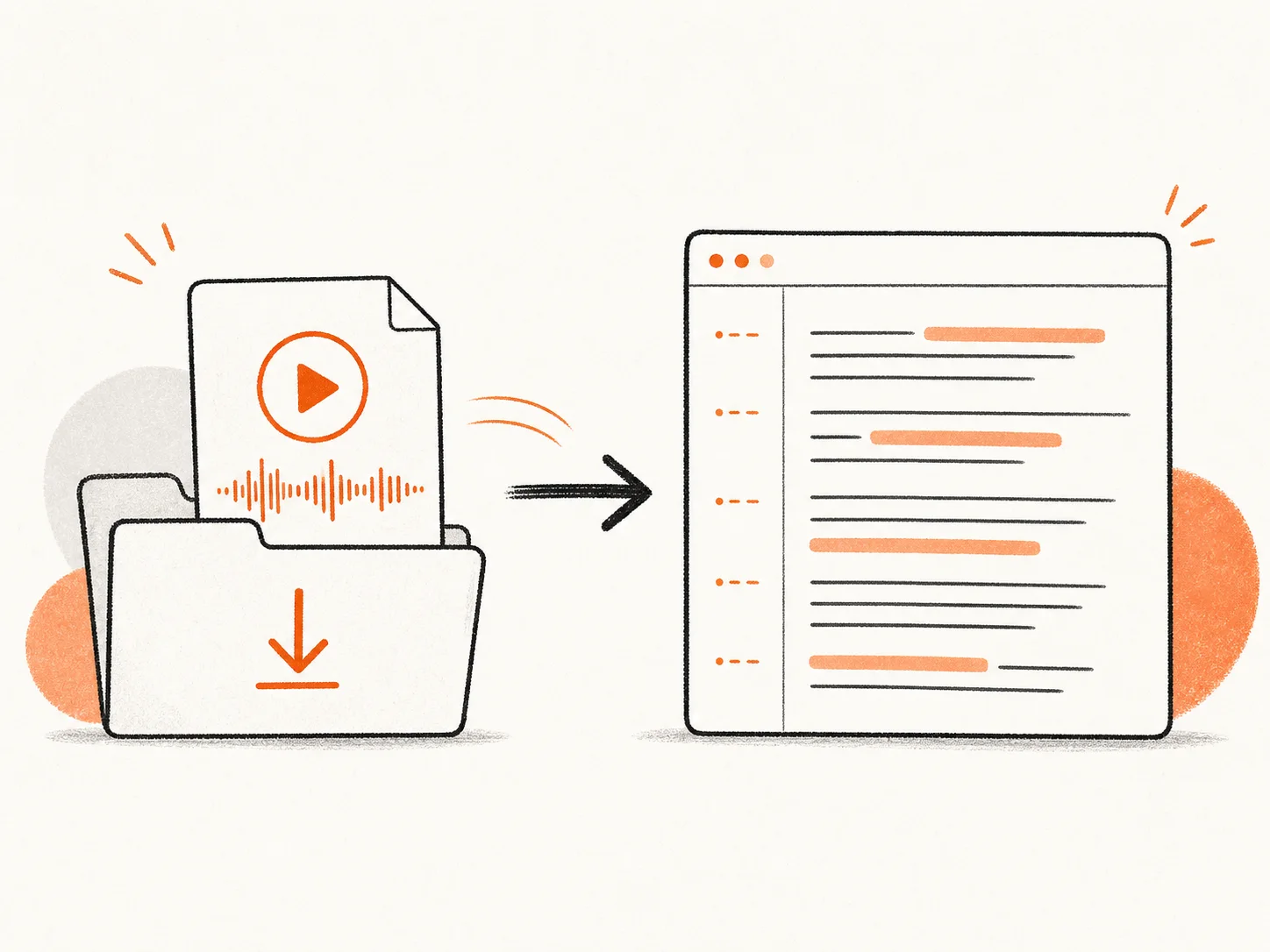
Fast WebM Transcription
Our WebM to text converter turns your recording into text in minutes. Replaying a screen recording and typing every sentence can swallow an afternoon. Upload it once, and AI handles the transcription while you move on to other work.
Start WebM to text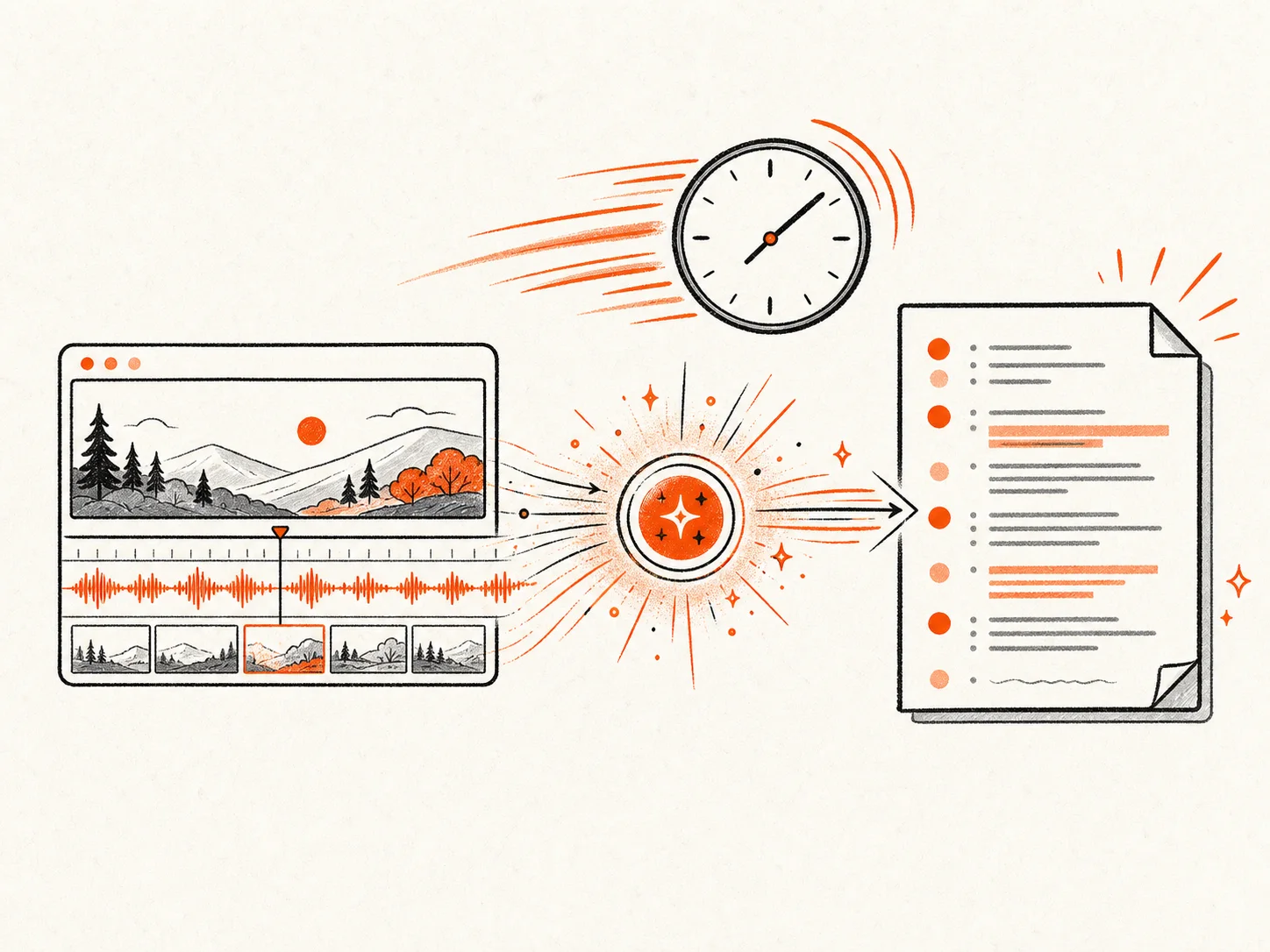
Multi-Speaker Detection
The WebM to text converter uses speaker labels to separate each voice in your transcript. A remote interview, class discussion, or team call stays easy to follow, while timestamps take you back to the exact moment in the original recording.
Try WebM to text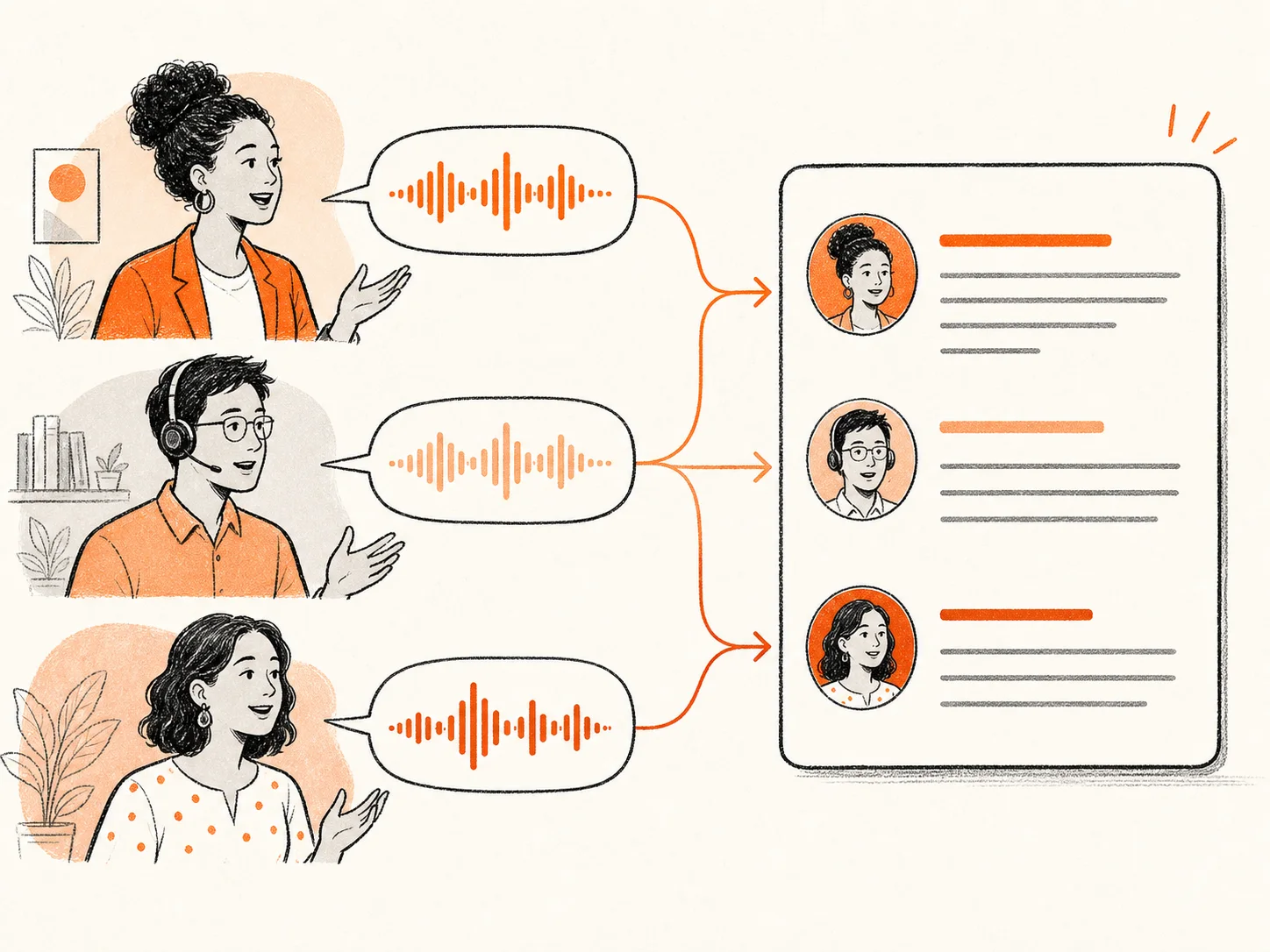
90+ Language Recognition
Transcribe WebM recordings in 90+ languages. Choose the spoken language yourself or let auto-detect identify it for you. English, Spanish, French, Japanese, Korean, and many more all follow the same simple path from WebM to an editable transcript.
Convert WebM to text free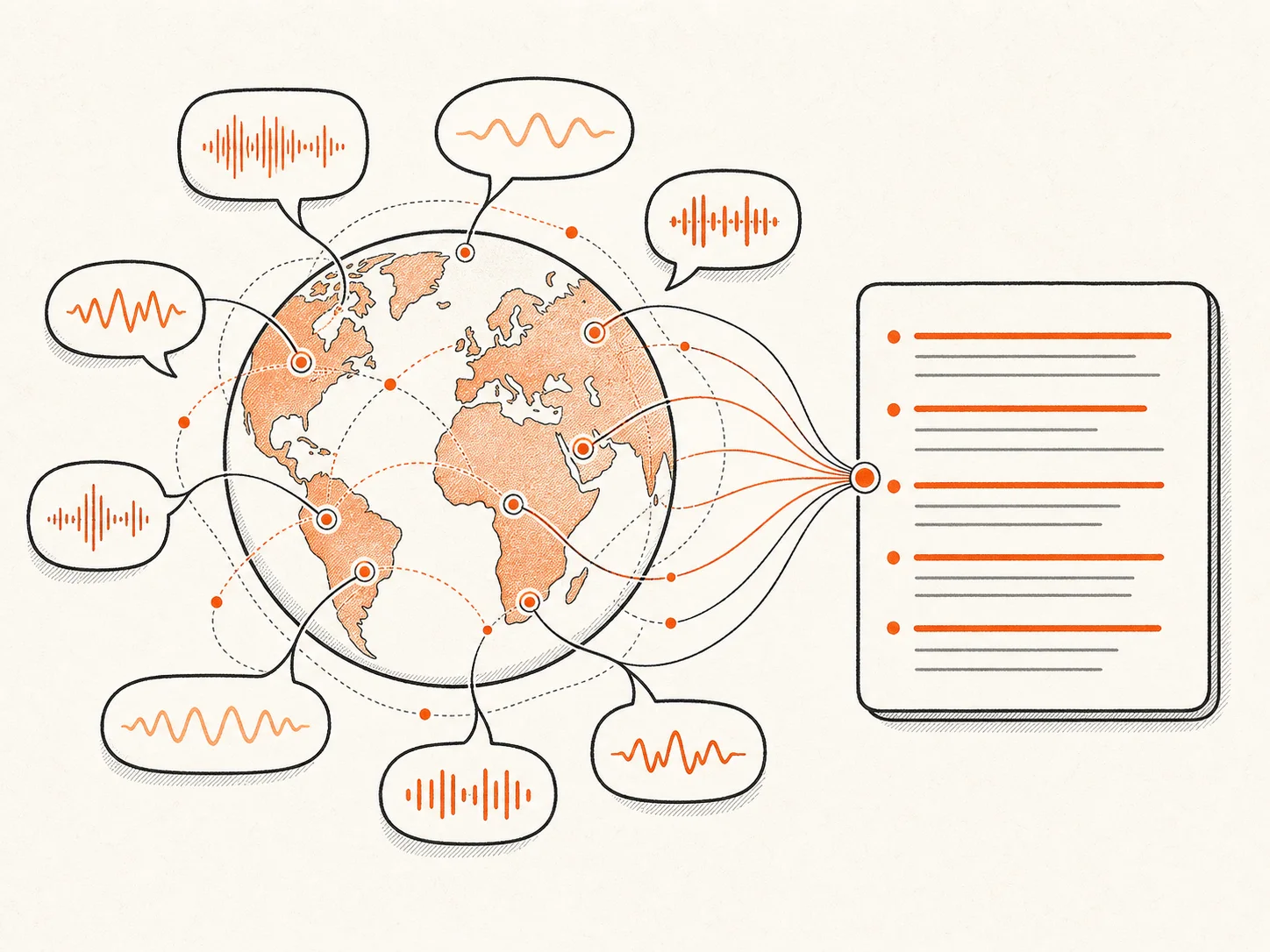
How to Convert WebM to Text
Drag the .webm file from your downloads folder, browser recorder, screen-capture app, or web meeting export into the upload box. Got several recordings? Drop them in together.
Set the language spoken in the recording, or leave auto-detect on. Turn on speaker labels when more than one person is talking.
Hit Transcribe. The AI works through the spoken audio in the background. A long screen recording takes more time, but you do not have to sit and watch it process.
When the WebM to text transcript is ready, check names, product terms, and any words the AI may have missed in quiet sections. Correct the text, then export the transcript or subtitles in the format you need.
Why Choose Our WebM to Text Converter
- WebM files accepted as-is
Upload the original .webm file. No MP3 conversion or audio-extraction step.
- Fast AI transcription
Start a WebM to text conversion and come back to a transcript ready for review.
- Speakers and timestamps
Remote calls, classes, and demos come back in readable, time-marked blocks.
- 90+ languages
Choose the spoken language yourself or leave automatic detection on.
- Long recordings in one go
Up to 10 hours and 5 GB per WebM file, without splitting it into short clips first.
- Make you convert WebM first
You must convert the WebM file to MP3 before you can transcribe it.
- Leave you typing by hand
You have to replay the screen recording and type the notes yourself.
- Return one wall of text
The transcript does not separate speakers, so meetings and interviews are hard to follow.
- Support only a few languages
You may not be able to transcribe recordings in the language you need.
- Strict file limits
You must split long recordings into smaller files before uploading them.
WebM to Text — Frequently Asked Questions
What is a .webm file?
How do I convert WebM to text?
Is the WebM to text converter free?
Can I transcribe both audio-only and video WebM files?
Do I need to convert WebM to MP3 first?
Can I transcribe a browser recording or screen recording?
What file size and length can I upload?
What export formats can I download?
Can I edit the WebM transcript?
How accurate is WebM transcription?
Can I export a WebM transcript as subtitles?
Start Your WebM to Text Conversion
Upload your recording to our WebM to text converter and get an editable transcript you can search and export.