



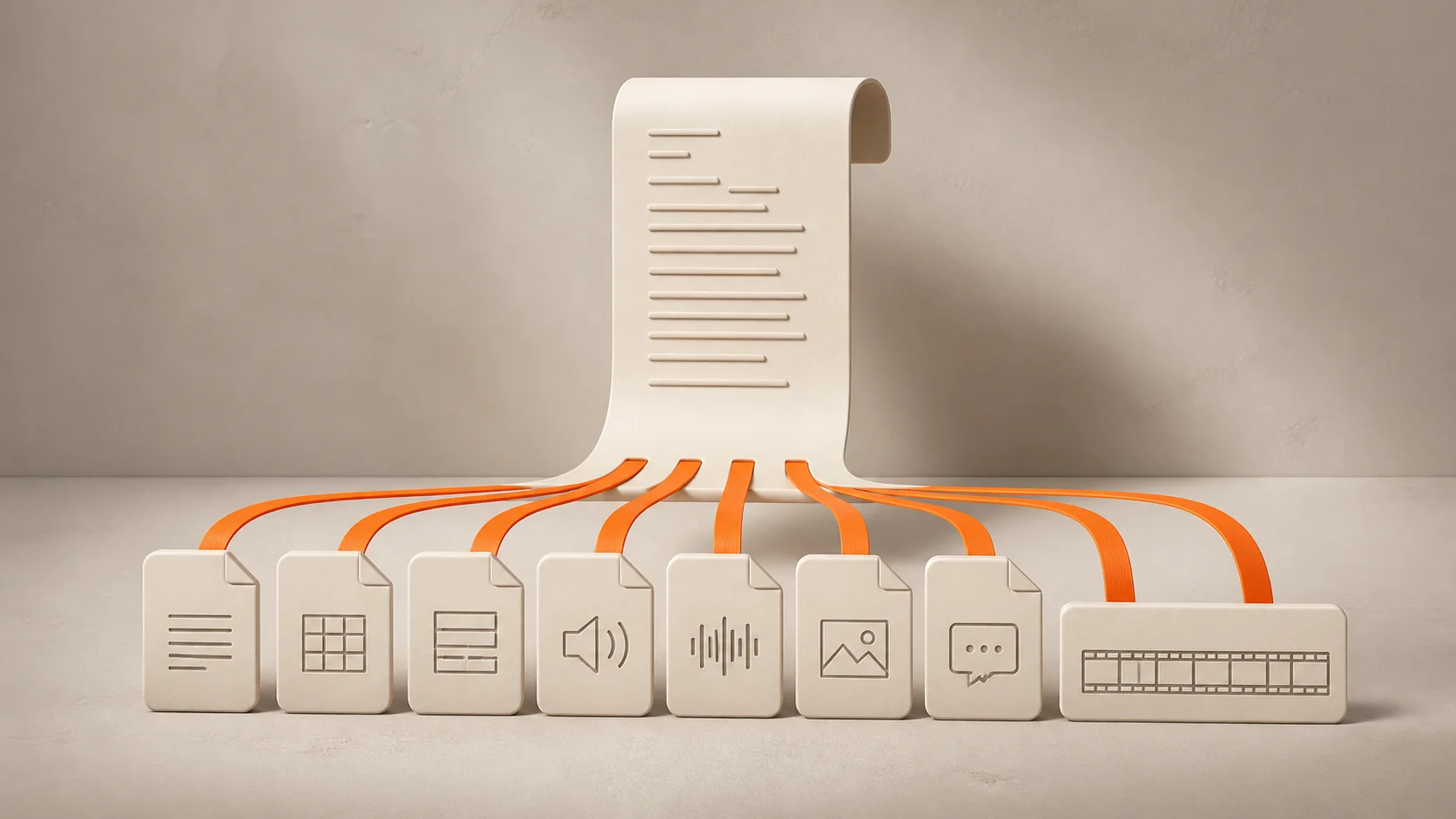

Free MP4 to Text Converter

Upload your MP4 video and get accurate text transcription in minutes.

Drag files here to upload

Video or audio files from your device

or

Supports mp3, wav, m4a, flac, aac, ogg, opus, webm, amr, wma, mp4, mov, avi, mkv

How to Convert MP4 to Text

01
Upload your MP4 video

Drag an MP4 from your camera roll, screen recorder, Zoom download folder, course library, or editing project into the uploader. No separate audio-extraction step is needed.

02
Choose language and speakers

Pick the spoken language or leave auto-detect on. Turn on Smart Speaker Labels when your recording has more than one voice.

03
Transcribe the video

Select Transcribe and let MP4 to Text Converter process the spoken audio while you get on with other work.

04
Review and export

Check names and specialized terms, then download your transcript as TXT, Markdown, DOCX, PDF, CSV, SRT, or VTT.

MP4 to Text Converter Features

Direct MP4 Upload

Upload the original MP4 file directly. There is no need to extract audio first or use a separate converter before transcription. Start with the video from your camera, screen recorder, meeting app, course folder, or editing export.

Try MP4 to Text Free
MP4 file being uploaded to a tray

Smart Speaker Labels

Keep conversations easy to read. Smart Speaker Labels help separate who said what in interviews, meetings, webinars, panels, and group discussions. Review the labels and rename speakers when needed.

Start Converting MP4 to Text
Two speakers connected by a transcript ribbon

90+ Language Support

Transcribe MP4 videos in English, Spanish, French, German, Japanese, Korean, Portuguese, and 90+ supported languages. Choose the spoken language yourself or use auto-detect to begin.

Convert MP4 Videos to Text Free
MP4 file surrounded by language tokens

Batch MP4 Transcription

Have more than one video to process? Subscribers can upload and transcribe up to 50 MP4 files in one batch. Process interview sets, course lessons, or webinar recordings without starting each file one by one.

Transcribe Your MP4 to Text
Multiple MP4 files ready for batch transcription

7 Export Formats

Use your transcript wherever work happens next. Export as TXT, Markdown, DOCX, PDF, CSV, SRT, or VTT. Save notes, share a document, analyze rows in a spreadsheet, or add captions to your video.

Turn MP4 Video into Text
Transcript expanding into export file formats

MP4 to Text Use Cases

Content creator reviewing a video project at a laptop
Content Creators and Publishers

Turn a finished YouTube video, tutorial, Reel, or product walkthrough into a caption-ready transcript. Export SRT or VTT for the timeline, then reuse the searchable text for titles, descriptions, chapter notes, quotes, and blog outlines.


Student and lecturer reviewing recorded course material
Educators and Learners

Make lecture recordings easier to revisit. Search the transcript for a topic, check the original explanation, and download text that supports study notes, course materials, and accessibility workflows.

Business team reviewing a recorded meeting together
Business Teams

Turn meeting recordings and webinars into a readable record. Review decisions, copy action items into project notes, and share the relevant excerpt instead of asking everyone to rewatch the full call.

Journalist or researcher reviewing a video transcript
Journalists and Researchers

Find the evidence behind a quote without repeated rewinds. Search the transcript, use timestamps to check the source, and verify wording before you publish or code interviews, panels, focus groups, or oral histories.

Frequently Asked Questions About MP4 to Text

What is MP4 to Text Converter?

MP4 to Text Converter turns the spoken audio inside your MP4 video into an editable transcript. The transcript can include speaker labels and timestamps, then be exported as text, a document, a spreadsheet-ready file, or subtitle captions.

How do I convert my MP4 file to text?

Upload your MP4 file on this page, choose the spoken language or use auto-detect, and select Transcribe. MP4 to Text Converter creates your transcript, ready for you to review and download in the format you need.

Is MP4 to Text Converter free?

You can start using MP4 to Text Converter for free. If you need more transcription time or higher-volume processing, check the current subscription options before you begin.

Do I need to extract audio from my MP4 first?

No. Upload your MP4 directly. MP4 to Text Converter processes the spoken audio inside the video, so you do not need a separate audio-extraction tool.

Can I edit my MP4 transcript?

Yes. Review your transcript after transcription and correct names, product terms, technical words, or unclear lines before you share or export it.

Can I download my MP4 transcript?

Yes. Download your transcript as TXT, Markdown, DOCX, PDF, CSV, SRT, or VTT. Use TXT for notes, DOCX or PDF for sharing, CSV for structured review, and SRT or VTT for subtitle captions.

Can MP4 to Text Converter identify different speakers?

Yes. Turn on Smart Speaker Labels for interviews, meetings, webinars, panels, and other recordings with multiple voices. Review the labels when speakers overlap or sound similar.

Which languages does MP4 to Text Converter support?

MP4 to Text Converter supports English and 90+ available languages, including Spanish, French, German, Japanese, Korean, and Portuguese. Choose the spoken language yourself or use auto-detect to get started.

Can I transcribe multiple MP4 files at once?

Yes. Subscribers can upload and transcribe up to 50 MP4 files in a single batch. This is useful for interview sets, course lessons, webinar libraries, and recurring video recordings.

Can I transcribe a long MP4 lecture or webinar?

Yes. You can transcribe long lectures and webinars. Once your transcript is ready, search it for a topic instead of replaying the full video.

Start Transcribing MP4 to Text Now

Turn any MP4 file into text in seconds. Work smarter, not harder.