MP3 to Text with Timestamp
Upload an MP3. Get a timestamped transcript for captions, quotes, or show notes.
Video or audio files from your device
Supports mp3, wav, m4a, flac, aac, ogg, opus, webm, amr, wma, mp4, mov, avi, mkv
What You Get from MP3 to Text with Timestamp
You get a timestamped transcript. Download it as TXT. Each line has its timestamp:
Word and PDF keep the timestamps too. Click the timestamp online to play the audio at that timestamp. Download SRT or VTT if you need captions.
How to Get MP3 to Text with Timestamp
Upload the MP3
Drop the file in the box above. A podcast, a lecture, an interview, or a voice note all work. No need to convert the file first.
Transcribe the File
Pick the language, or leave auto-detect on. Turn on speaker labels if more than one person talks, then click transcribe.
Check the Result, Then Download
Click the timestamp to hear that moment. Fix a name if you need to. Then download SRT for captions, or TXT / Word with timestamps.
MP3 to Text with Timestamp vs Other Tools
Some tools give you text without timestamps. Some only make subtitles. Local browser tools often cannot handle long files. Here is how they compare when you need timestamps.
| Feature | mp3-to-text.org | EarScribe | Mictoo | Vocova |
|---|---|---|---|---|
| Click the timestamp to play | Yes | Yes | Yes | Not shown |
| SRT / VTT captions | Yes | Yes | Yes | Yes |
| Timestamps in Word / PDF / TXT | Yes | TXT only | Yes | Yes |
| Speaker names next to timestamps | Yes | No | Not shown | Yes |
| Long files | Up to 10 hours / 5 GB | About 2 hours | 30 min guest cap | 30 MB free cap |
Upload the MP3. Get a timestamped transcript. Click the timestamp to check the result, or download the file.
Who Is MP3 to Text with Timestamp For
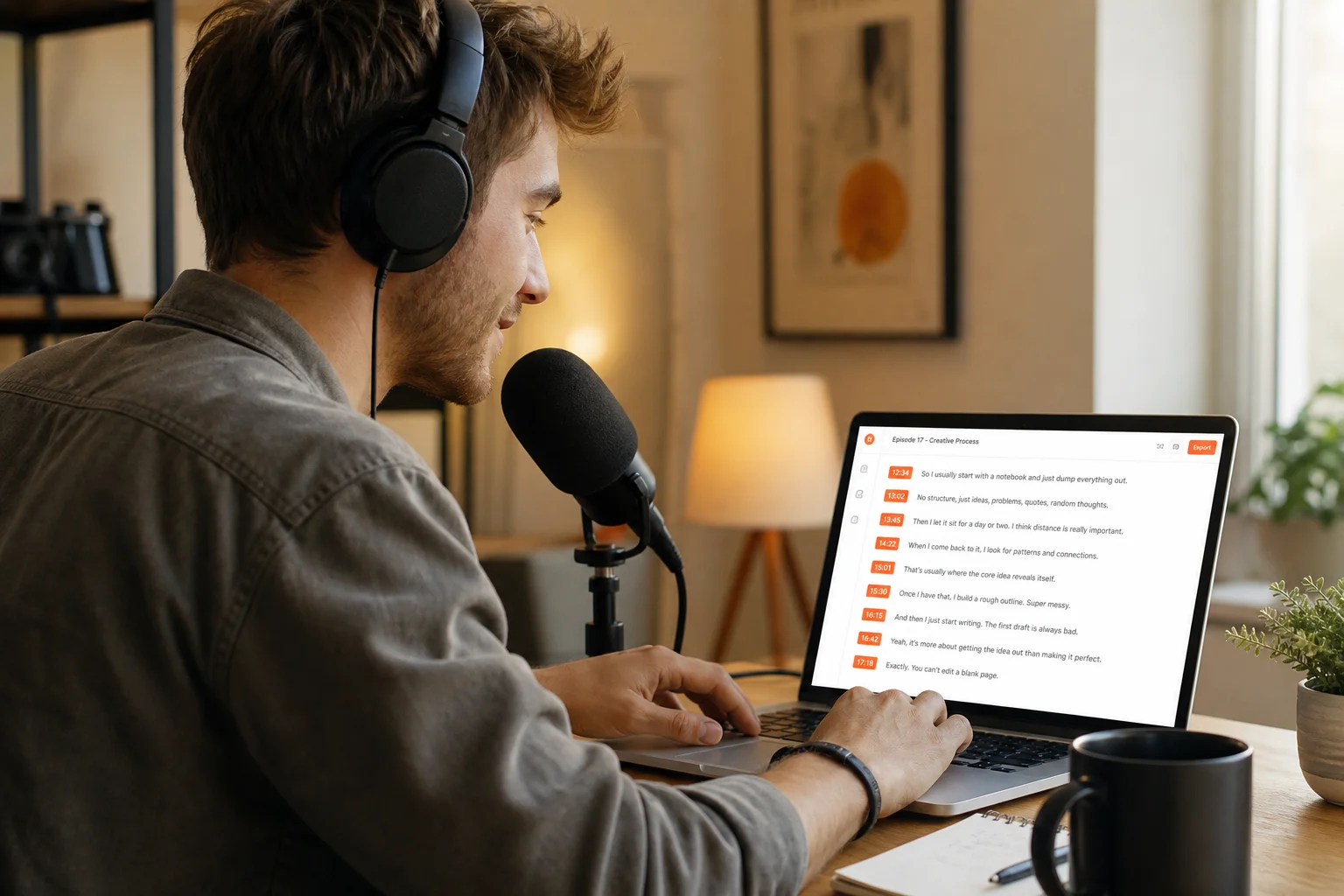
Upload the episode MP3. You get a timestamped transcript. Copy the times into your show notes so listeners can jump to a topic. You do not listen through the whole episode to mark 12:34 by hand.

Upload the interview MP3 from your phone or recorder. Each quote comes back with a timestamp. Click the time to hear the original, then paste the line and the time into the article. You do not rewind the whole interview to find one sentence.
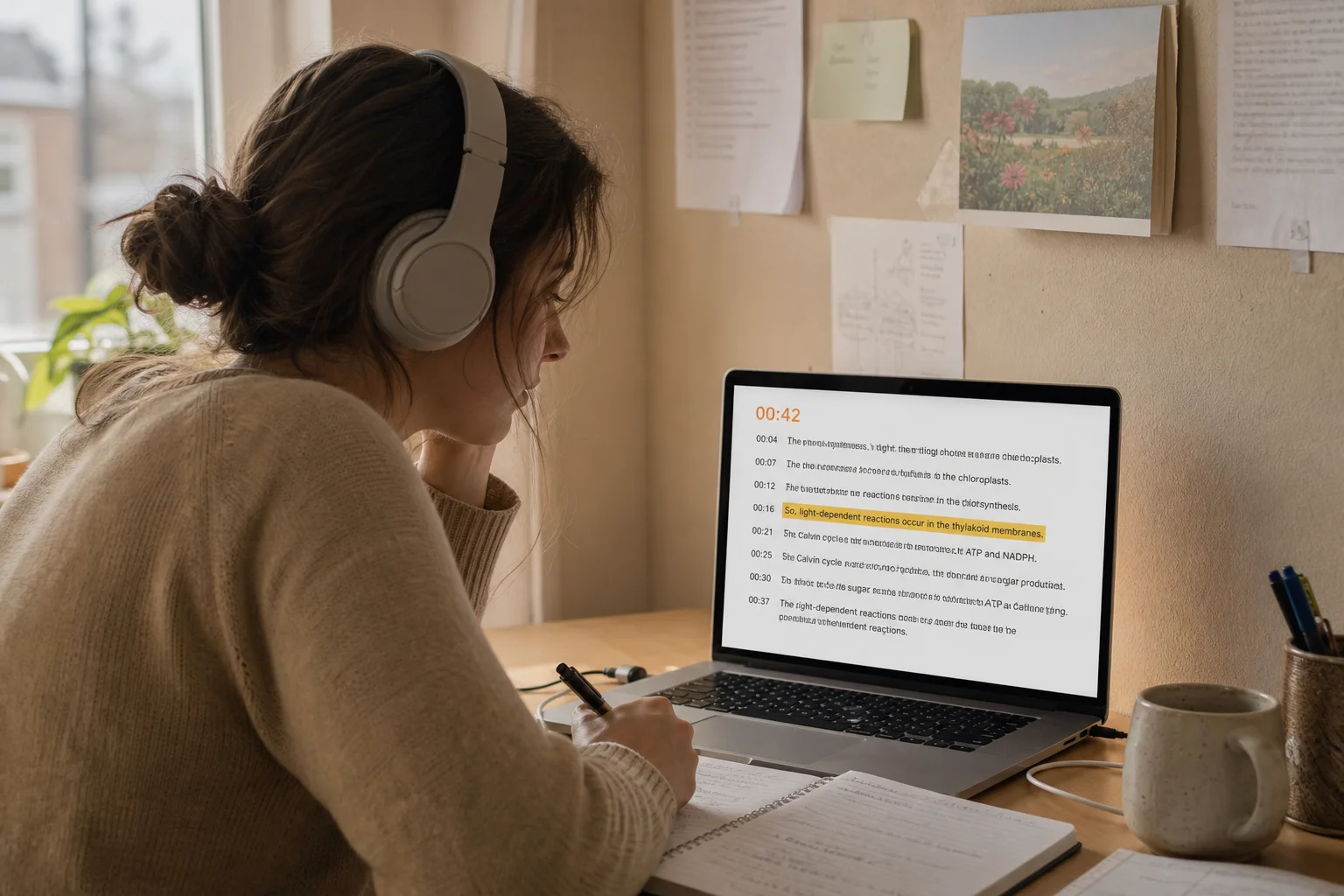
Upload the lecture MP3. Search the transcript for a word, then click the timestamp to go to that part. Study the one explanation you need. You do not replay the full class.
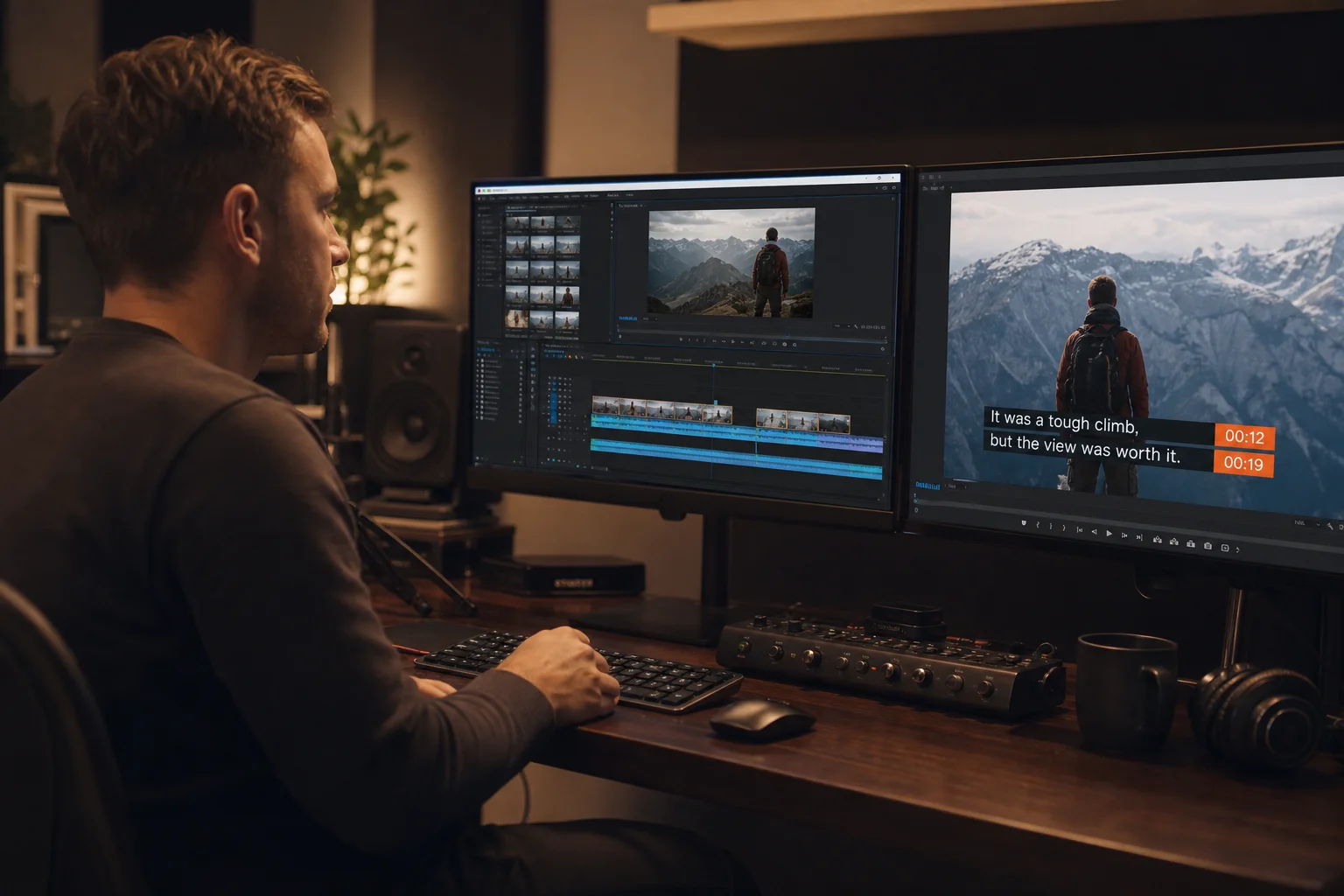
Upload the MP3 soundtrack. Download SRT or VTT. The timestamps already match the audio, so you drop the file onto the video. You do not set caption times by hand.
Frequently Asked Questions
What is MP3 to Text with Timestamp?
How do I convert MP3 to Text with Timestamp?
Can I use MP3 to Text with Timestamp for free?
Does MP3 to Text with Timestamp include SRT and VTT?
Can I click the timestamp to play that moment?
Do I need to install software?
Start MP3 to Text with Timestamp
Stop replaying a whole file to find one sentence. Upload the MP3. Get a timestamped transcript now!