Convert MP3 to Text Mac
Upload your MP3 and get a clean, readable transcript — no app to install on your Mac.
Video or audio files from your device
Supports mp3, wav, m4a, flac, aac, ogg, opus, webm, amr, wma, mp4, mov, avi, mkv
No App to Install on Your Mac
Most Mac transcription tools ask you to download an app, fetch a multi-gigabyte speech model, and wait through an install. This one runs in your browser. Open it in Safari or Chrome on any Mac — Apple Silicon or Intel — and convert MP3 to Text Mac in seconds.
nothing to install, nothing to update.
Apple Silicon and Intel, old or new.
no large speech model to fetch or manage.
free account, free credits, no credit card.
Convert MP3 to Text Mac vs Apple Dictation
Your Mac already has Dictation, and it's free. But it was built for live speech, not files you recorded earlier. Here's how the two compare when you want to convert MP3 to Text Mac.
| Feature | Our MP3 to Text Converter | Apple Dictation |
|---|---|---|
| Pre-recorded MP3 files | Upload the file, get text in minutes | Replays audio live; you read along in real time |
| Time for a 1-hour recording | Minutes | The full hour, in real time |
| Long recordings (up to 10 hours) | Yes | Not practical |
| Speaker labels | Yes | None |
| Timestamps | Yes | None |
| Export SRT or VTT subtitles | Yes | No |
| 90+ languages | Auto-detect | Limited |
| Free option | Free credits to start | Free |
Key Features of Our MP3 to Text Mac Tool
No Mac App Required
Convert MP3 to Text Mac right in Safari or Chrome — no download, no installer, and no multi-gigabyte speech model to set up.
Convert MP3 to Text Mac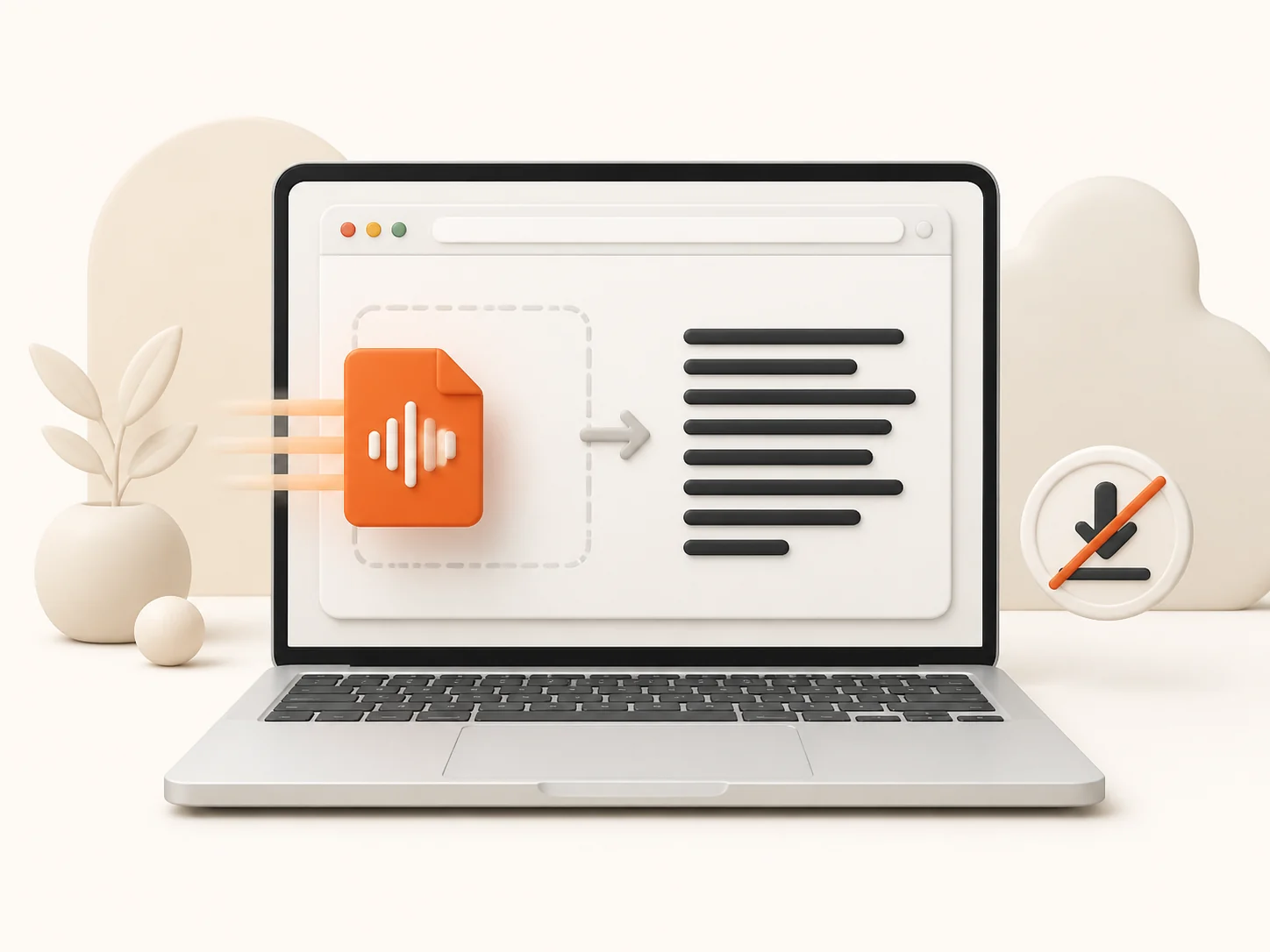
10 Audio Formats Accepted
MP3, M4A, WAV, FLAC, AAC, OGG, OPUS, AMR, WMA, or WebM. Files exported from Voice Memos or QuickTime are supported, so you don't need to convert them to MP3 first.
Try MP3 to Text Mac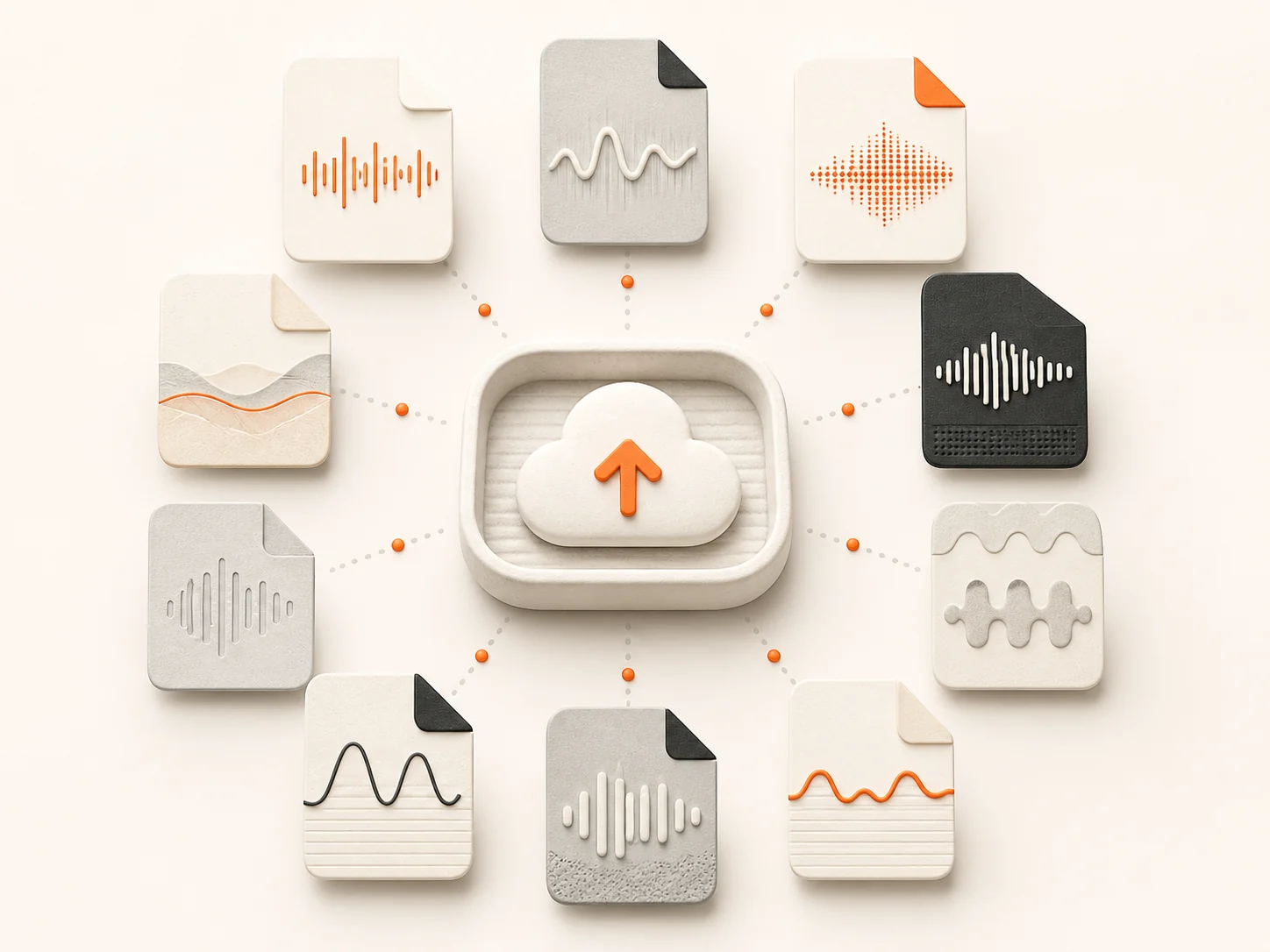
Speaker Labels & Timestamps
Every speaker is tagged and every line carries its time in the recording, so finding a quote takes one search instead of a full replay.
Transcribe MP3 to Text Mac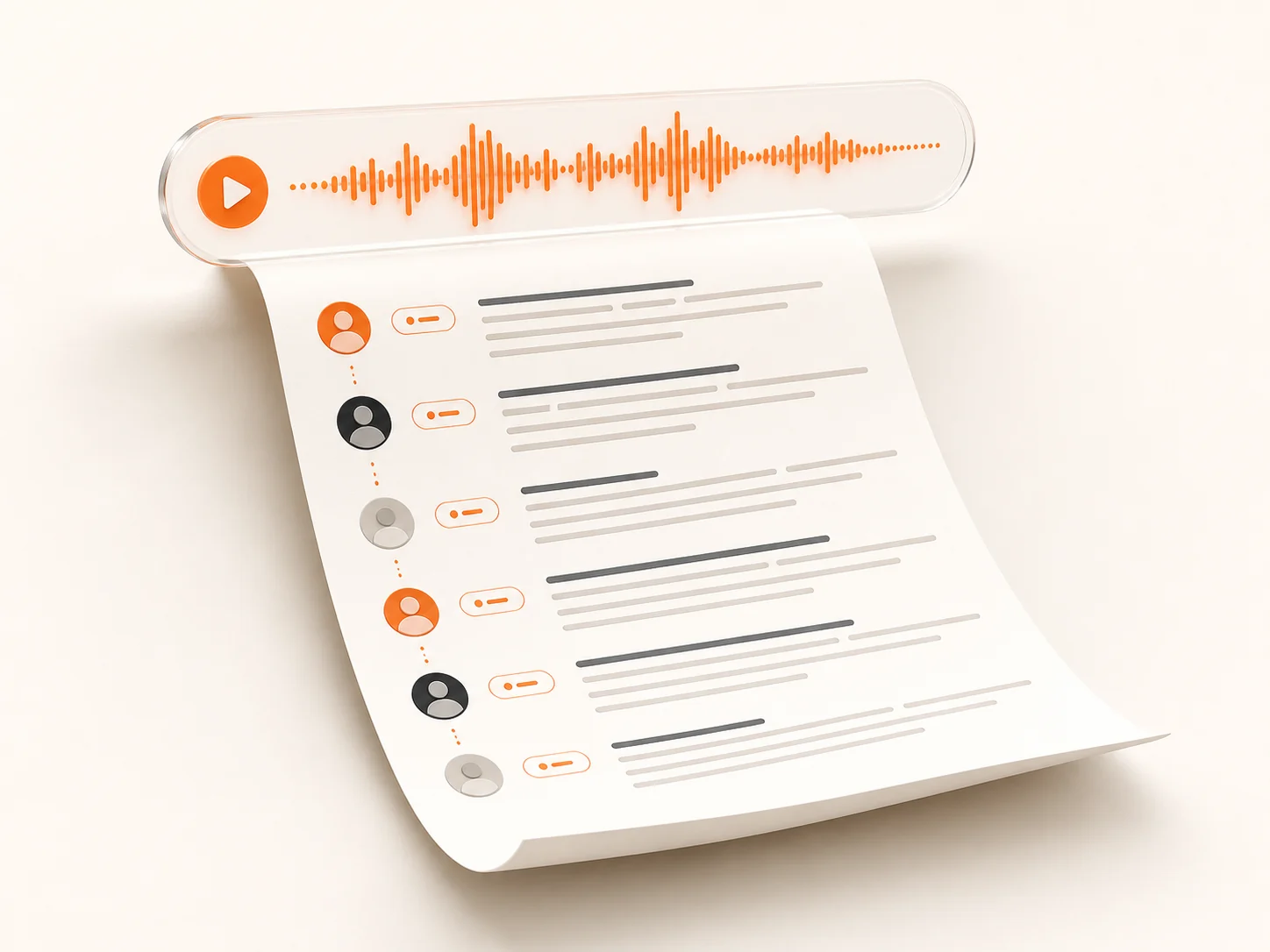
Subtitles & 7 Export Formats
Export TXT, Markdown, SRT, VTT, CSV, DOCX, or PDF, ready for video captions, reports, or plain notes.
Export MP3 to text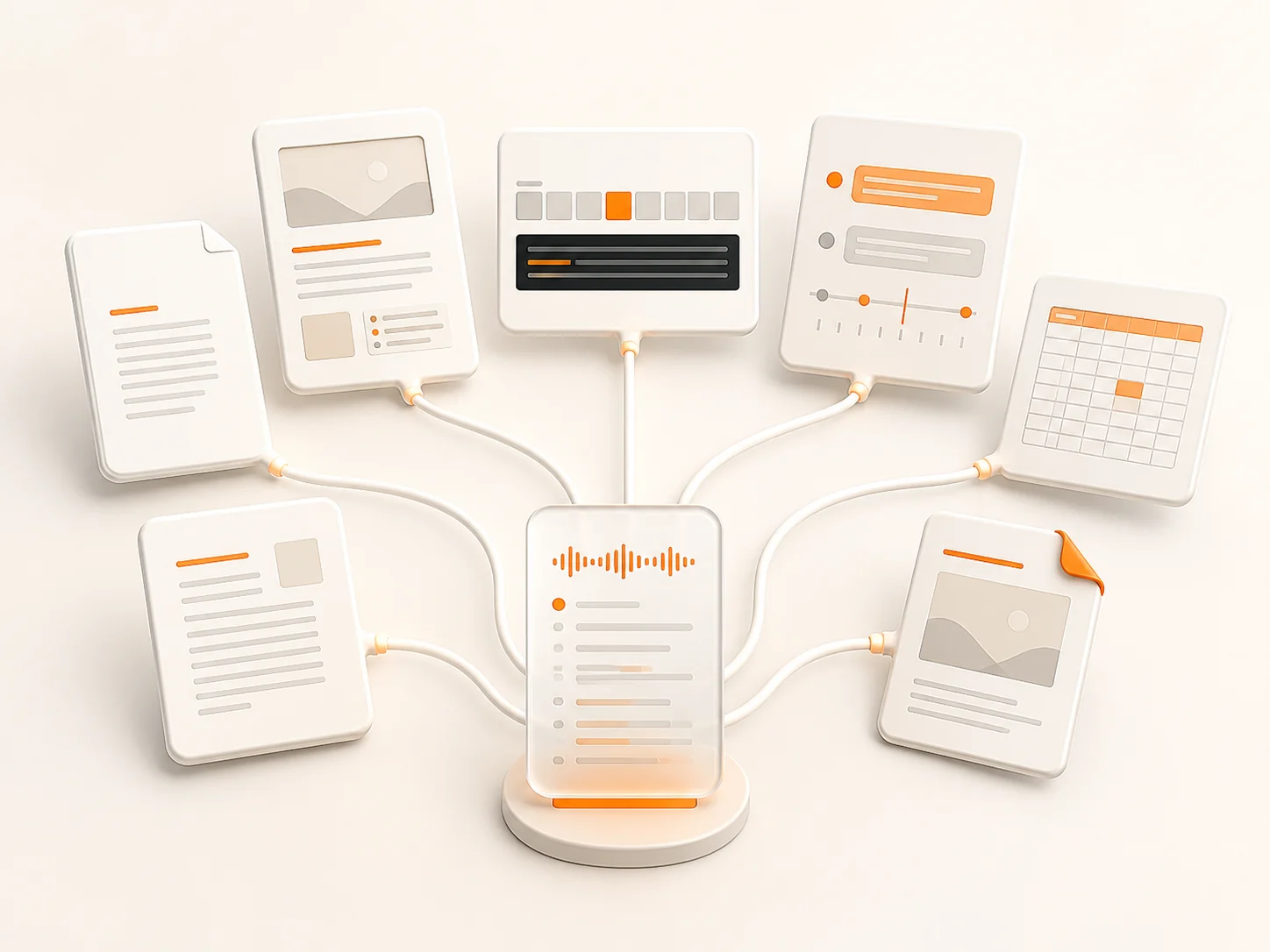
90+ Languages with Auto-Detect
English, Spanish, French, German, Japanese, Korean, and dozens more, with automatic language detection on every upload.
Transcribe MP3 to Text Mac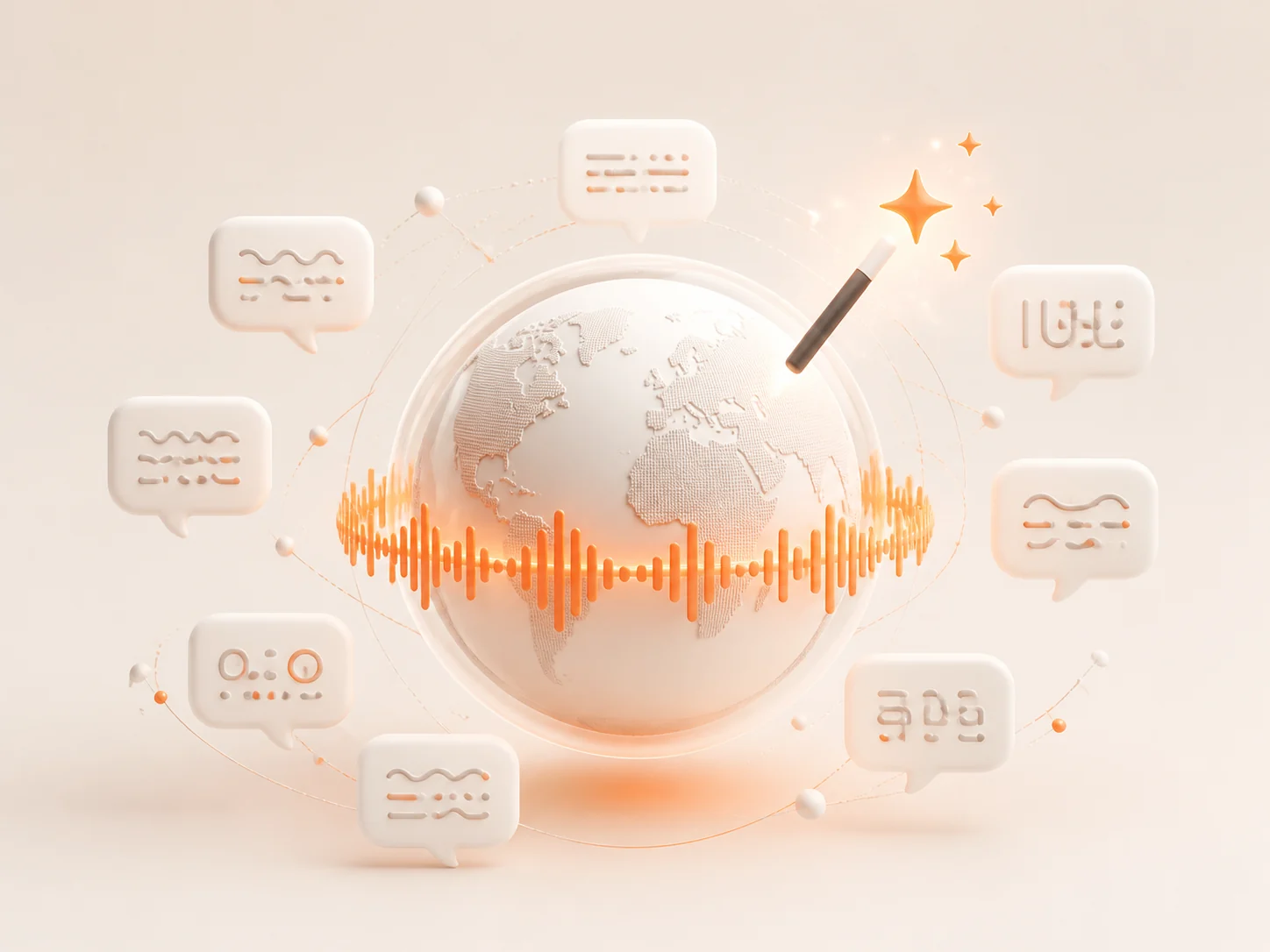
Long Files in One Pass
A single recording can run up to 10 hours and 5 GB, so lectures, podcasts, and full meetings upload whole — no splitting first.
Convert MP3 to Text Mac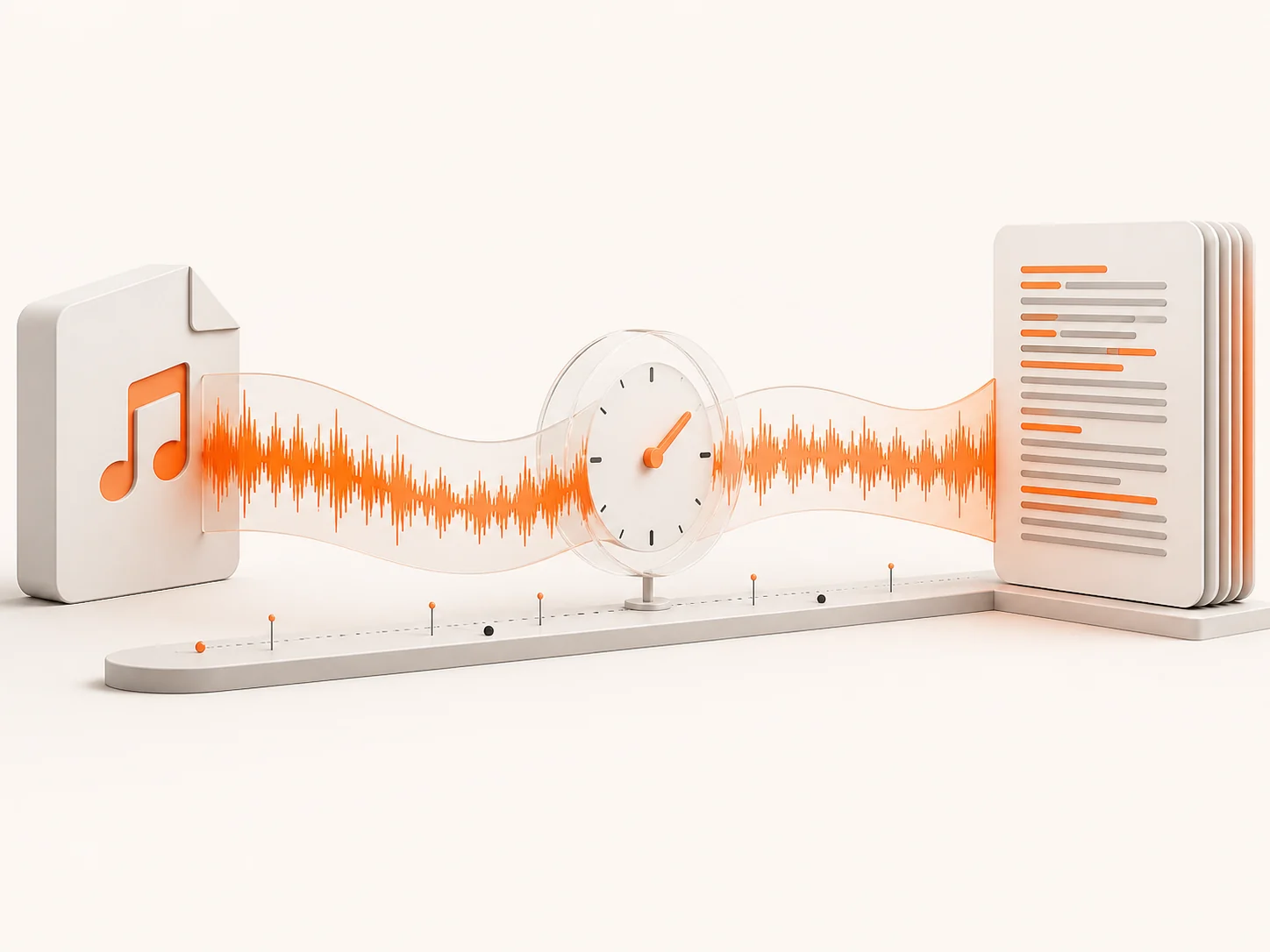
Batch Upload, Up to 50 Files
Turn a whole folder of recordings into text in one run instead of transcribing file by file.
Try MP3 to Text Mac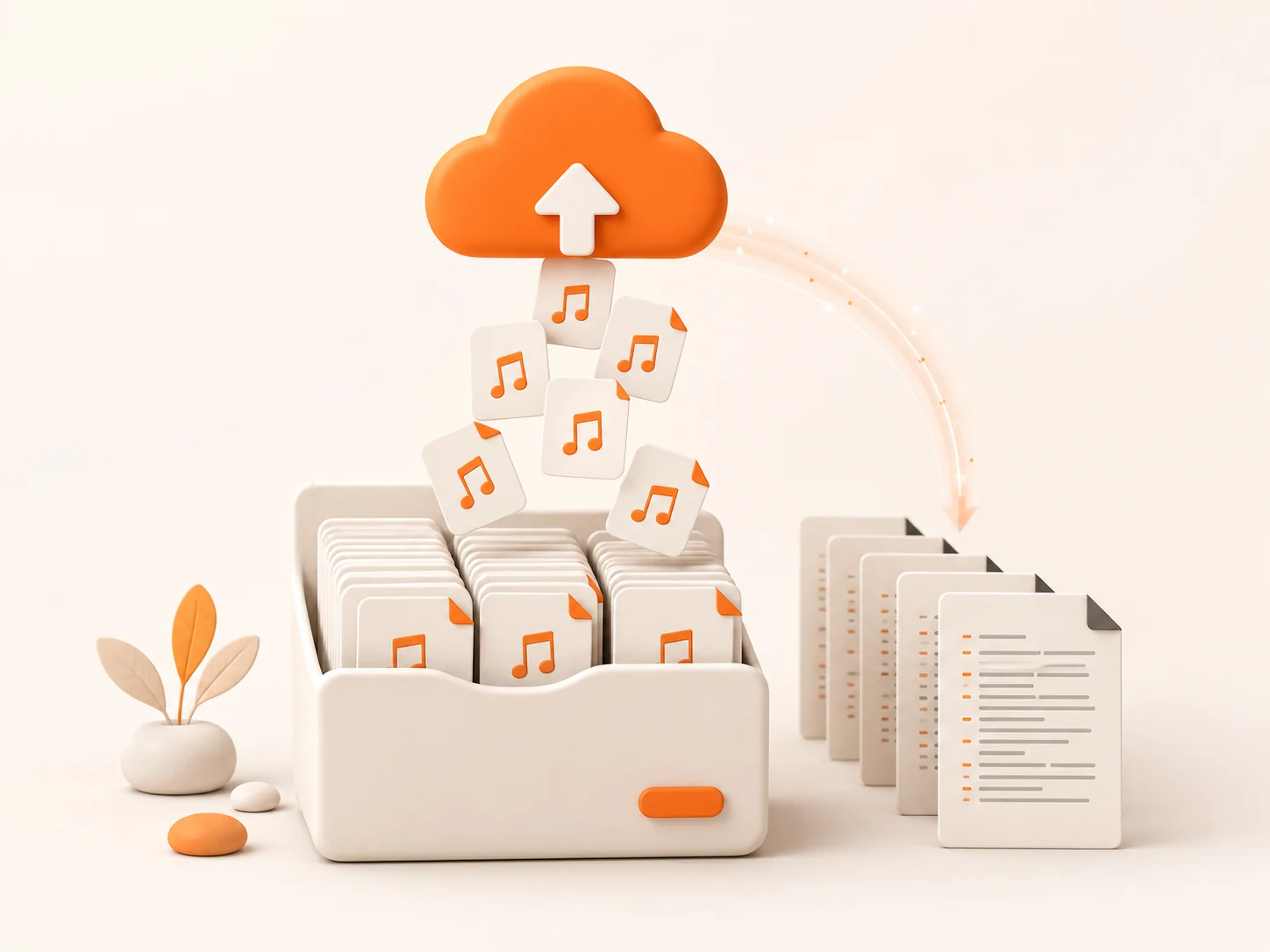
How to Convert MP3 to Text Mac
To convert MP3 to Text Mac, start by dragging the file into the upload box, or click to browse your Mac. Files from Voice Memos and QuickTime all work.
Choose the language spoken in the recording, or leave auto-detect on. Turn on speaker labels when more than one person talks.
Click the Transcribe button. The converter reads the MP3 and writes the transcript while you grab a coffee and get your hour back.
Read the result, fix any names or special terms, then export as TXT, Markdown, SRT, VTT, CSV, DOCX, or PDF.
Convert MP3 to Text Mac — Use Cases

Record the lecture with Voice Memos, upload the file to convert MP3 to Text Mac, and read the transcript instead of replaying the audio. Search any term and jump straight to the part you need. Highlight what matters and skip the rest.
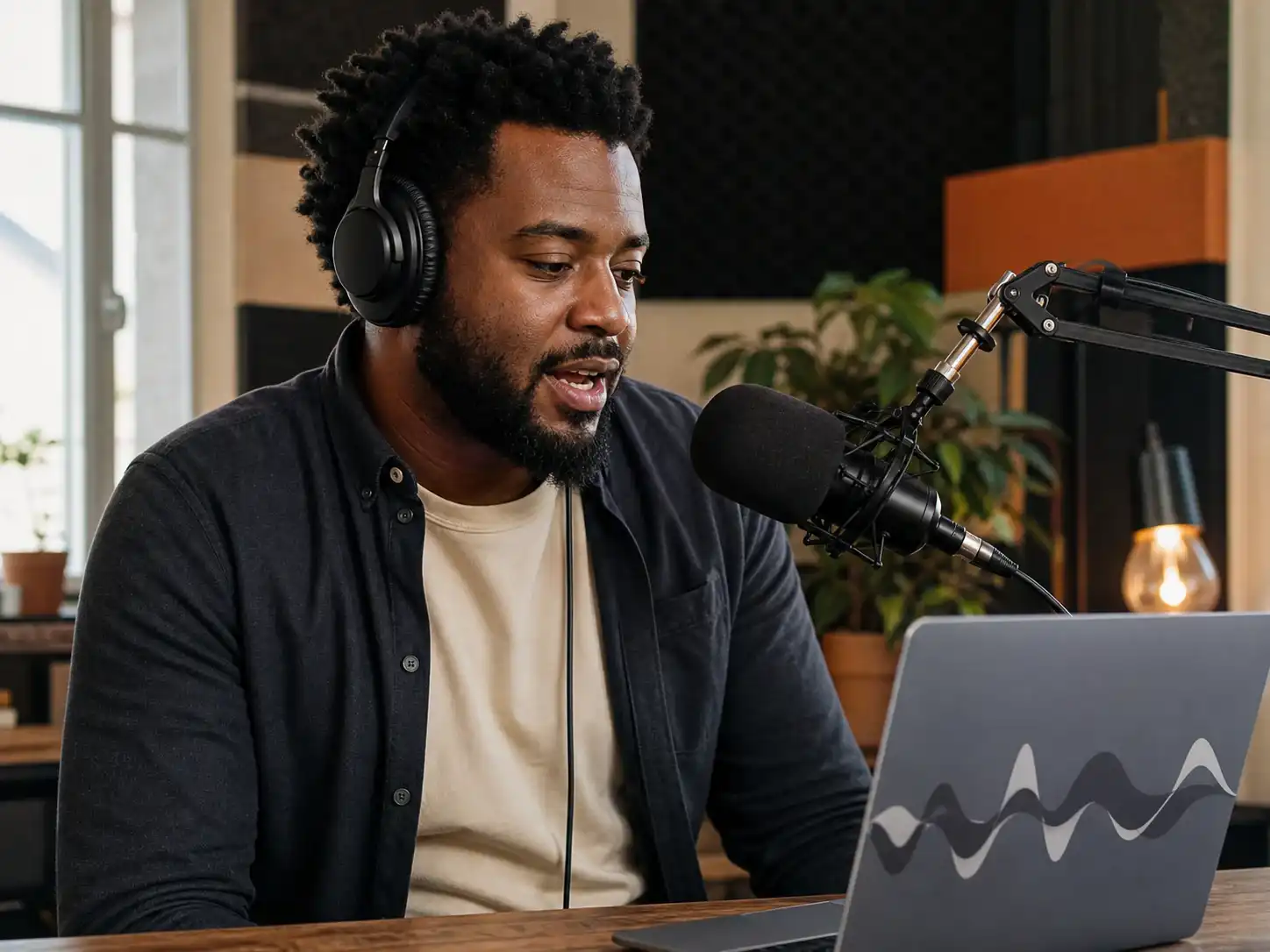
Upload your episode to convert MP3 to Text Mac, and the transcript becomes show notes, a blog post, social media quotes, an email summary, and SEO text for your website. Five outputs from one recording — no re-listening.

Record the interview on your Mac, run it through the converter, and quotes come back with each speaker already tagged. No hand-transcribing.
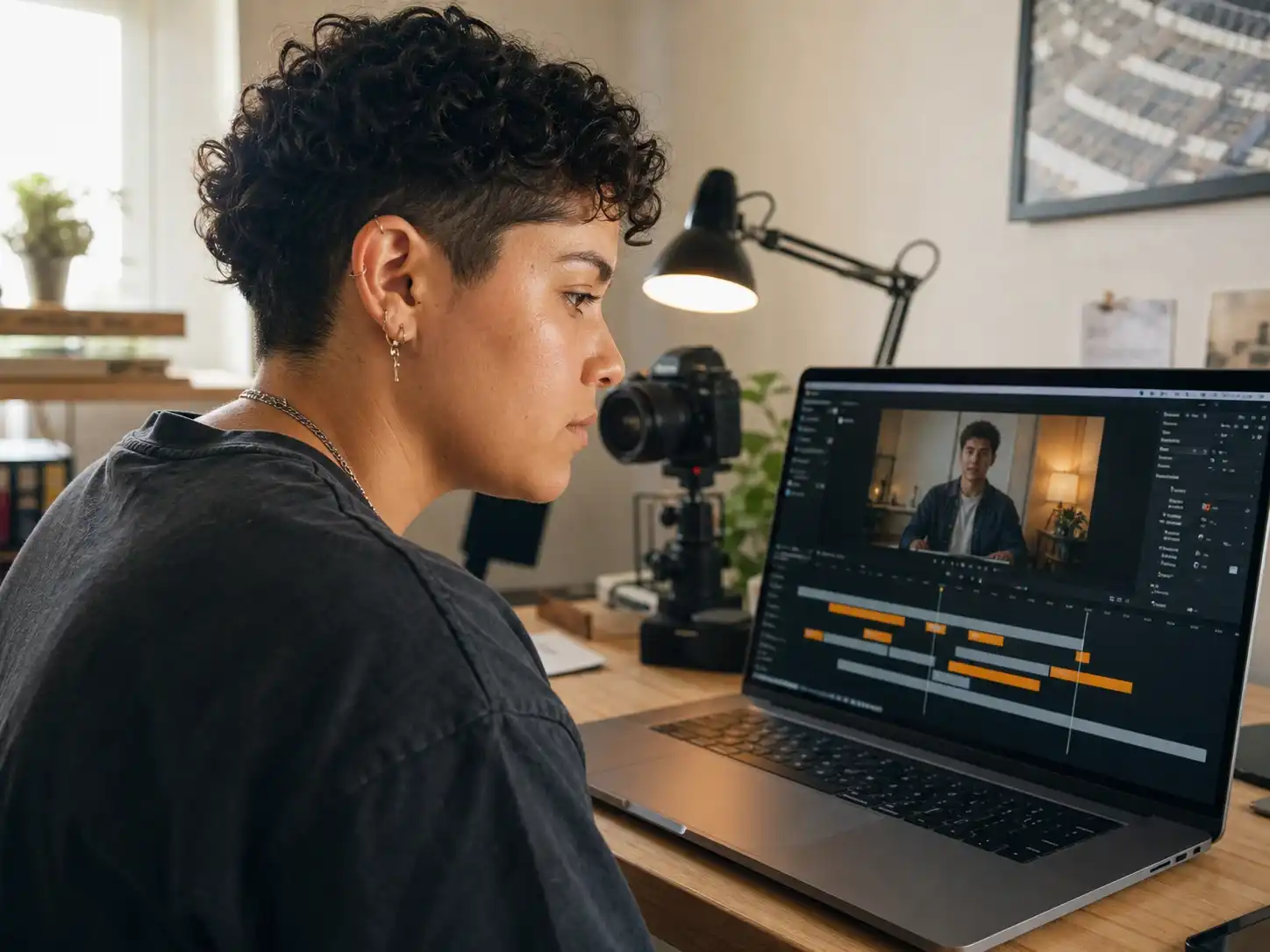
Turn a recording into an SRT or VTT file ready for your video timeline. The timestamps are already in place — upload it straight to your editor.
Frequently Asked Questions
Do I need to install an app to convert MP3 to text on my Mac?
Does it work on Intel Macs and older Macs?
How do I convert an MP3 to text on a Mac?
Is it free to convert MP3 to text on Mac?
Can it transcribe Voice Memos recordings?
Is it better than Apple's built-in Dictation?
How large can my MP3 file be?
What export formats are available?
Convert MP3 to Text Mac
No app. No install. Just drop in your MP3 and get the text in seconds.