
Journalists
Upload the interview MP3. You get a Word document with speaker labels. Send it to an editor. They comment on the quotes. You don't type the interview by hand.
Upload an MP3. Download an editable Word document with speakers and timestamps.
Video or audio files from your device
Supports mp3, wav, m4a, flac, aac, ogg, opus, webm, amr, wma, mp4, mov, avi, mkv
Drop the MP3 file in the box above, or click to choose it from your computer. You can upload any MP3 file, like an interview, a meeting, or a lecture.
Pick the language, or leave auto-detect on. Turn on speaker labels if more than one person talks. Then click the Transcribe button and let AI transcribe the MP3.
Check the transcript, then download your MP3 to a Word document (.docx). Open it in Microsoft Word or Google Docs.
The transcript comes back as a Word document. You can send it, mark a quote, leave a note, and keep going.
You can attach the Word document to an email or drop it in Drive, so it’s easy to share. Anyone with Microsoft Word or Google Docs can open it and start reading.
The Word file keeps speaker labels on each line, so you can see who said what right away. Timestamps stay next to the line when you want to go back to that moment in the MP3.
Upload the interview MP3. You get a Word document with speaker labels. Send it to an editor. They comment on the quotes. You don't type the interview by hand.

Upload the meeting recording. Download Word. Colleagues highlight decisions and add follow-ups in the file. You don't paste a transcript into an email.
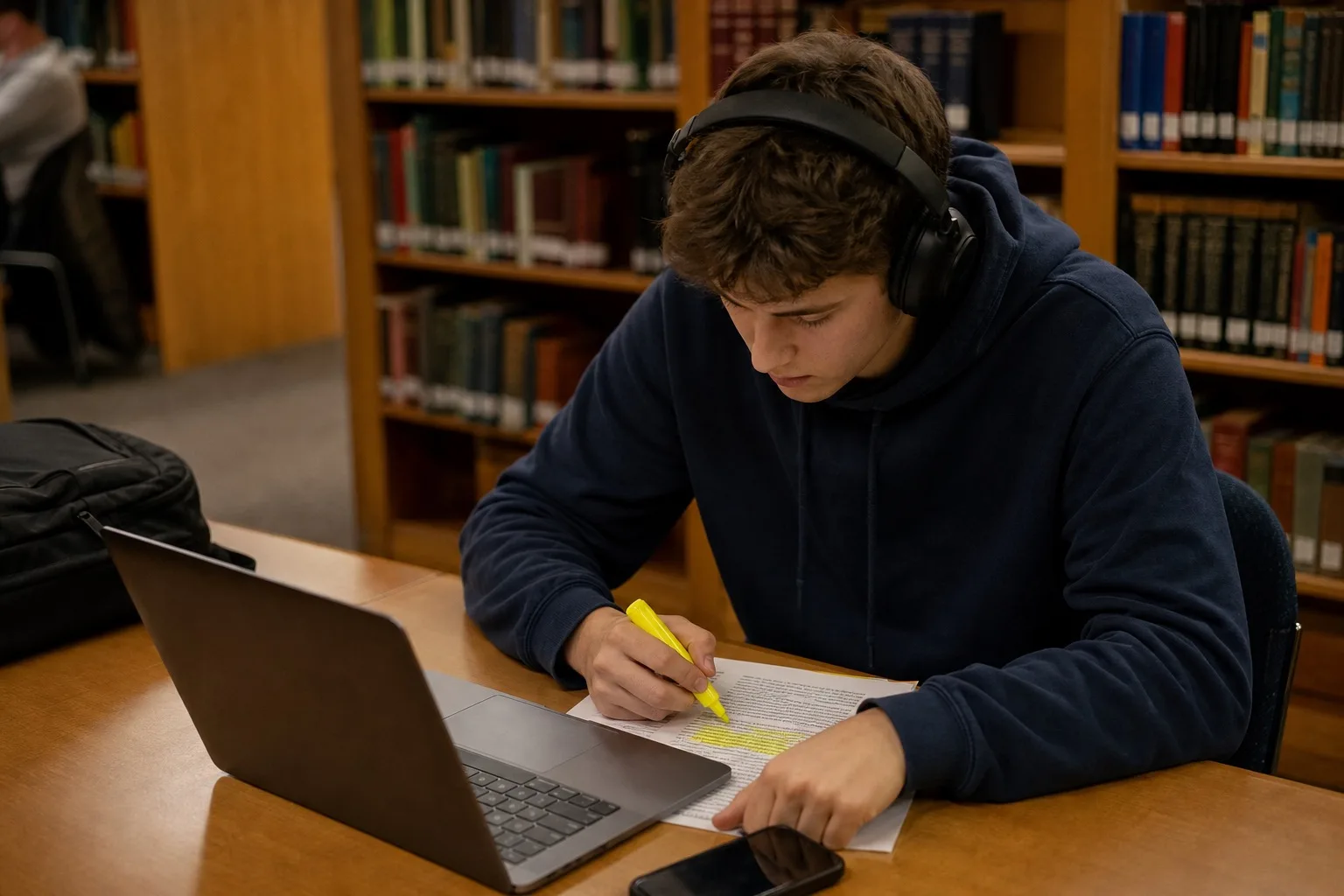
Upload the lecture MP3. Download Word. Search a term, highlight the explanation, and add your own notes next to it. You don't rewind the whole class.
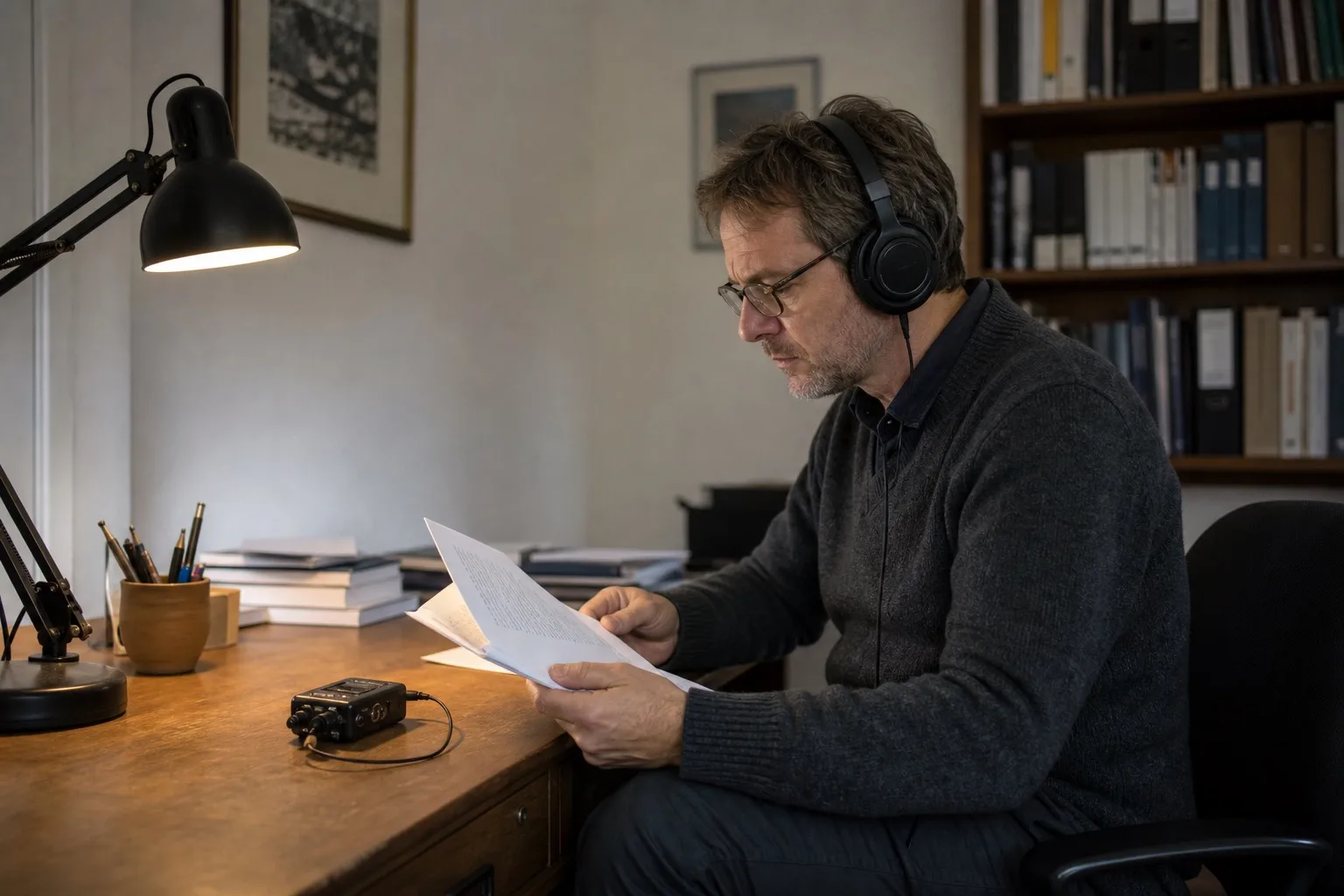
Upload the interview or fieldwork MP3. You get a Word document with speaker labels and timestamps. Search a quote and keep the time on the line. You don't replay the whole recording to cite one sentence.
Stop pasting a transcript into a blank document. Upload the MP3. Download Word.