MP3 to Text Italiano
Upload your Italian recording and get a clean MP3 to Text Italiano transcript. No software, no typing.
Video or audio files from your device
Supports mp3, wav, m4a, flac, aac, ogg, opus, webm, amr, wma, mp4, mov, avi, mkv
How to Convert MP3 to Text Italiano
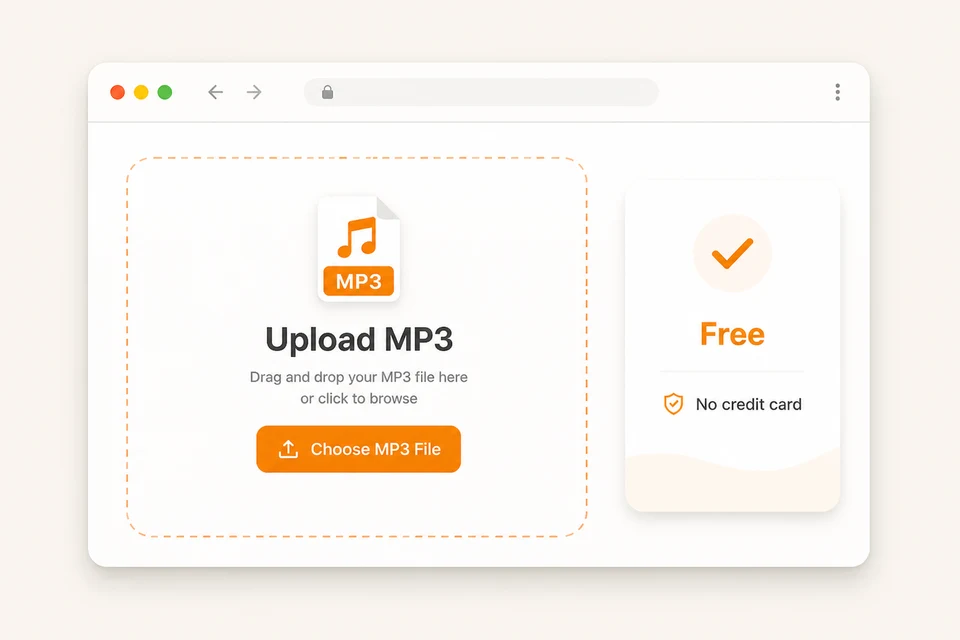
Drop your mp3 file in the upload area, or pick it from your device. Voice notes, lectures, and interviews all work — we also support WAV, M4A, FLAC, AAC, OGG, OPUS, AMR, WMA, and WebM.
In the Spoken Language picker, choose Italian, or leave it on Auto-detect. Turn on speaker labels if more than one person talks.
Click the Transcribe button. The AI processes your recording and returns a clean Italian transcript.
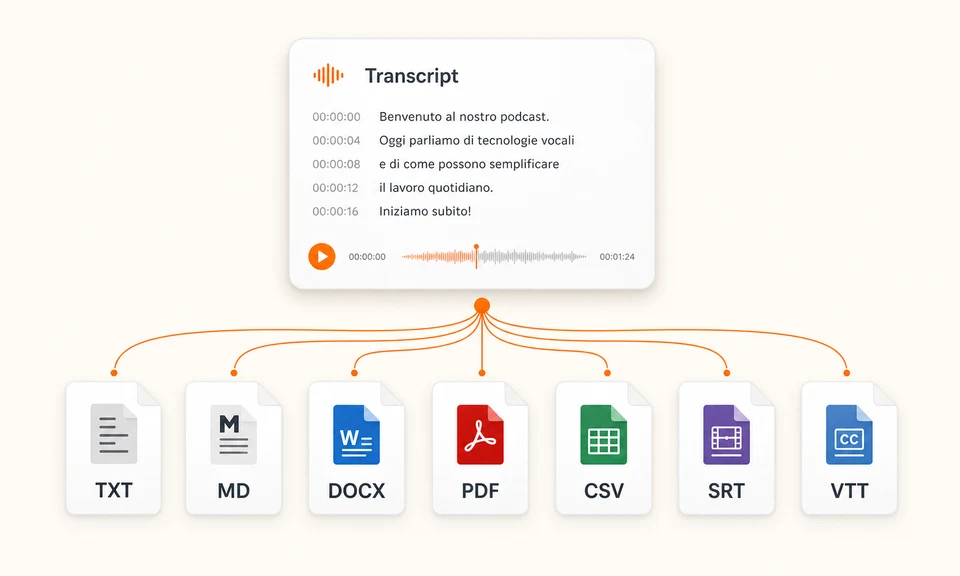
Read the text, fix names or dialect words, then export. Once your MP3 to Text Italiano transcript is ready, pick from TXT, Markdown, SRT, VTT, CSV, DOCX, or PDF.
How Accurate Is MP3 to Text Italiano?
Accuracy is the whole point of an Italian transcript — a transcript full of errors is worse than no transcript. Here is the proof that MP3 to Text Italiano gets Italian right.
Italian runs on the engine's highest accuracy band — rated at or below 5% Word Error Rate, one of only 15 languages in that tier, alongside English, Spanish, French, and German.
In a 1,000-word Italian recording, more than 950 words come back correct. That is a transcript you can read, search, and quote — not a rough draft you have to fix word by word.
The MP3 to Text Italiano transcript comes back with punctuation and proper sentence breaks — Italian the way it reads. Names and numbers come through spelled right, so you can quote it directly.
Why Choose Our MP3 to Text Italiano Tool
Free to use
Start converting your MP3 to Text Italiano right away without signing up or installing anything. Create a free account and you get more free transcription minutes to keep going — no credit card required.
Built for Italian
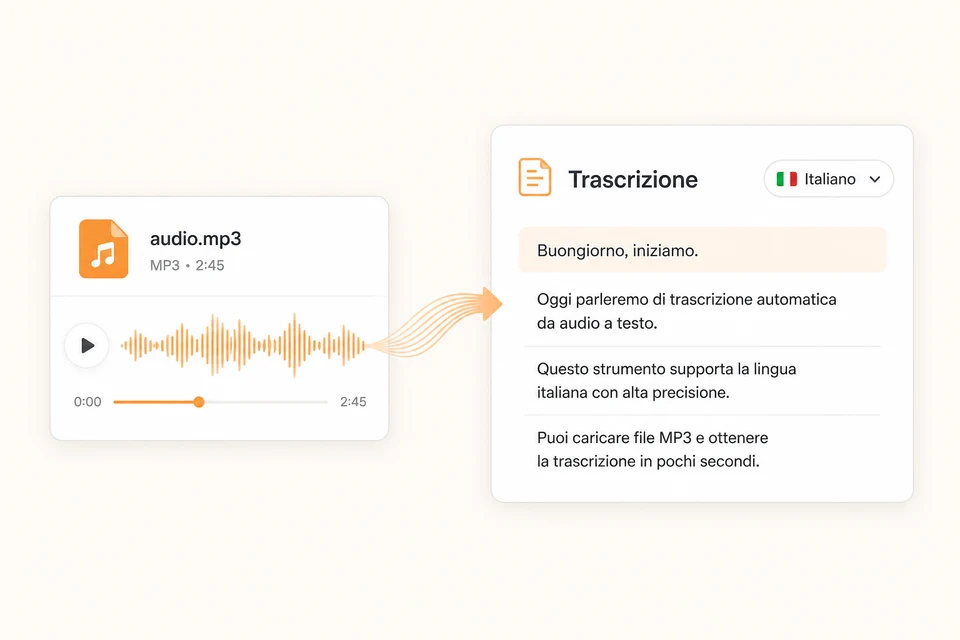
Italian is supported at the engine's top accuracy tier — the same tier as English. Pick Italian in the language selector and the engine stays focused on your audio. The transcript comes back with clean punctuation, proper sentence breaks, and names spelled right.
Speaker labels and timestamps
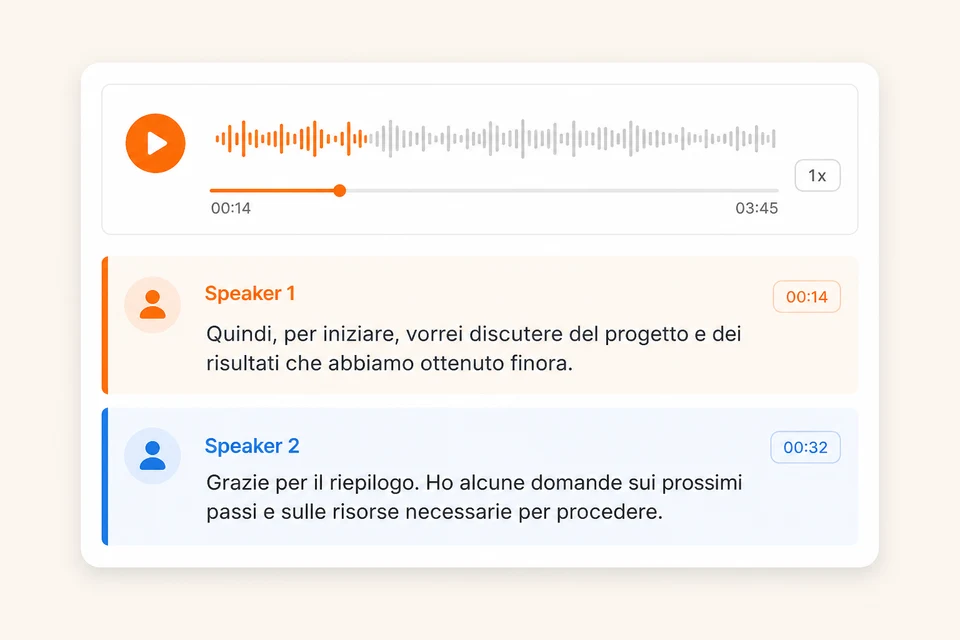
For interviews, meetings, and podcast episodes with more than one voice, each section is tagged with who is talking and when. Jump straight to the exact moment a quote was said — no full replay needed.
Lightning fast
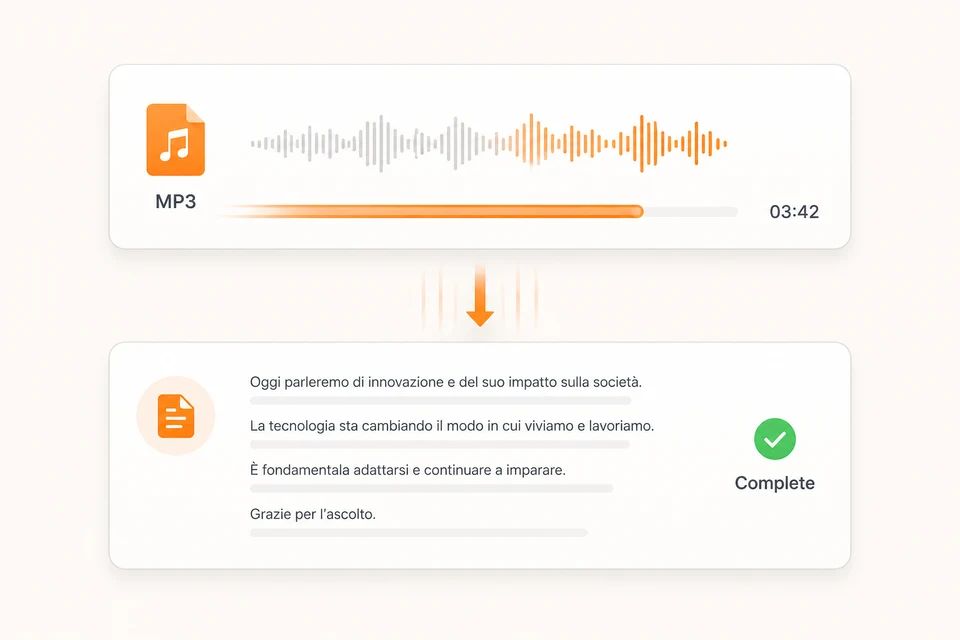
Upload your file, hit Transcribe, and the text comes back in minutes — not hours of manual typing or re-listening. While the AI does the work, you can go do something more important.
7 export formats
TXT for plain reading, Markdown for writing tools, DOCX or PDF for reports, CSV for spreadsheets, and SRT or VTT for video subtitles. One MP3 to Text Italiano transcript leaves the tool in whatever shape your next step needs.
Long files in one pass
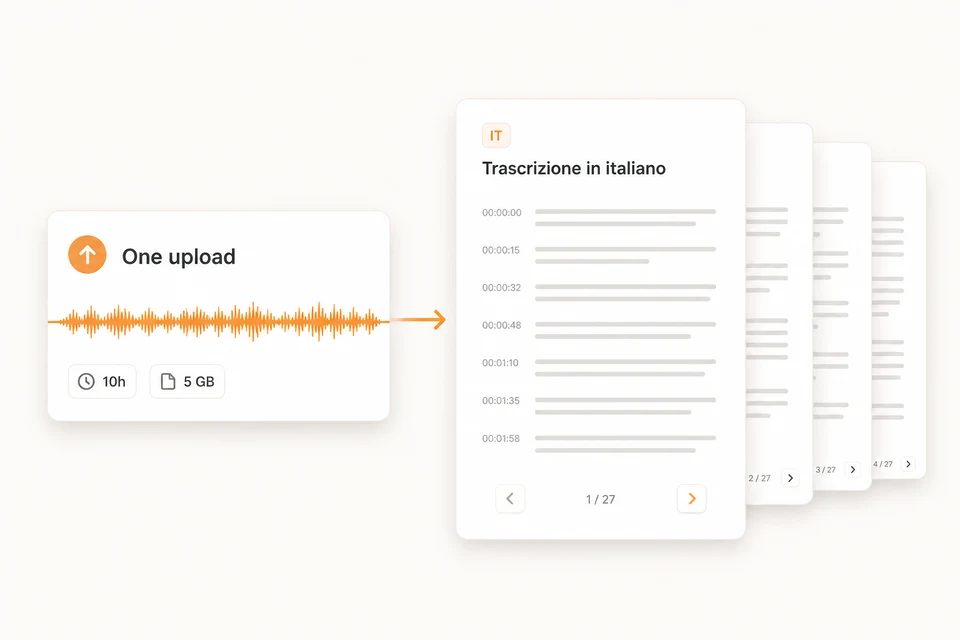
A single recording can run up to 10 hours and 5 GB. Full episodes, long lectures, and entire meetings fit in one upload — no chopping the file into pieces first.
Frequently Asked Questions
What is MP3 to Text Italiano?
How do I convert MP3 to Italian text?
Can MP3 to Text Italiano transcribe Italian audio?
Can it handle Italian accents and dialects?
Is MP3 to Text Italiano free?
Can I transcribe WhatsApp voice notes?
Can it identify different speakers in Italian audio?
What export formats are supported?
Do I need to install software to convert MP3 to Italian text?
Start Your MP3 to Text Italiano Conversion
Hand off the typing. Let MP3 to Text Italiano turn your Italian audio into text you can read, quote, and export.